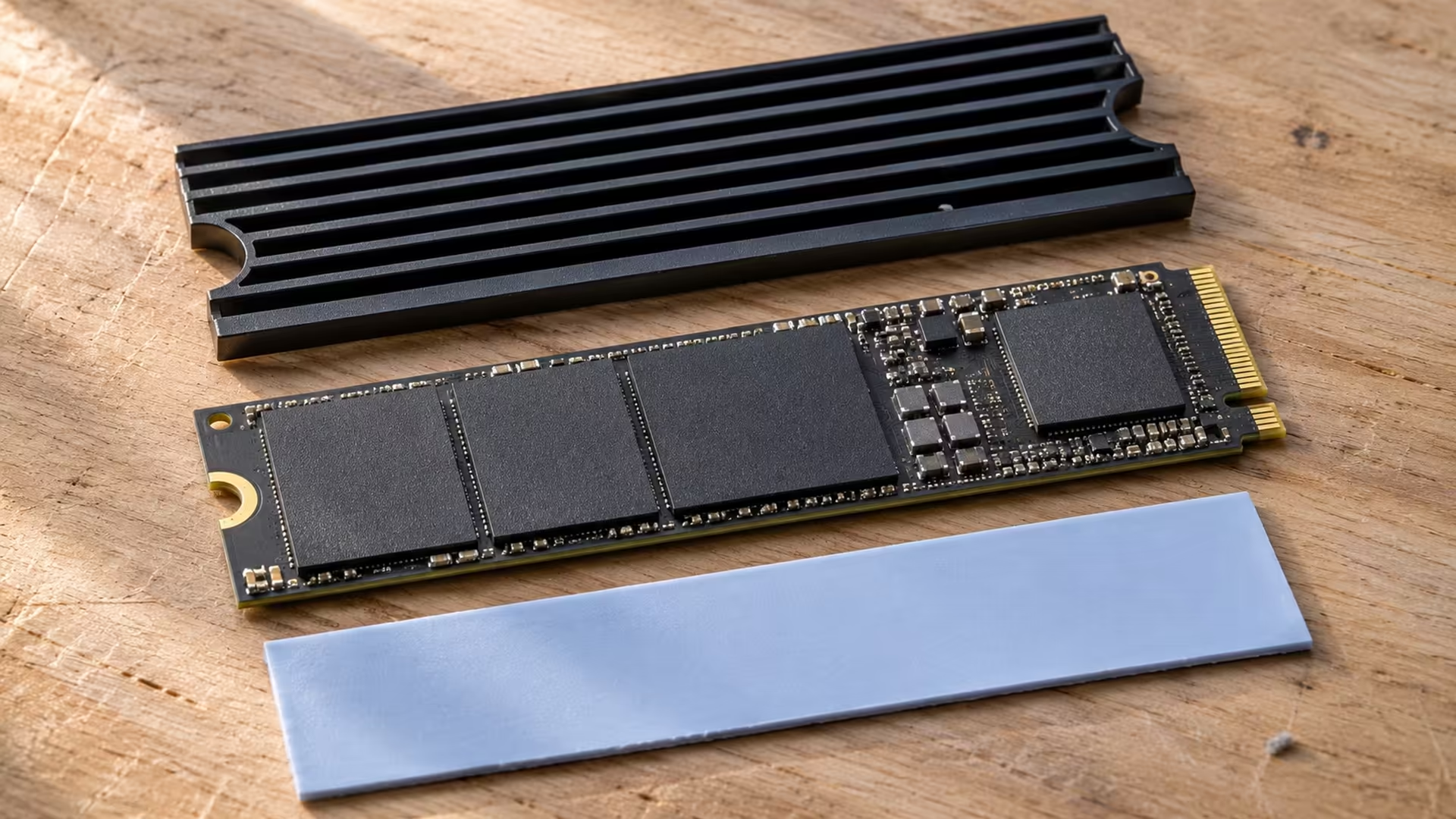
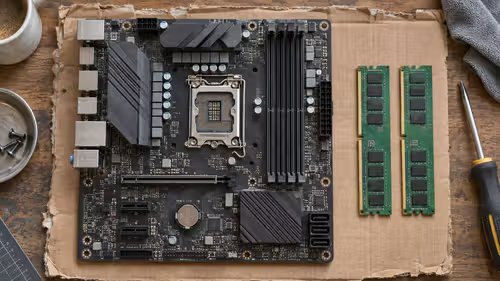
M.2 heatsink plastic film. The underside of a new M.2 cover often has a soft strip and a slick film over it. They do different jobs. Check that you know which layer the motherboard manual calls out before you remove either one.
Quick Answer
Peel the protective film from the thermal pad where the motherboard manual directs it. Leave the pad in place. If the SSD has its own heatsink, check the instructions and clearance before fitting the board's cover. Peeling the right film costs R0. A separate AsiaHorse 2280 heatsink was R169 in the local sample.
🔍 Identify the film on the pad
Turn the cover over before putting it on the drive and find the area shown in the motherboard manual. Some films have a coloured tab. The pad is the softer material that stays in the assembly. Lift the film carefully from an edge rather than digging into the material underneath.
Only work on the assembly with the PC shut down and unplugged. If there is a second pad on a base piece, check the installation sequence for that particular slot. The cover for a different slot on the same board is a poor guide.
🧰 Check the height before pressing down
Read the SSD instructions too. A factory heatsink changes the space the drive needs and may require a different arrangement. If a cover will not sit flat, remove it and check the position and height rather than using the screw to pull it down. Look at NVMe SSDs for variants with and without a fitted heatsink.
🇿🇦 Decide whether a separate heatsink fits
The AsiaHorse 2280 sample at R169 illustrates the cost of one separate design. Check length, the space under nearby graphics cards and what the board already supplies. Browse Case Accessories if you are replacing a mounting part. Buy to solve a fit problem you have identified.
Keep the manual open while you identify the slot length and the location of the retaining post. If you removed a film and the pad picked up grit or tore, consult the board maker for the correct replacement thickness. Guessing the thickness can leave the pad short of the drive or make the assembly press on it. Keep the protective liners on the replacement until you know which side fits where.
Frequently Asked Questions
Do I remove the pad itself?
Leave the pad in place if the manual calls for it. Peel just the protective film.
Can I put the cover over a factory heatsink?
Check the manuals and clearance. Use the arrangement they specify for that drive and slot.
What if the screw will not reach?
Stop and check the bracket, SSD height and pad placement. Avoid pulling a misaligned cover down by force.
Do all slots use the same pad?
Find your slot in the board's manual and follow the instructions for it.
Will the fix cost anything?
Peeling the correct protective film requires no purchase.
What did a standalone design cost locally?
Evetech listed the AsiaHorse 2280 SSD heatsink for R169 when checked on 24 November.
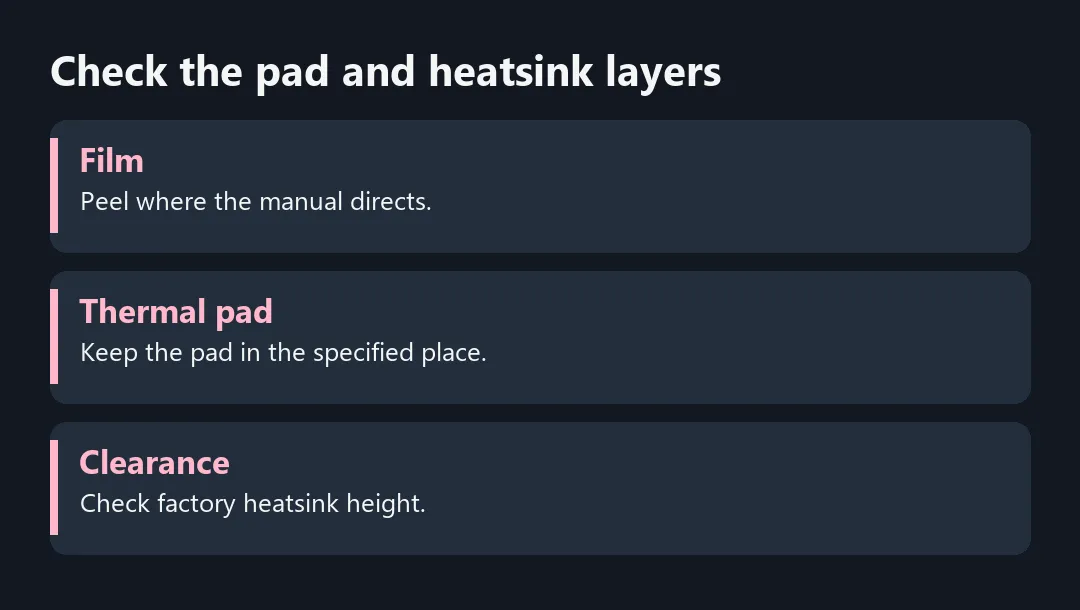
Check the pad and heatsink layers
Peel where the manual directs. Keep the pad in the specified place. Compare compatible options at Evetech.