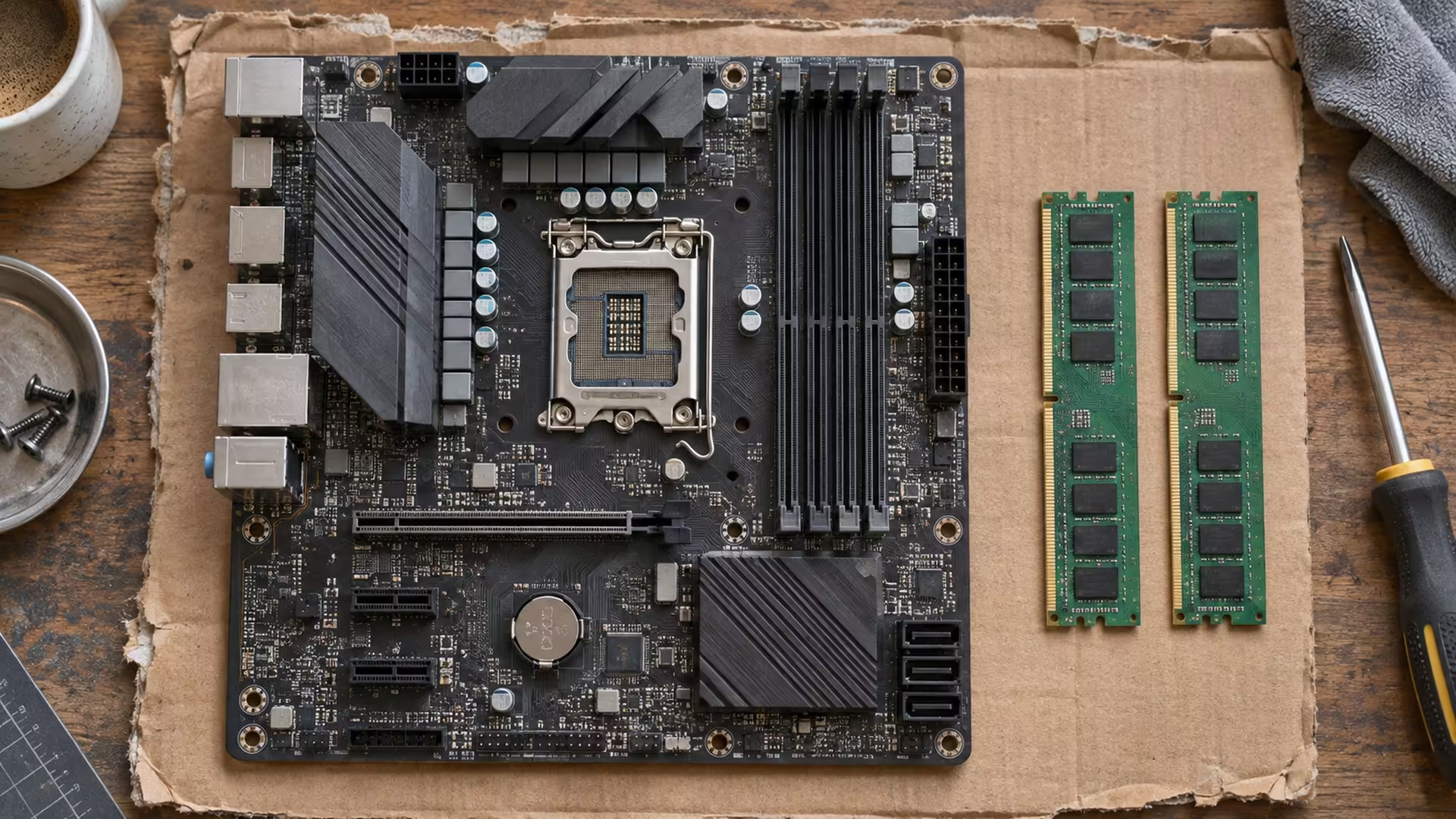
DDR5 training after every cold boot. One long boot after a memory change can be part of setup. A similarly long pause every morning calls for a comparison of cold and warm starts. Change one setting at a time so you know which test tells you something.
Quick Answer
Compare a cold boot at default memory settings with a cold boot using XMP or EXPO. That test costs R0. Time from pressing power to the first visible firmware screen, give the board time to train and record any debug indicator before you shop for replacement RAM.
⏱️ Time a real cold start
Save your work and shut down from the operating system. On the next start, record how long it takes before a firmware logo or display output appears. Record whether the DRAM light remains on during the wait. Compare that against a restart without changing settings. A slow login after the firmware screen points to a different stage.
Pay attention to the first start after a change. Memory training may run then even if later starts are quick. Avoid treating that one start as representative of the next few boots.
🧪 Compare the default profile
If you can enter setup, record the current memory profile before changing it. Switch to the board's default memory configuration following its guide. Repeat the timing on more than one shutdown and start. If it only stalls with the memory profile enabled, check the support documentation for your kit and motherboard combination.
If the machine no longer enters setup, follow the board's own recovery instructions. Look through All AMD Motherboards for the exact board name if you are comparing manuals or replacing the board.
🇿🇦 Shop after you have a baseline
A 16GB KingSpec desktop DDR5 module appeared at R4,499 in the 24 November catalogue read. Browse All Memory (RAM) only after noting the kit capacity, module count and profile that work. A matched kit from the compatibility list can be a better fit than adding another pair based only on speed.
Write the old firmware settings down before you follow any reset procedure. If the system starts normally at default speed but hangs with a profile, compare the manual's supported module positions and the kit's exact part number. Keep the settings that allow stable starts while you investigate. If all the test boots stall, look at the board's diagnostic lights and take your timings with you when asking for help.
Frequently Asked Questions
Is one long boot after fitting new RAM normal?
DDR5 can train after a memory change. Give the board time to finish according to its manual.
What should I time?
Measure from pressing power to the first firmware output. Record any status LEDs you see.
Does EXPO have to stay enabled?
You can compare with the board defaults first and decide after checking stability.
Is a warm restart the same test?
Record restart and full shutdown starts separately to see when the pause happens.
What if I cannot get back into setup?
Consult the motherboard's recovery or CMOS reset procedure for your exact model.
Do I need to buy RAM to check this?
No. Test the kit you have at defaults before deciding whether to replace it.
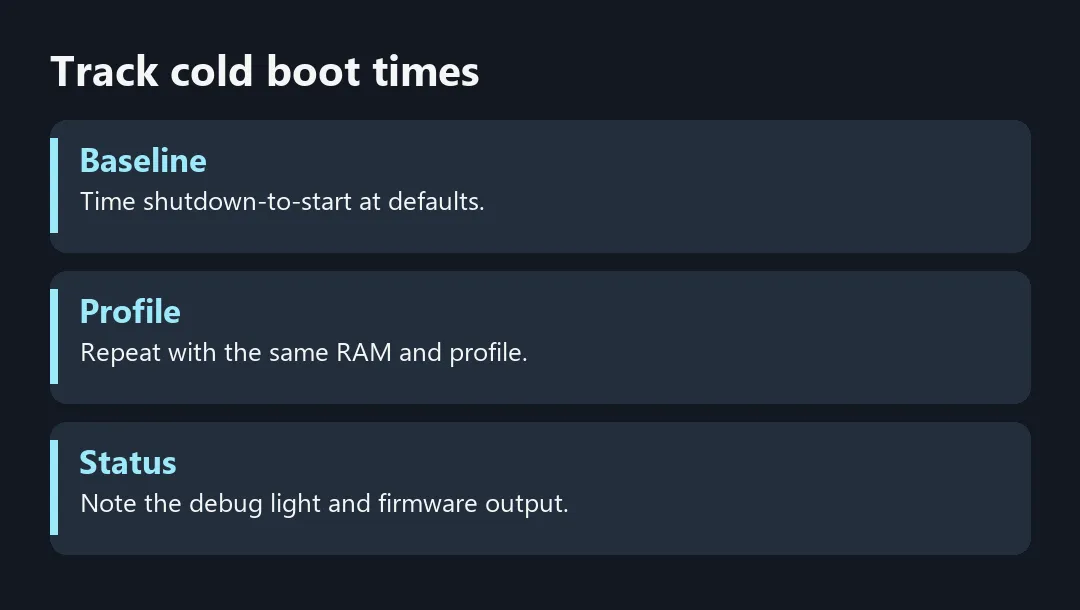
Track cold boot times
Time shutdown-to-start at defaults. Repeat with the same RAM and profile. Compare compatible options at Evetech.