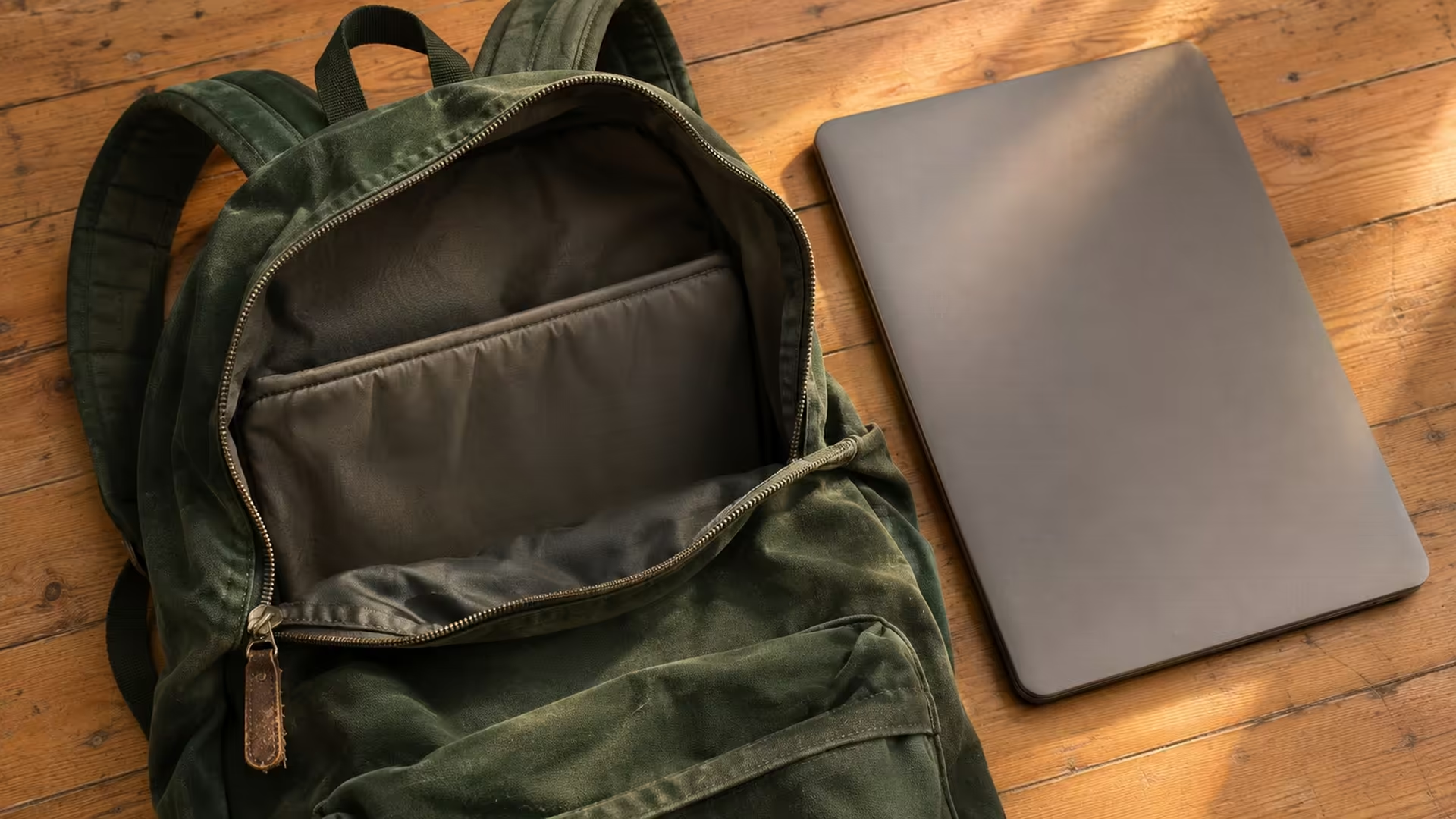
Laptop bag with separate charger pocket. Pack your bag the way you leave for work before you check the laptop sleeve. Put the charger, mouse and lunch where they usually go. A bag that swallows the laptop on an empty shop shelf can press a plug against the lid once you zip it full.
Quick Answer
Choose a laptop bag with a padded sleeve and a separate pocket deep enough for the charger and its plug. Test the layout for R0 by loading the bag you already own and checking whether the charger bulges into the sleeve. Measure your charger before you compare replacements.
🎒 Check the gap between pockets
Put the laptop in its sleeve, then place the charger in the pocket you plan to use. Close the bag without forcing it. Run your hand over the side of the sleeve to feel whether the block or prongs press into the laptop's space. Pay attention to the pocket lining as well as the zip.
🔌 Pack the charger you use outside home
The charger you take to class may have a separate mains lead that takes more room than the brick. Try the charger, the mains plug and any cable you regularly pack at the same time. Let the leads follow a gentle curve and note what must come out first if you need power in a hurry.
🇿🇦 Compare a full load
Browse Laptop Backpacks if you carry the same setup daily. Check the pockets with the bag standing upright. Use Laptop Bags And Backpacks to compare other carry styles if the bag often goes under a desk or onto a car floor. Measure your gear and ask for pocket dimensions or photos of the inside before buying.
Try the load with the bag on your back as well as on the bench. The large items can settle further down once you start walking. Check whether you can remove the charger without dragging your laptop out. If you need the charger every time you arrive, position it where you can get it without opening the padded compartment in a crowded room.
Frequently Asked Questions
Should the charger share the laptop sleeve?
Use a separate compartment to avoid pressing its plug or brick against the laptop.
What should I measure first?
Measure the charger and plug, with room for the way you pack their cables.
How do I check a pocket already in my bag?
Pack the laptop and charger together in their separate places and feel for pressure through the sleeve.
Is screen size enough to pick a bag?
Check the laptop's outside dimensions and the sleeve's usable dimensions.
What if the brick pushes into the sleeve?
Try a different pocket. Compare a bag with a better-separated compartment if the pressure remains.
Is this check useful for a carry-on?
Yes. Test with all the items you plan to carry because they change how the packed bag sits.
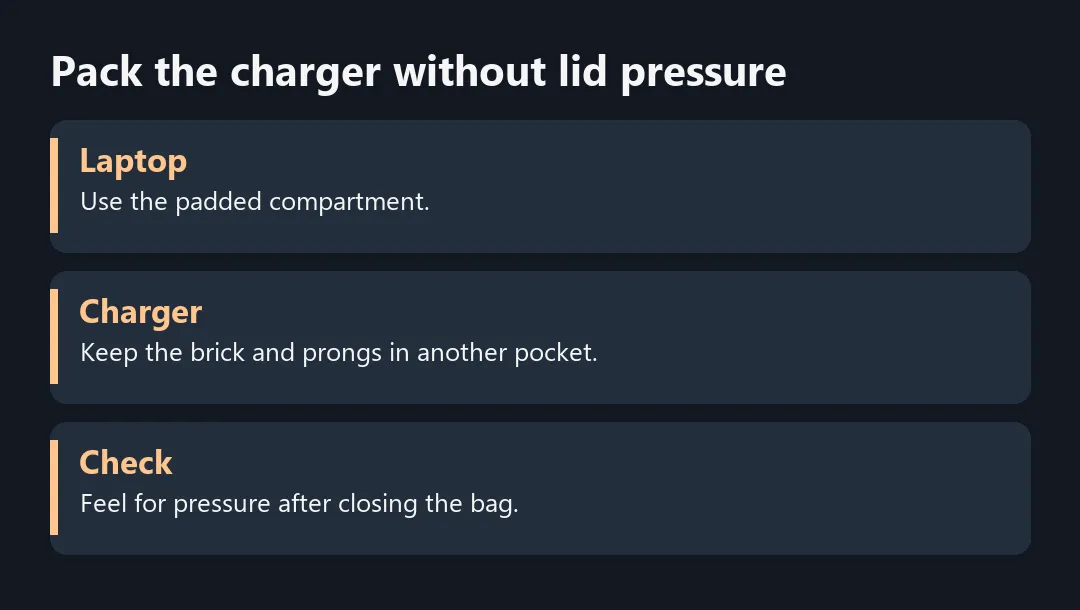
Pack the charger without lid pressure
Use the padded compartment. Keep the brick and prongs in another pocket. Compare compatible options at Evetech.