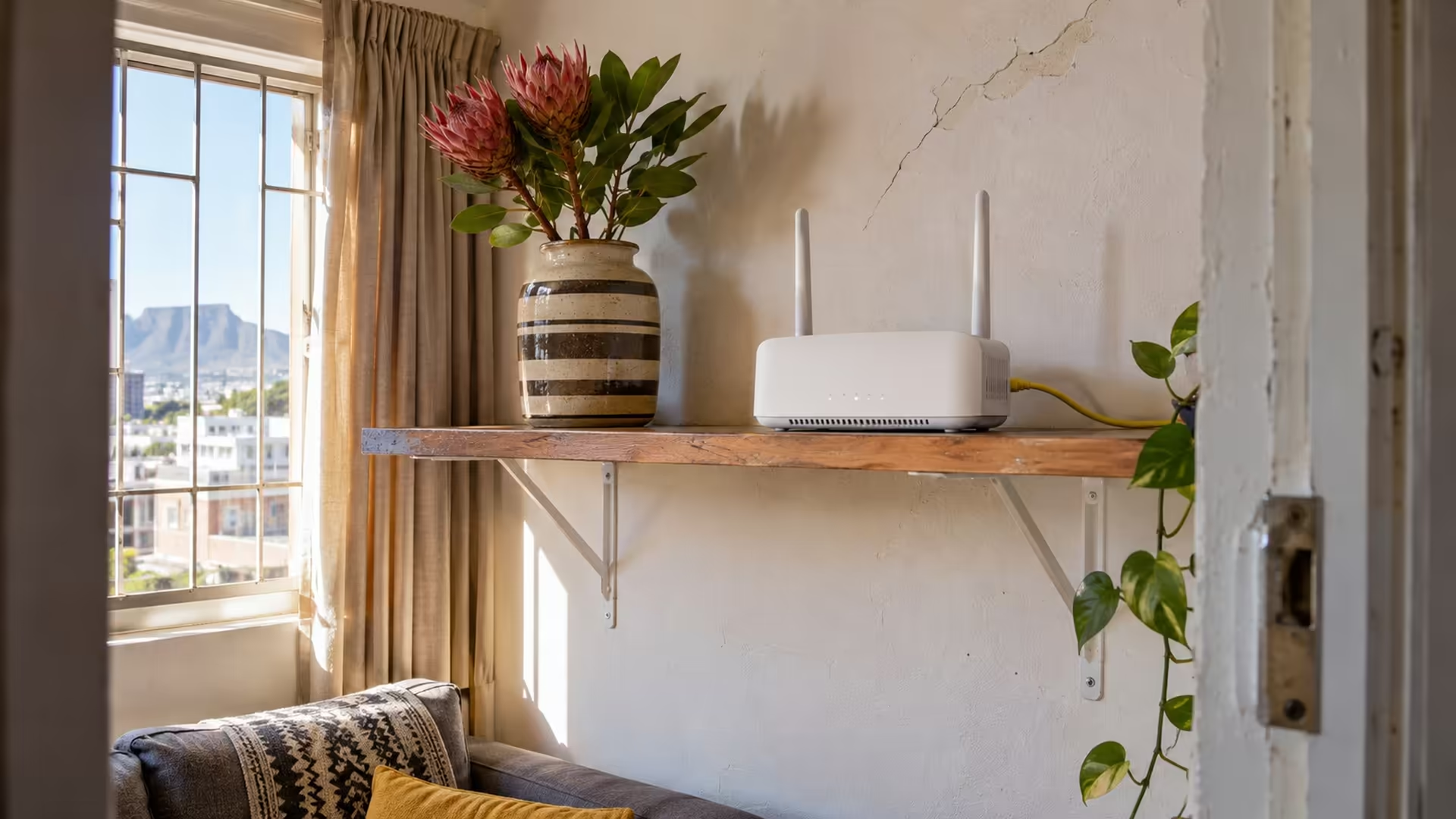
WiFi speed test near router vs Ethernet. Run a speed test in the room where your connection feels slow, then run it beside the router. That change of position helps before you phone your provider or replace a router. A wired comparison can help you work out which part of the connection needs attention.
Quick Answer
Run a WiFi speed test near the router and compare it with Ethernet using the same device and test server where possible. Repeat from the problem room. If the wired reading is better and WiFi slows further away, investigate the wireless link. The comparison costs R0 if you have the cable.
📍 Measure from two places
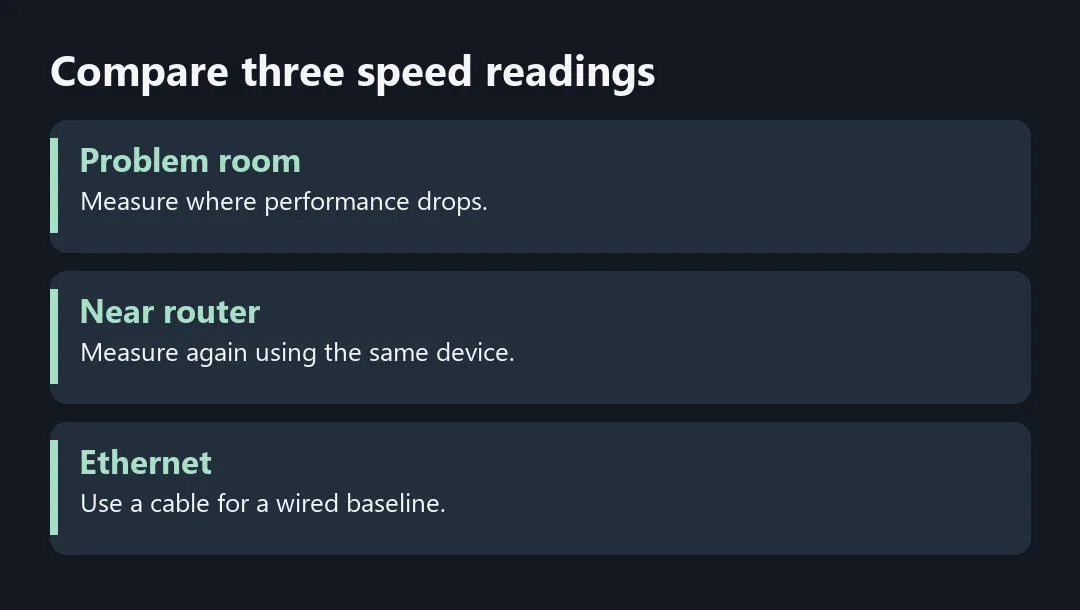
Pick a time when no one is downloading a large file or running a backup. Run a test close to the main router, then repeat from the room where you notice the problem. Keep the device and test server the same where you can. Take a few readings if the results vary and note the range.
🔌 Repeat over a cable
Use one of the router's LAN ports with a suitable cable from Network Cables or one you can borrow. Turn off WiFi on the test device for the wired run so you know which connection it uses. A cable or port that negotiates at a lower speed can limit a fast line, so check the link speed before drawing a conclusion.
🇿🇦 Buy for the part that needs help
A wired test close to normal and a poor reading in a distant room point you towards the wireless connection. Check placement before buying hardware. If the wired test is also poor across multiple runs, collect the readings before looking at Networking upgrades. A second router in the far room will not fix a poor wired result at the gateway.
Write down upload and download, plus the time and room for each run. If games or calls are the problem, keep the reported latency too. A busy household may hit a different limit during the evening than it does mid-morning. Compare several readings taken close together before treating one result as a reason to change your internet package.
Frequently Asked Questions
Which test should I run first?
Start where WiFi feels slow, then repeat close to the main router with the same device.
Why test with Ethernet?
It removes the wireless hop from the test and provides a useful comparison.
Should I turn WiFi off during the wired run?
Yes. That helps confirm the computer is using the Ethernet connection.
What if both results are low?
Repeat when the line is quiet and check the wired link rate before sharing the readings with your provider.
What if only the far room is slow?
Check router placement and what sits between it and that room before buying equipment.
Can I compare two different test servers?
Use the same server where possible so the difference better reflects your connection.
Compare three speed readings
Measure where performance drops. Measure again using the same device. Compare compatible options at Evetech.