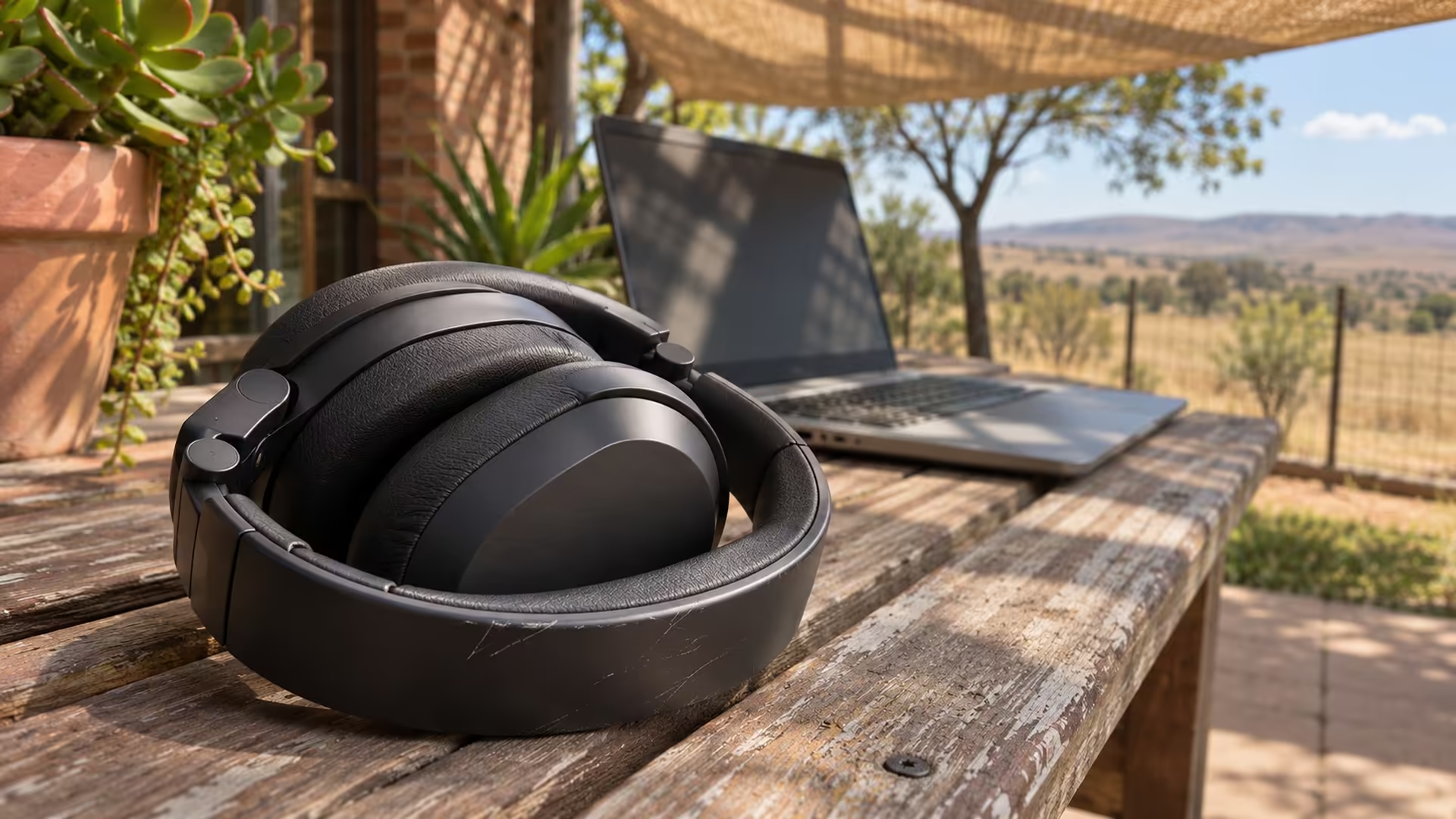
Bluetooth headphones sound muffled on Mac calls. A song sounds clear until your meeting app opens. If it gets dull at that moment, check which microphone the app picked before resetting your headphones. Switching the input can help you keep listening on the headset without asking its microphone to handle the call.
Quick Answer
Bluetooth headphones can sound muffled on Mac calls when an app opens the headset microphone. Try using the Mac's built-in microphone for input while keeping the headphones as output. Test the same audio again. The change costs R0 and can tell you whether the microphone mode caused the drop.
🎧 Reproduce the drop in sound
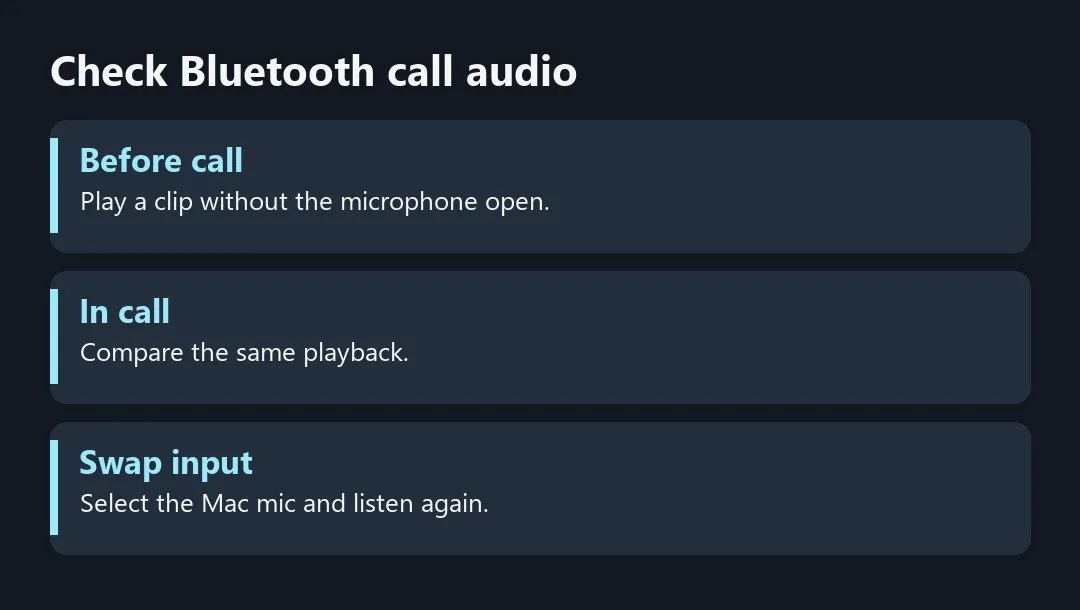
Listen to a short clip before joining the call. Play the same part again when the meeting app has turned its microphone on. Close the app after the test and check when the sound clears. Look for other open apps that might still be using the headset microphone.
🎙️ Select a separate microphone
Pick your laptop's built-in microphone or a USB mic in the app's input settings. Leave the headphones selected for output. Use the app's test or join a short call to check whether the other person hears you clearly. Reopen the meeting app and check that it remembered the choice.
🇿🇦 Compare what you would actually replace
If the Mac mic picks up too much room sound, test a mic closer to you. Use Bluetooth Headset to check alternatives against the exact devices and apps in your routine. A Wired Headset can suit the desk where you need playback and voice together for long calls. Check the connection your Mac supports.
Before changing several settings, run one call with a friend who can confirm what they hear. Try the built-in mic with the laptop in its usual position and listen for fan or room sound. If your head moves around while you work, keep that in mind when you choose a separate microphone. Try the mic at the desk where you take most calls.
If you switch between meeting apps, check the microphone in each app. One can remember the Mac input while another still selects the headset.
Frequently Asked Questions
Why do Bluetooth headphones sound worse when a call starts?
The call may activate the headphones' microphone and change the Bluetooth audio mode.
Can I keep the headphones for listening?
Yes. Try selecting a different microphone while keeping the headphones as output.
Does the change cost money?
You can try the Mac's built-in microphone at no cost.
What if the sound stays dull after a call?
Close other apps using the microphone and check that the correct output is still selected.
Will a USB mic help?
Test it as a separate input while keeping the Bluetooth headphones for output.
Should I replace the headphones straight away?
Compare audio before and after changing the input so you know what you need to fix.
Check Bluetooth call audio
Play a clip without the microphone open. Compare the same playback. Compare compatible options at Evetech.