iPad keyboard shortcuts for navigation. Try putting your iPad on a stand and typing for a few minutes with the keyboard you already have. Opening Search, moving between two apps and choosing a field are small tasks that reveal whether the keyboard fits the way you work.
Quick Answer
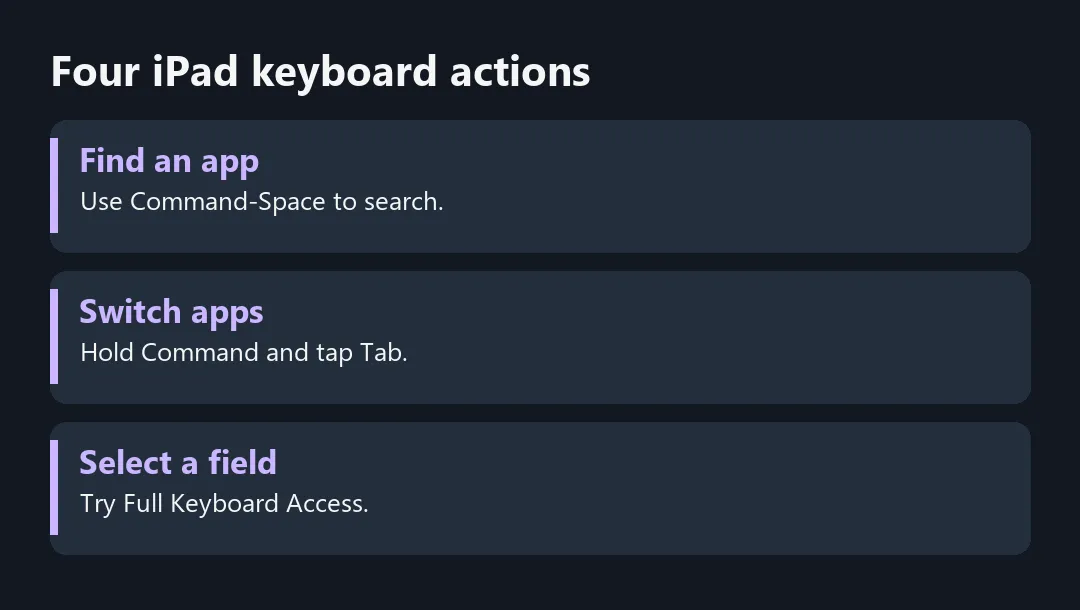
Use Command-Space to open Search and Command-Tab to switch apps on an iPad with a compatible keyboard. Turn on Full Keyboard Access if you want to navigate more of the interface with keys. Try these at R0 with a keyboard you already own before buying a cover with one built in.
⌨️ Try the shortcuts in a real task
Open Search with Command-Space, launch Notes and type a line you want to use in another app. Use Command-Tab to move across. Try the same thing again with both apps already open so you can see which part of the task still sends you back to the screen.
Hold Command in an app that supports the shortcuts overlay to see the commands it offers. Compare two apps you actually use. A shortcut in one app can do nothing in another, even though the keyboard works in both.
🧭 Try Full Keyboard Access
In Accessibility settings, find the option for Full Keyboard Access under the keyboard controls. Look for the highlight that shows where your input will go. Move forward and back with Tab and Shift-Tab. Try the focused item in a short list before using it for a whole document.
🇿🇦 Compare key layouts first
Browse All Keyboards if you want something you can leave at a desk. Check the layout and connectivity for iPad use. If key feel matters, compare what you can adjust in Keyboard Accessories after confirming compatibility. A removable Bluetooth keyboard lets you try a new position without buying a different tablet case.
If the keyboard will stay on the desk, put the iPad at a comfortable height and test how often you still reach up to tap an item. If you plan to type on your lap, spend a few minutes trying the stand and keyboard together. Look for a layout you can use in both positions before buying a cover based on the label alone.
Frequently Asked Questions
How do I open iPad Search from a keyboard?
Press Command-Space with a compatible connected keyboard.
How do I switch between apps?
Hold Command and press Tab until you reach the app you need.
What is Full Keyboard Access?
It lets you navigate more of iPadOS with keys and highlights where the focus is.
How do I move backwards through items?
Use Shift-Tab with Full Keyboard Access enabled.
Do shortcuts work the same in every app?
Check each app. Commands specific to the app can differ.
Should I buy a keyboard case first?
Try a keyboard you already own before deciding whether you want a keyboard attached to the case.
Four iPad keyboard actions
Use Command-Space to search. Hold Command and tap Tab. Compare compatible options at Evetech.