You type five words and find an extra gap in two of them. A keyboard double typing spacebar can make chatting in a game feel like editing a document. Count what happens in a plain text editor before you pull off the keycap or change a profile.
Quick Answer
Tap and release the spacebar once between pairs of letters in a plain text editor. Repeat the test over a direct connection. If single taps still produce two spaces across two devices, check the maker's guidance for your keyboard's exact model. Start with the R0 tests before buying a switch or board.
⌨️ Tell a double tap from held-key repeat
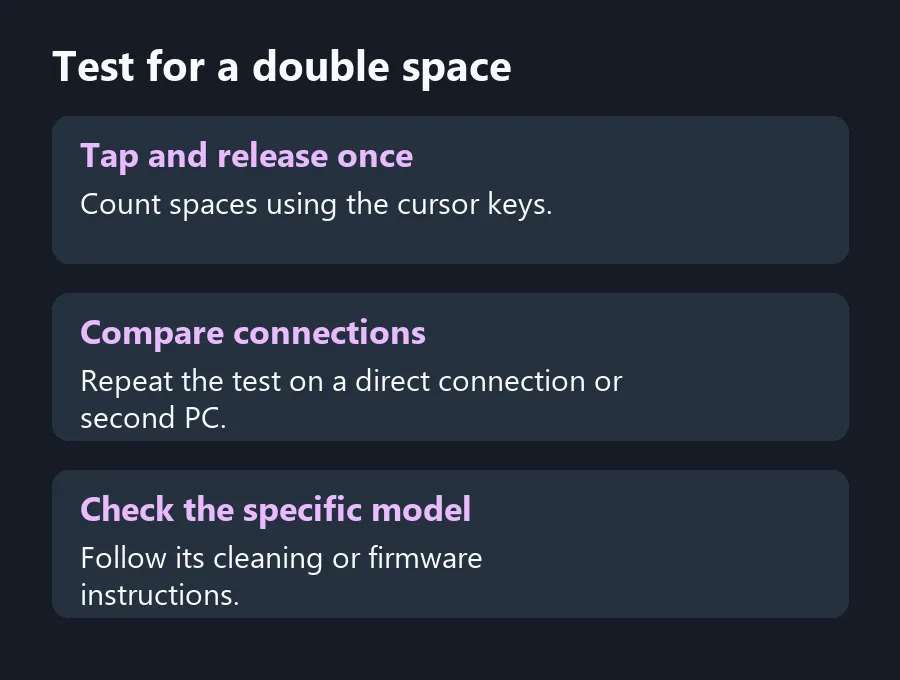
Start a fresh line and type two letters with a single space between them. Repeat the pair several times, taking your thumb off the bar on each press. Move the text cursor across a gap with the arrow keys if you cannot see whether it contains one space or two. Next, hold the spacebar for a moment on a new line to see what ordinary key repeat looks like.
Try a few single taps on the centre and near each end. Record which presses cause duplicates. If several keys behave this way only on one computer, look at that computer's keyboard settings before diagnosing a single switch.
🧹 Work from the outside of the keyboard
Connect a wired keyboard straight to the computer if you normally use a hub. For a wireless model with a documented wired mode, try that connection if you have its cable. Run the same text test after the change. If you can try a second computer, stick with a plain editor there too, without importing the gaming profile.
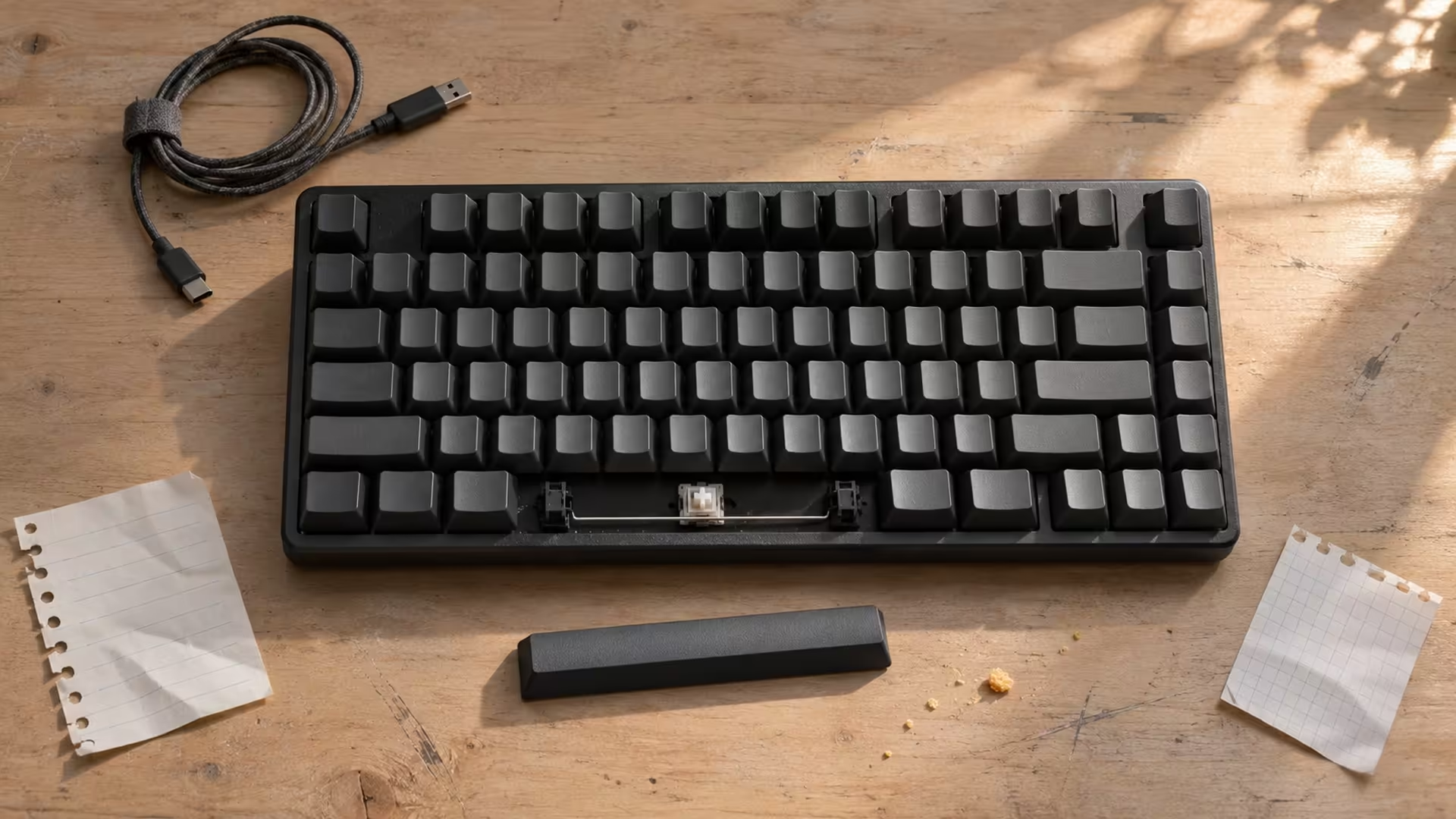
Disconnect the keyboard before inspecting for dirt around the bar. Follow the manual before lifting it because spacebars can use stabilisers that differ between models. If the manufacturer documents a firmware update for duplicate keypresses, check the exact model first. Some keyboards allow switch replacement and others require a different repair route.
🎯 Retest the keys in the game
Return to the original app once the plain text test is clean. If the app alone still responds twice, open its control settings and check whether the press has two assignments or a macro. Save a copy of your settings before changing the gaming profile, so you can restore your original bindings after the comparison.
When you compare Gaming Keyboards, look for the switch and stabiliser maintenance information for the exact board. Our 24 November 2026 check found in-stock gaming keyboards from R249. Check Keyboard & Mouse Combos as well if you were already planning to replace both devices. A second device test gives you better grounds for that decision than the size of the gaps in one chat message.
Frequently Asked Questions
How do I see whether the spacebar typed twice?
Tap once between two letters and move through the gap with the arrow keys. Count the steps.
Is typing two spaces on one tap keyboard chatter?
That can be chatter. Reproduce it outside your usual app and with a second connection before blaming the key.
Does normal repeat explain extra spaces when I hold the bar?
Yes. Use brief taps with a full release to distinguish repeat from duplicate presses.
Can a firmware update help?
Some makers document a fix for affected models. Use the support instructions for the exact version of your board.
Should I remove the keycap?
Check the manual for removal guidance. Long keys can attach to stabilisers as well as the switch.
What if the problem happens only in one game?
Check its keybinds and active profiles. Test with the game closed in a plain editor to compare.
Tap and release once
Test duplicate spaces in plain text, then compare devices and profiles before replacing a keyboard.