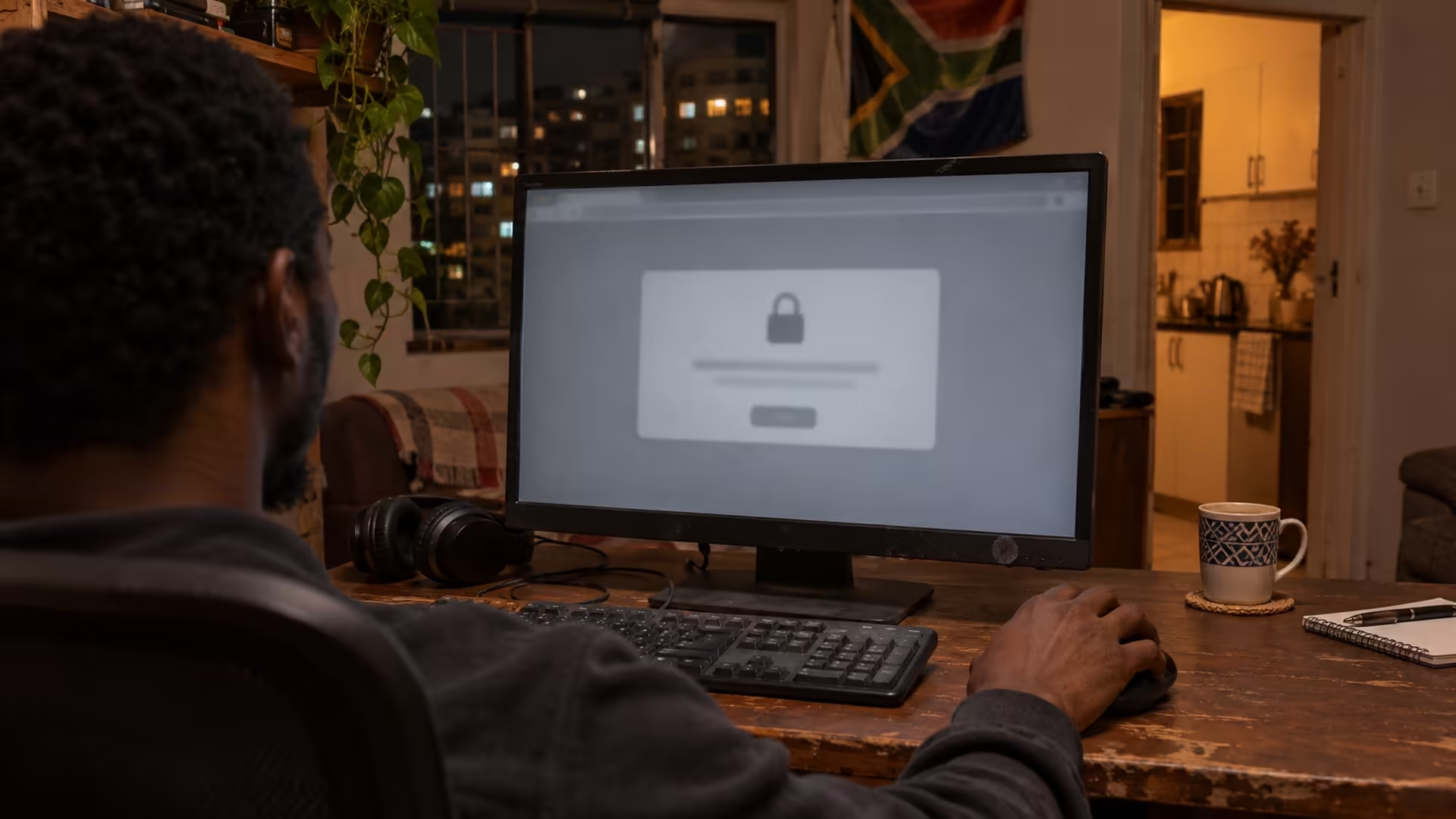
You open a shared link and your account name is already in the corner of the screen. The page still shows a 403 error. Before refreshing again, check whether the account you can see is the one the page owner invited.
Quick Answer
A 403 error means the server understood your request and refused it. If you can open the service but cannot open one shared page, check which account received access and ask the owner to review its permissions. This R0 check applies before you spend money on equipment or change your connection.
🔒 Compare the page you can open with the one you cannot
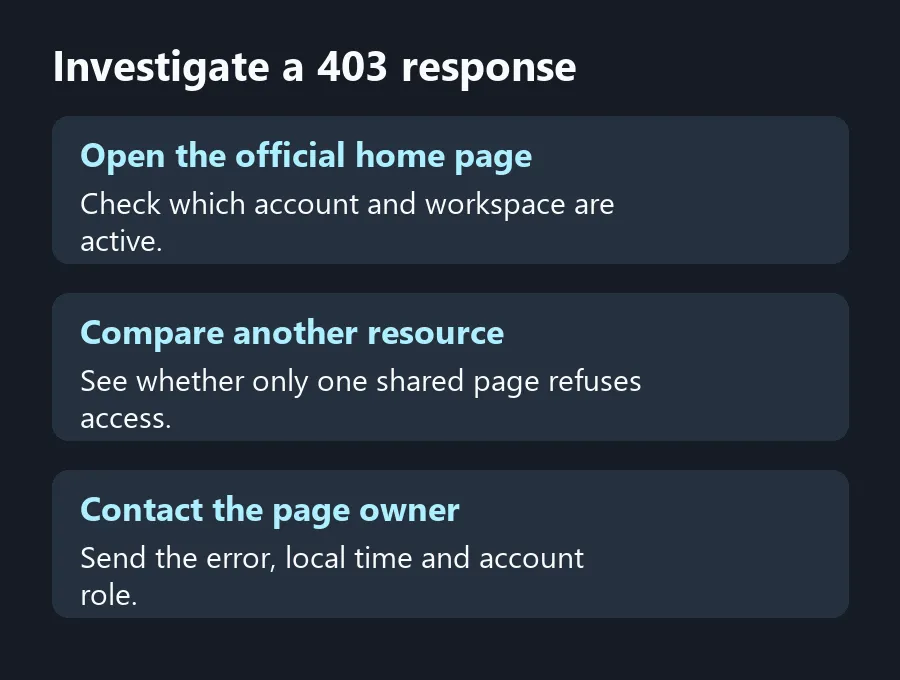
Start on the service's official home page using the normal account menu. See whether you can open resources that the service already lets you use, then try the shared page once. If one page fails while the rest works, give the page owner that detail. The owner may need to check that your email address, group or role can open the page.
A 403 can also reflect a service rule that applies to the request itself. From the code alone, you cannot tell which rule the server used. Leave a restricted resource alone while the owner checks the reason.
📨 Give the owner a useful report
Include the local time in South Africa, which workspace you used and what you were trying to open. Share the page name or ordinary path through your team's usual support channel. If you send a screenshot, crop out names or private information that belong to other people. Leave out session cookies, passwords and tokens.
If the page owner says your account has access, ask them whether the link is current and whether that resource uses a separate group. Keep the exact response code in the report. A simple 'website broken' can send support looking for an outage when it needs to check a single page.
💻 Keep hardware troubleshooting separate
Try the service home page and another site you normally visit. Note which pages load and which fail. If a range of unrelated services are unreachable and no page loads, you have a separate connectivity question. Look through Wired Networking or Wireless Networking if later tests identify a fault on the local link.
When a site serves a 403 page, it has responded to your request. You can stop power-cycling the router while someone with access to the service checks its policy. If the same message occurs on another device using the account with the same role, include that observation rather than treating the second device as a way around the restriction.
Frequently Asked Questions
What does a 403 error mean?
The server understood the request and refused it. The code does not identify the exact permission or policy that caused the refusal.
Can I see 403 while already signed in?
Yes. A service can recognise your account and still refuse access to a resource.
How does 403 differ from 401?
A 401 response requests valid authentication credentials. A 403 response says the server refuses to fulfil the request.
Will refreshing remove a 403 error?
Repeating the same request is unlikely to change a permission decision. Ask the owner about the account or role that should have access.
Does 403 prove my internet is broken?
No. A server returned a response. Check other sites separately if you suspect a broader connectivity problem.
What do I give the page owner?
Provide the resource name, approximate local time, account role and the 403 code. Keep credentials and session details private.
Open the official home page
Give the page owner the account role and local time so they can investigate the refusal.