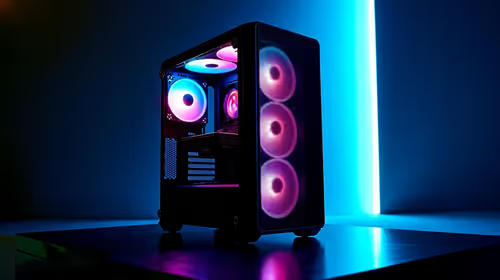
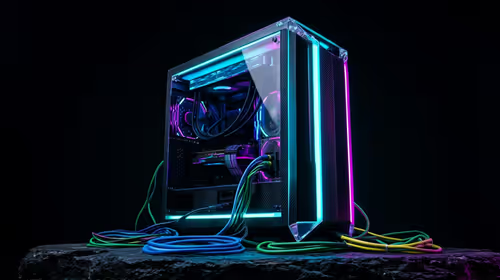
A high-airflow case is worth buying when PC temperatures or noise show that cooling is restricted. It does nothing to keep a computer running through voltage dips. Power continuity requires correctly specified protection or backup equipment, while the case manages heat and component fit.
Separate cooling from electrical resilience
Run a repeatable workload and record processor and graphics temperatures, fan speed and room conditions. Inspect blocked intakes, fan direction and cable obstruction. For power events, document the connected load and decide whether the need is surge protection, voltage regulation or controlled shutdown time.
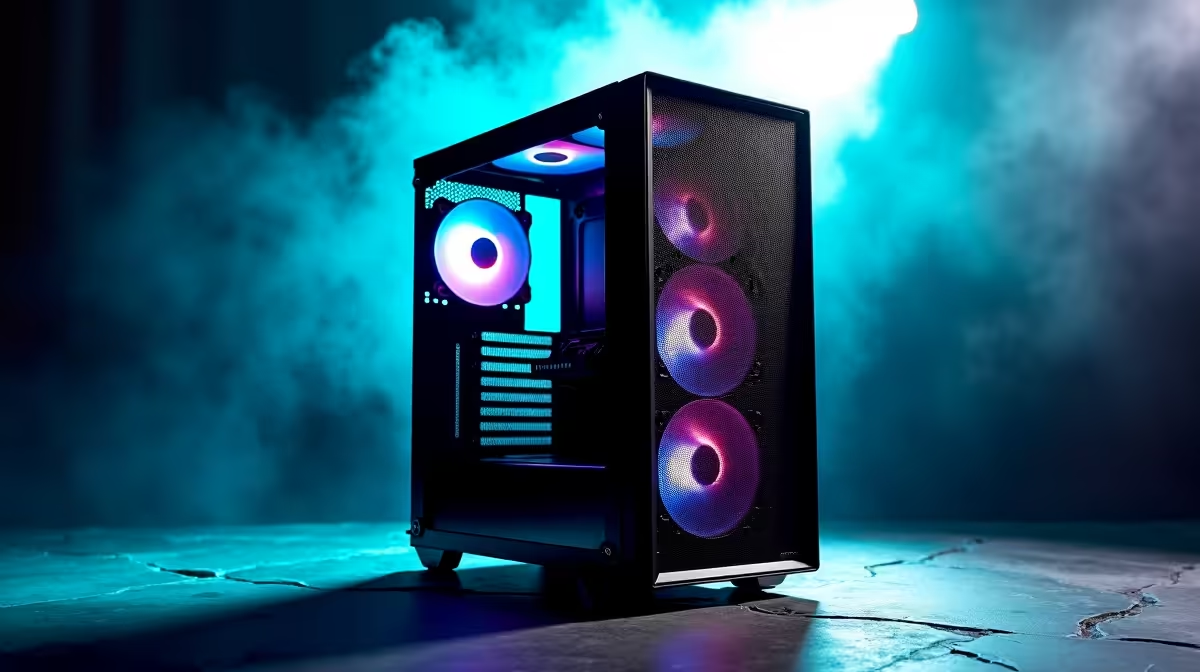
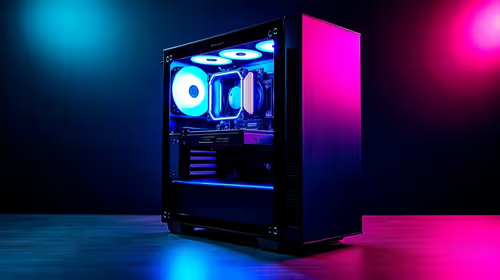
The Gamemax Aeris 330 micro-ATX case is listed at R650. The DeepCool CG330 case is listed at R770. Confirm motherboard size, graphics-card clearance, cooler height, fan and radiator support, filter placement, included fans and warranty. An open front does not guarantee good cooling if fans are absent or badly arranged.
After rebuilding, repeat the same thermal test and check noise as well as temperature. Keep vents clear and establish a cleaning interval from actual dust buildup. For electrical protection, use equipment whose load and function are verified, with unsafe wiring assessed by a qualified person.
Buy the case for demonstrated thermal or fit needs. Maintain independent backups and a shutdown plan, because better airflow cannot preserve unsaved work during a power interruption.
Improving PC cooling? > Compare Evetech cases by clearance, fan support and filter layout.