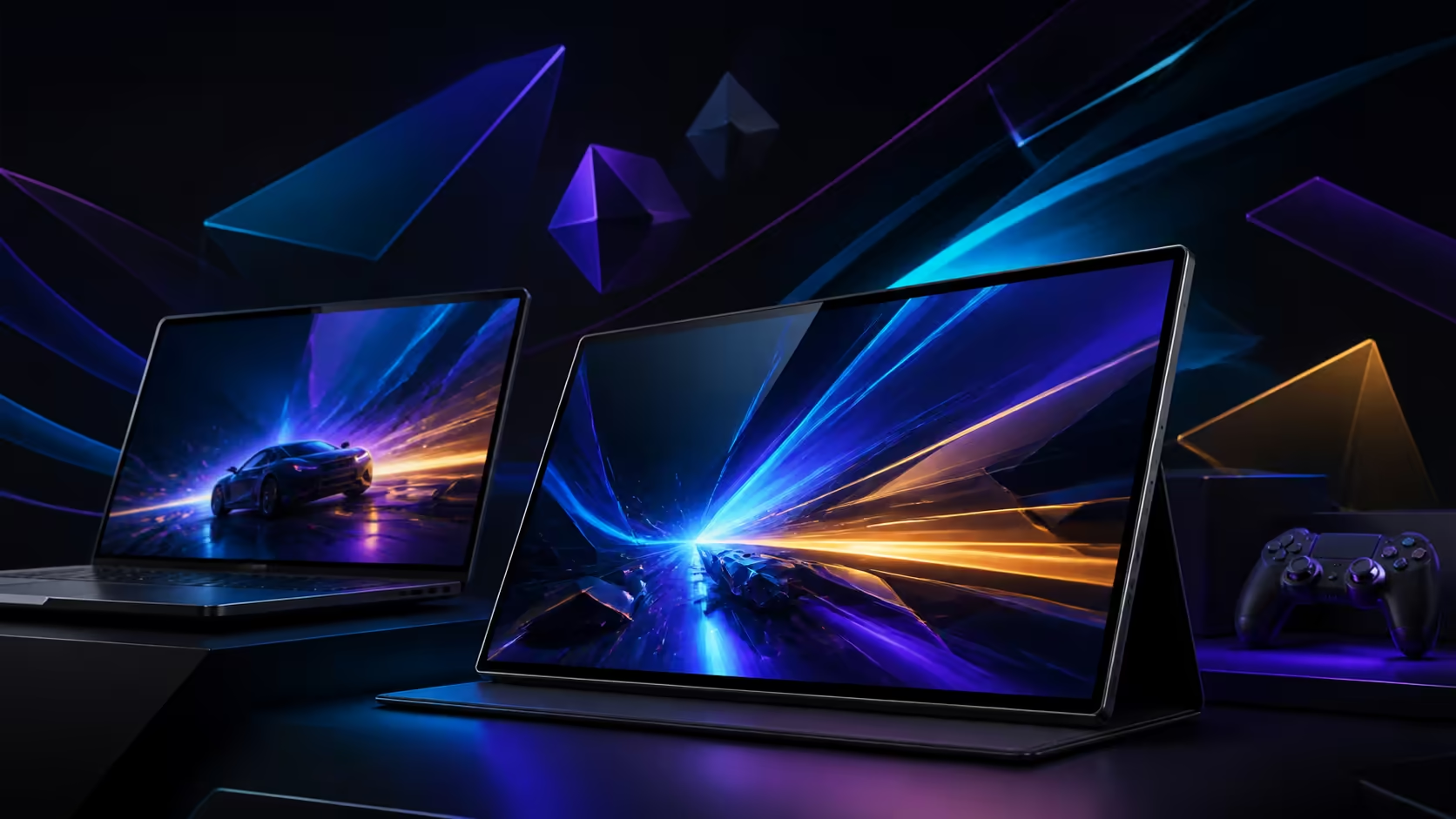
A 120Hz portable screen can improve a gaming setup by presenting motion more frequently, but the benefit depends on the source and connection. A 120Hz portable monitor for laptop and console gaming needs separate acceptance profiles for each device. This R7,199 comparison centres on the UPERFECT UColor O2.
Quick Answer
The monitor improves compatible laptop and console play through 120Hz refresh, 1ms OLED response, 3K detail and deep self-luminous contrast.
For R7,199, buyers get 120Hz, a 1ms response specification and the UColor O2's 3K OLED panel. A laptop or console can benefit when it supplies a compatible signal and the game delivers useful frames. Test each source, input path and display mode directly; no general console support, resolution outcome or latency result should be assumed.
🧭 Build the laptop profile
Connect the intended laptop through the tested USB-C route and verify power, audio and video. Select 2880x1800, then enable 120Hz and launch a familiar game. Record the active mode after sleep and reconnection.
Once each source profile is defined, compare candidates in Evetech's portable-monitor range.
🧭 Build the console profile independently
Identify the output, cable or adapter path required by the specific console before purchase. Test the supported resolution, refresh and audio route on that device rather than borrowing the laptop result. The UColor O2's USB-C capability does not prove a universal console connection.
Keep the working device chain written down so one profile does not overwrite the other.
🧭 Judge motion and control separately
Compare the same camera movement at available refresh settings. The 1ms response figure relates to pixel transitions, while controller, game, rendering and connection stages shape end-to-end input feel.
Competitive conclusions require measured complete-system evidence. Use the monitor specifications as test conditions, not guaranteed outcomes.
🧭 Include room and travel demands
The 500-nit HDR OLED panel should be tested under the actual light and viewing angle. Pack the 6.5mm display with protection and the device-specific leads. Panel size and brightness do not establish carried weight or bright-room performance.
Compare fixed gaming monitors through Evetech's PC-monitor selection when the setup stays in one place.
Preserve separate game settings
The laptop and console may need different graphics quality, resolution or refresh choices. Save each profile with the source name and test scene. Do not overwrite the laptop result when the console requires another route.
After switching devices, confirm the active monitor mode before play. A previous 120Hz selection can disappear when the source or adapter changes.
Compare session recovery
Put each source to sleep or shut it down, then rebuild the connection and open the same game. Record audio destination, image mode and time to play. A gaming improvement loses value when every device change demands manual repair.
Keep a direct connection fallback for the source used most. This protects the routine while a dock or adapter path is diagnosed without claiming universal compatibility.
Test audio recovery between sources
Switch from laptop to console and inspect the chosen audio destination before starting the game. Return to the laptop and confirm ordinary work audio does not remain routed to an unwanted output. Keep volume and playback hardware assessments separate from the USB-C data path.
Save the preferred output in each source profile. A visually successful transition can still be inconvenient if sound requires manual repair every time.
Decide which source owns 3K
The laptop may use 2880x1800 for desktop work while another device exposes a different mode. Record each outcome without forcing them to match. Test 120Hz only where the source route offers it.
This prevents one strong configuration from becoming a claim about all devices and keeps the UColor O2's value tied to the sources the buyer actually uses.
Keep separate notes for each source.
A laptop may use full-featured USB-C for signal and power, while a console can connect through Mini HDMI with a suitable power path. The source must still deliver enough frames to expose the higher refresh, especially at 2880x1800. For racing and shooters, reduced smearing and faster screen updates support clearer action; for slower games, colour and contrast may contribute more than motion speed.
Frequently Asked Questions
Does 120Hz guarantee 120-frame gaming?
No. The source device and game must deliver frames consistently through a compatible output mode.
Can one connection profile serve laptop and console?
Not automatically. Build and test the cable, resolution, refresh and audio route for each source.
Does 1ms describe controller latency?
No. That number concerns a panel transition; the complete path also contains the controller, host, software and connection stages.
Is 500 nits enough for every gaming room?
No universal room result applies. Place the screen under the intended lighting and inspect dark and bright content.
Ready to test laptop and console paths independently?
Compare Evetech gaming monitors with each source device, cable and motion requirement documented.