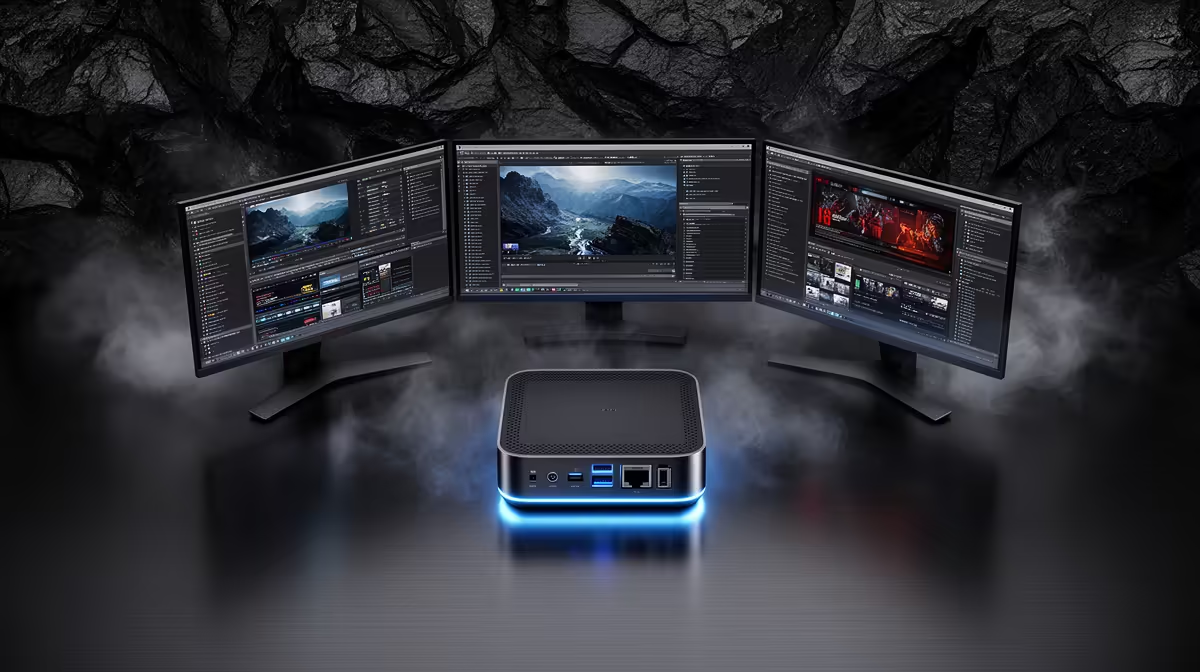
Port counts on a spec sheet rarely tell the whole story about how many screens a machine can actually drive at once, since the GPU, the display outputs, and Windows itself all have their own say in the matter. Before assuming a small chassis limits you to a single monitor, it is worth understanding what actually governs monitor count on a gaming mini pc.
Quick Answer
The ASUS GR70, priced at R66,399, combines HDMI, DisplayPort, and USB-C Thunderbolt outputs to support a genuine multi-monitor setup rather than a single display alone. Exactly how many screens that stretches to depends on the specific port configuration on the unit, so it is worth confirming the exact output count on the listing itself before planning a large multi-screen setup.
What actually determines monitor support
Three things combine to decide how many displays a machine can run at once: the number of physical output ports, whether the GPU's output controller supports driving that many displays simultaneously, and whether Windows recognises and manages that many screens without issue. Having several ports available is necessary but not sufficient on its own, since the underlying graphics hardware still has to support outputting to all of them at the same time.
The RTX 5070 8GB inside the GR70 is a capable card built with modern multi-display workflows in mind, which is why the combination of HDMI, DisplayPort, and USB-C outputs on this build is genuinely usable together rather than being a case of extra ports that cannot all be active at once.
Why USB-C Thunderbolt adds flexibility
Thunderbolt over USB-C is not limited to display duty alone. It can carry a monitor signal while also handling data for an external drive or dock, which effectively extends your options beyond what a simple port count suggests, since one connection is doing more than one job.
Planning your setup around actual use
Two screens covers the vast majority of gaming and general desktop needs comfortably, typically a primary display for gaming or work and a secondary screen for chat, browsing, or reference material. Three screens starts to suit more specific workflows, like editing with a reference monitor, or gaming with a dedicated stream overlay display running alongside it.
Before committing to a specific screen count, matching your intended use to the practical output combination matters more than chasing the maximum theoretical number of displays the hardware could support.
Cable and adapter considerations
Mixing older monitors that only support HDMI with a newer DisplayPort or USB-C display is common and generally works fine, though it is worth checking whether any screen in your setup requires an adapter rather than a direct cable, since that can occasionally affect refresh rate or resolution on that particular display.
Confirming the exact setup before you buy
Because output configuration varies between models, the safest approach is to check the specific GR70 listing directly for its exact port count before planning a larger multi-screen build. If a different port combination suits your setup better, Evetech's mini PC selection is worth comparing across models. And if the graphics card driving those displays is your main concern, our graphics card deals page covers current options and pricing.
Frequently Asked Questions
Does having multiple ports guarantee multiple monitors will work
Not entirely. The GPU's output controller and Windows both need to support the number of active displays, though on a capable card like the RTX 5070 this is rarely a limiting factor for a typical two or three-screen setup.
Is USB-C Thunderbolt a reliable way to add a monitor
Yes, and it offers the added benefit of carrying data for external storage or a dock over the same connection, rather than being limited purely to display output.
How many monitors do most people actually need for gaming
Two is enough for the majority of setups, covering a primary gaming display and a secondary screen for chat or browsing. Three suits more specific creative or streaming workflows.
Should I confirm the exact port count before buying
Yes, since exact output combinations can vary by configuration. Checking the specific listing avoids assumptions about how many displays a particular unit supports.
Ready to count how many screens your ports can actually drive?
Check out the ASUS GR70 build from Evetech's compact gaming PC range, marked at R66,399, made to confirm the port layout before committing to a multi-monitor plan.