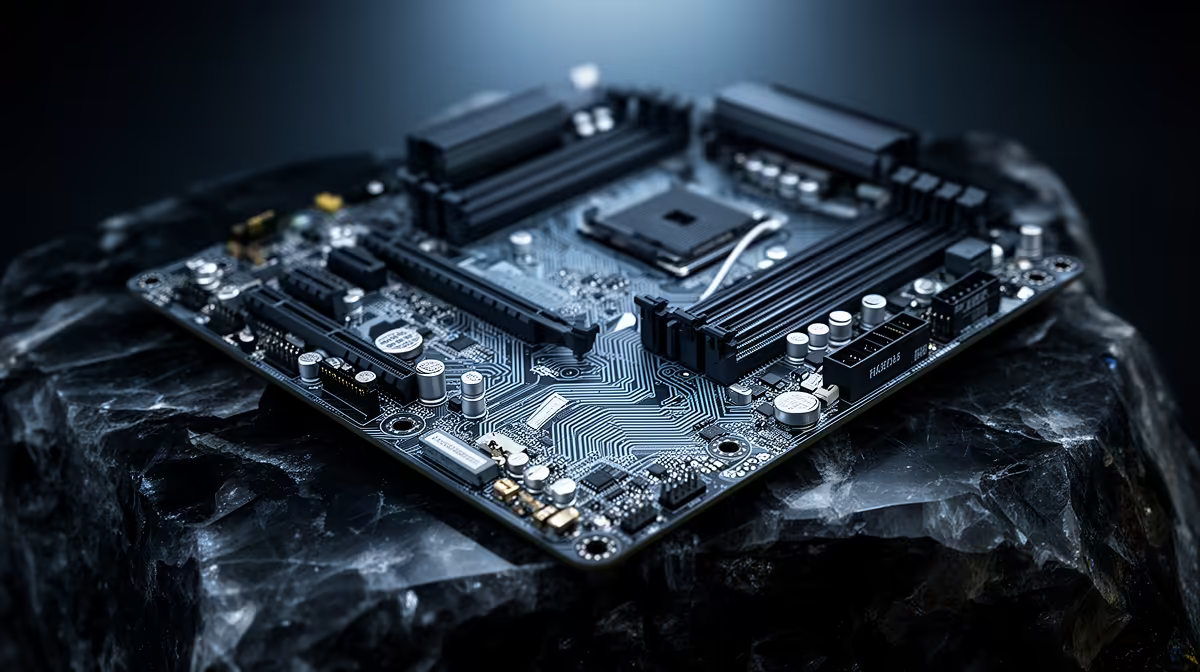
Parts lists for a R40,000 Ryzen build tend to spark the same debate once the CPU and GPU are locked in: how much of what remains should actually go toward the motherboard. Underspend on a b650e motherboard and you risk a bottleneck on memory or storage bandwidth later; overspend and that Rand would have bought a meaningfully faster graphics card instead.
Quick Answer
A R40,000 Ryzen build can comfortably allocate somewhere between R3,500 and R5,000 to a feature-complete AM5 motherboard without shortchanging the rest of the parts list. The ASUS B650E MAX Gaming WiFi sits right at the low end of that range at R3,499, and it still includes full PCIe 5.0 support rather than a stripped-down feature set to hit that price.
💵 Why This Price Band Makes Sense
Spend much less than R3,500 on an AM5 board and you typically lose guaranteed PCIe 5.0 storage bandwidth or drop to a smaller form factor with fewer M.2 slots. Spend meaningfully more than R5,000 and the extra Rand usually buys cosmetic upgrades or a beefier power stage that a mid-range CPU will not fully use anyway.
What Sits at the Low End of the Band
At R3,499, this board keeps memory headroom to 8000MT/s, three Gen5 M.2 slots and a tri-band wireless radio, which is normally what buyers expect to pay closer to R5,000 to get. That gap is what makes it worth checking specifically rather than assuming a higher price always means a better feature set.
🖥️ Where the Rest of a R40,000 Budget Should Go
With the motherboard settled around R3,499, the remaining budget stretches further across the CPU, GPU, RAM and storage, the components that most directly shape gaming performance. A build this size typically benefits more from a stronger graphics card than from a pricier motherboard once the fundamentals like chipset and memory headroom are already covered.
🔍 Checking You Are Not Overpaying
Before finalising a build, compare the exact feature list rather than the price tag alone, since two boards at similar prices can differ significantly on PCIe generation and M.2 slot count. Review this board's full listing against anything priced higher to see whether the extra cost buys anything that actually matters for gaming.
Frequently Asked Questions
Is R3,499 too cheap for a R40,000 build's motherboard?
No, this price still includes full PCIe 5.0 support and DDR5 headroom, so it is not a compromise purchase at this budget.
When does spending more on a motherboard make sense?
Mainly for extreme overclocking or workstation-grade power delivery, neither of which a typical R40,000 gaming build needs.
Should I put savings from the motherboard into the GPU?
Generally yes, since the graphics card has a much bigger direct effect on frame rates than a pricier motherboard would.
Does a R40,000 build need a Micro-ATX or full ATX board?
Full ATX gives more room for M.2 heatsinks and expansion, which is worth having at this budget unless the case size demands otherwise.
Where can I compare similarly priced alternatives?
AMD's B650 motherboard lineup and the wider AMD motherboard selection are both worth a quick scan before committing.
Ready to right-size your motherboard spend?
The ASUS B650E MAX Gaming WiFi lives under the AMD B650E motherboard lineup, geared to show how a R3,499 board fits into a R40,000 Ryzen budget.