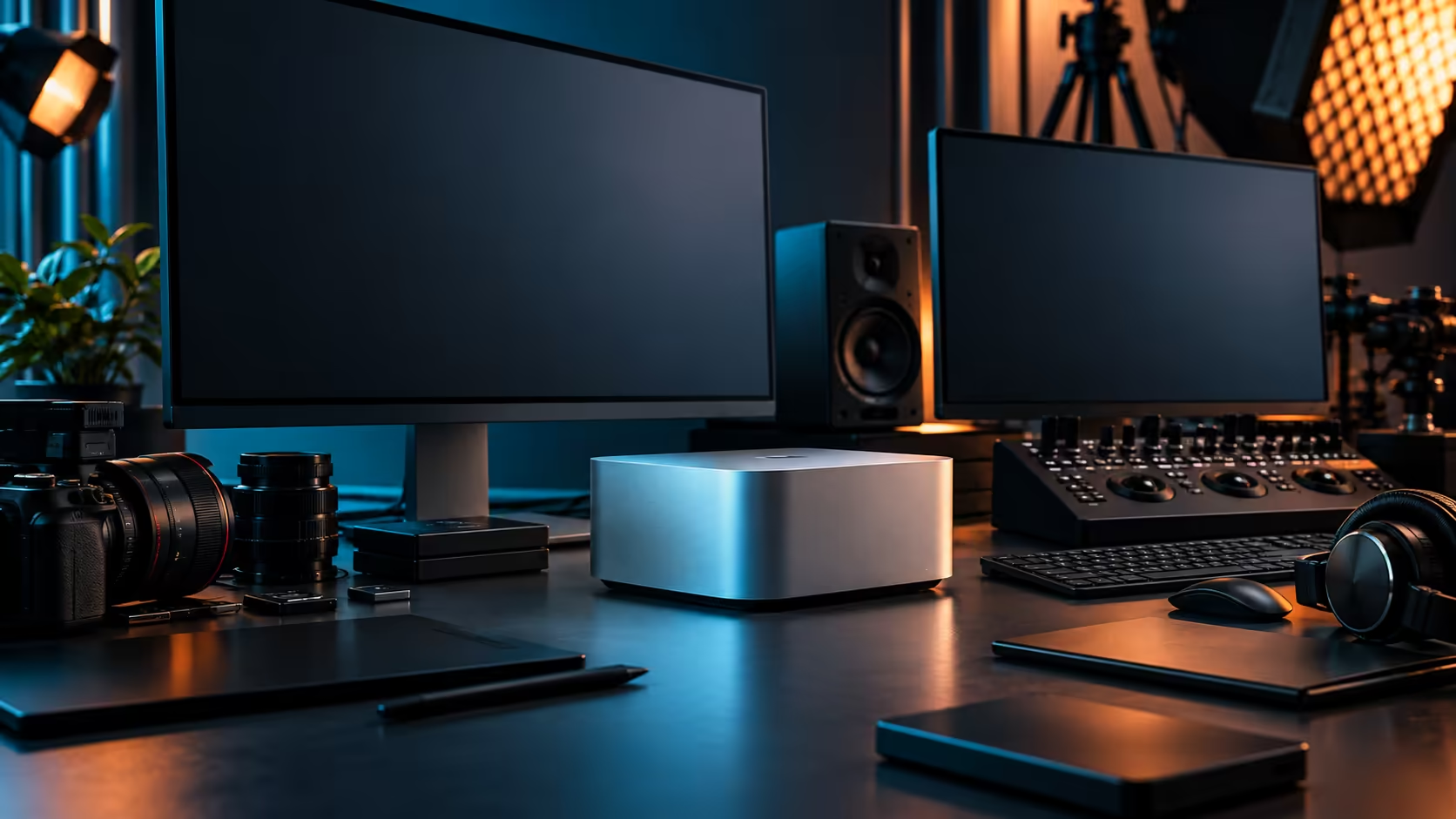
Guessing at a memory tier from a spec sheet gets buyers into trouble more often than any other single decision in a workstation purchase. Measuring your own heaviest scene, before you spend a rand, is the only method that actually answers the question honestly.
Quick Answer
Open your largest current 3D scene or dataset on whatever machine you're using now, and write down the peak memory it actually reaches under real load, not an idle moment. Then add headroom for the operating system and whatever else stays open beside it. For that kind of work, Evetech prices the Mac Studio M5 Max's 36GB configuration, paired with a 512GB SSD, at R49,499.
📐 Measure, don't estimate
A spec sheet number and your actual peak usage are two very different figures, and only one of them matters for a buying decision.
Open your current heaviest 3D scene, whichever project pushes your existing machine hardest, and watch memory usage while actually working in it, not while it sits idle after loading. Complex geometry, large textures and simulation data all contribute to that peak, and the number you see under genuine working load is the only reliable input for deciding whether 36GB, or any other tier, actually fits your work.
🧮 Add headroom deliberately, not as an afterthought
The operating system and background applications aren't optional extras; they're part of the real number.
macOS itself, along with whatever creative or reference applications typically stay open during a working session, claims a meaningful share of the total pool before your actual project data enters the picture. Add a margin of at least 20 percent on top of your measured peak, rather than assuming the peak figure alone is what you need to fit, since a configuration sized exactly to your worst-case scene with zero headroom tends to feel tight in daily use rather than comfortable.
🗂️ Large datasets behave differently from large scenes
If your work involves datasets rather than 3D geometry specifically, the same measurement principle applies but the numbers come from a different source.
A dataset used for analysis, simulation input or training data typically has its own documented size, whether that's 40GB or 400GB, and comparing that figure directly against available memory tells you more than a general rule about "how much memory 3D work needs." Where a dataset has to be loaded in its entirety for processing to proceed, that figure becomes a hard minimum rather than a target to aim below.
🔧 What happens if you undersize this decision
Since unified memory can't be added to later, getting this wrong has a real cost, and it's worth being clear about what that cost looks like.
A machine sized just under your actual working peak doesn't fail outright; it slows down as the system manages memory pressure, which shows up as sluggish scene navigation, slower saves, or the operating system swapping to disk more than it should. This is a workable but frustrating outcome, and it's avoidable entirely by measuring honestly before ordering rather than shaving R2,000 or R3,000 off by optimising for the lowest sticker price the specification will technically run on.
🖥️ How this compares to sizing memory in a PC tower
The exercise is identical in spirit to choosing between DDR5 memory kits for a Windows workstation, or an older DDR3 configuration for a lighter existing build: measure the real workload, then buy the tier that covers it with margin, whether the memory is expandable later or fixed at purchase the way this Mac Studio's is. Browse the wider mini PC range once you have that number, since it's the figure that actually narrows down which configuration is worth paying for.
Frequently Asked Questions
How do I find out how much memory my 3D scenes actually need?
Open your current heaviest scene on whatever machine you use now and check memory usage while actively working in it, not while it's idle.
Should I add extra memory headroom beyond my measured peak?
Yes. macOS and background applications claim a real share of the pool, so building in margin above your measured peak avoids a configuration that feels tight in daily use.
What happens if I choose a memory tier that's slightly too small?
The machine typically doesn't fail outright but becomes noticeably slower as it manages memory pressure, showing up as sluggish navigation or slower saves rather than a hard crash.
Do large datasets need to be measured the same way as 3D scenes?
Similarly, yes. Check the dataset's own documented size where possible, since that figure is often a firmer minimum than a general estimate based on typical 3D work.
Ready to size your next workstation off your own real numbers?
Measure your heaviest scene's memory use, then match it to the right Mac Studio M5 Max configuration.