Quick Answer
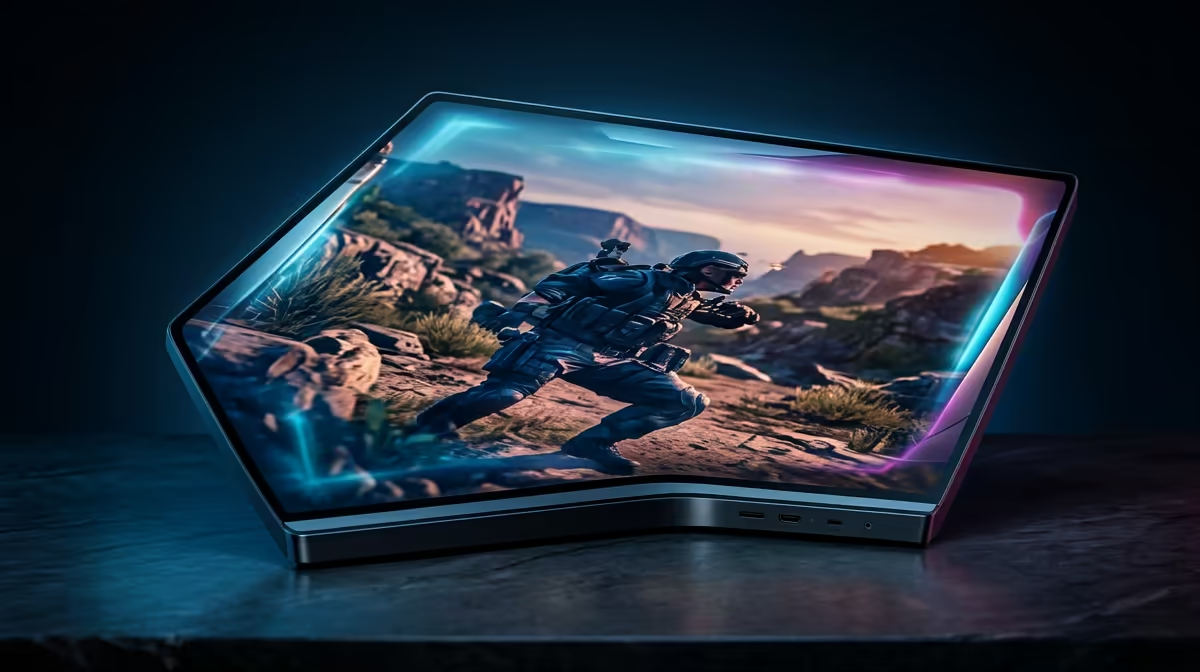
On R20,000, spend about R5,000-R9,000 on the monitor and keep the rest for GPU strength. A 27-inch 1440p 165Hz IPS screen is the sweet spot for most SA gaming desks. Use 24 inches for 1080p and 27 inches for 1440p; those sizes keep text sharp without forcing awkward scaling on a normal South African desk.
Pick Resolution Before Brand
A 1080p gamer should prioritise 144Hz, low input lag, and a clean IPS or fast VA panel. A 1440p gamer should prioritise 27-inch size, DisplayPort, adaptive sync, and a stand that can reach eye level. Named ranges such as AOC 24G series, LG UltraGear, MSI G series, and ASUS TUF Gaming are useful reference points, but check the exact panel specs before buying.
Match The Monitor To The GPU
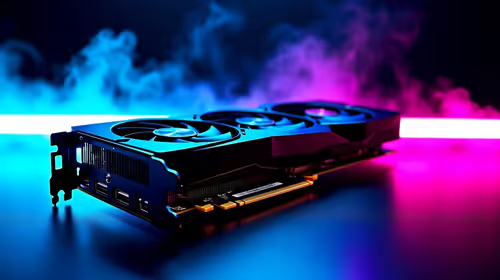
A GeForce RTX 4060 or Radeon RX 7600 is more comfortable at 1080p, while RTX 4070, RTX 5070, RX 7800 XT, and stronger cards suit 1440p. For esports, 165Hz can feel better than higher resolution; for single-player games, a sharper 1440p image at 75-120 fps is often the better upgrade.
SA Desk And Connectivity Checks
Check whether your desk depth can handle a 27-inch screen without sitting too close. Make sure the box includes the right cable, because HDMI may not expose the full refresh rate on every monitor. If you work and game on the same system, height adjustment is worth paying for.
FAQ
Is 1440p worth it over 1080p?
Yes, 1440p is worth it when the GPU can hold about 75 fps or better in the games you play. If the graphics card is entry-level, 1080p high refresh gives a smoother result for less money.
Should I buy 240Hz for casual gaming?
Only buy 240Hz if you play fast esports or already have a GPU that can push very high frame rates. For mixed gaming, 144Hz to 180Hz is usually the better price-performance range.
What monitor size is best for SA buyers?
Choose 24 inches for 1080p and 27 inches for 1440p. A 32-inch 1440p screen can work, but it needs more desk depth and does not look as sharp up close.
Buying Check
checkout, confirm the exact ports: DisplayPort 1.4 or HDMI 2.1 matters more than a marketing refresh-rate badge if your GPU cannot output the panel mode.