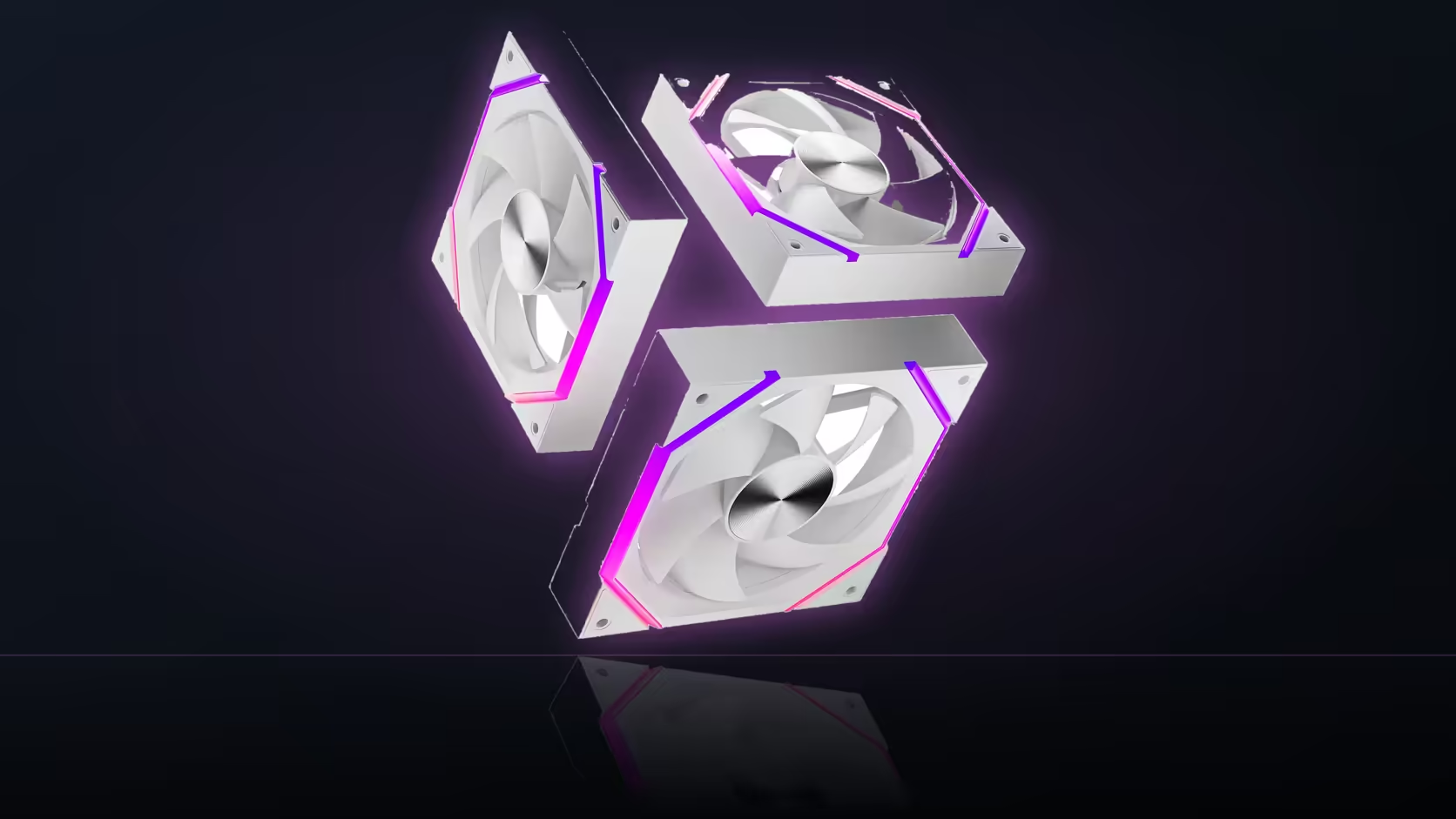
Chaining three fans onto one header is convenient right up until one link in the chain isn't fully seated - and the motherboard won't necessarily tell you. For a Nyota A12 row, a quick manual check at setup catches a problem the software display simply can't see.
Quick Answer
After changing a fan curve on a chained Nyota A12 row, physically watch all three fans to confirm each one responds - the motherboard reports speed for the header as a whole, not per individual fan, so an unseated connector between two chained fans can go completely unnoticed. Applying a deliberately large curve change and watching the blades is the simplest direct test. The three-pack costs R499.
👀 Why the board's readout isn't enough
Motherboard monitoring software shows the RPM reported by the header the chain is plugged into, not a separate reading per fan in that chain. If two of the three A12 fans are working correctly and one has a partially seated connector, the header can still report a plausible-looking speed while that third fan sits idle or behaves erratically - invisible to any on-screen readout.
That's exactly why a physical check, done once at setup, is worth the thirty seconds it takes.
The simplest test to run
With the side panel off, apply a large, obvious curve change - drop it to minimum, then push it to a high setting - and watch all three fans directly rather than relying on the reported number. A genuine speed change across all three, visible to the eye, is far more conclusive than anything the software shows.
🔊 Why sound alone isn't a reliable check
Listening for a change in fan noise confirms something in the chain responded, but it can't tell you which specific fan did the responding - useful as a first pass, but not conclusive on a three-fan chained row where one link could still be silent.
If one fan doesn't respond
Check the physical connection on both sides of the chain link nearest that fan - a partially seated connector, easy to miss during initial cable routing, is the most common cause of exactly this symptom.
Lighting doesn't confirm speed control
A fan that's fully lit but not responding to speed changes tells you only that its ARGB connection is fine - the two chains are entirely independent, so working lighting says nothing about whether that same fan's PWM link is properly seated.
🕐 When to run this check
Commissioning, before the side panel goes back on for good and cables get tied down permanently, is the right moment - fixing an unseated connector is trivial with the case open and considerably more annoying once everything is dressed and routed. A repeat check after moving the machine somewhere new is sensible too, since transport can loosen a connector that was previously fine.
Frequently Asked Questions
Why check each fan individually rather than trusting the board readout?
Because the board reports speed for the whole header, not per fan, so an unseated link in a chained row can go unnoticed.
What's the quickest way to verify all three fans respond?
Apply a large, obvious curve change with the side panel off and watch each fan directly rather than the on-screen number.
Does listening for a noise change confirm anything?
It confirms something in the chain responded, but not which specific fan - a visual check is more conclusive on a chained row.
What should I do if one fan doesn't respond?
Check the physical connection on both sides of the chain link closest to that fan, since a loose connector is the usual cause.
Does working lighting confirm the fan's speed connection is fine too?
No - lighting and speed run on separate, independent connections, so one working says nothing about the other.
When is the best time to run this check?
At commissioning, before the panel is closed up and cables are tied down for good.
Is it worth rechecking after moving the PC?
Yes - transport can disturb a connector that was previously seated correctly, so a quick look afterwards is sensible.
Commissioning a fan row properly means checking every connection first, then filling out the rest from Evetech's case fans and case accessories ranges.
Setting up a chained fan row for the first time?
Check Evetech's case fan range to plan your build and confirm everything before the panel goes back on.