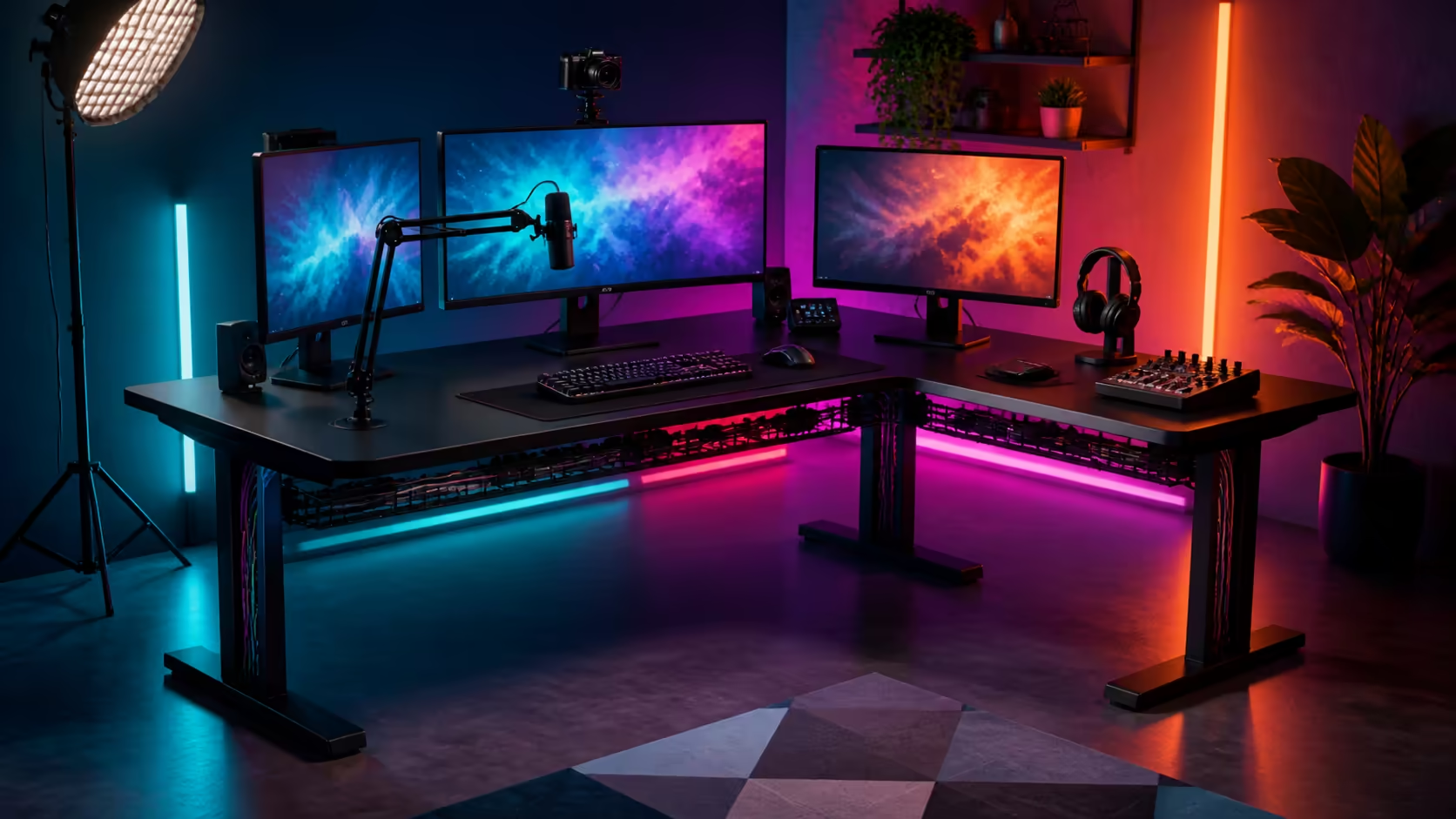
Streaming places cameras, lights, audio controls and everyday gaming equipment around the same seated position. Organising cables, screens and accessories on one desk works best when every item has a route, reach zone and parking place. At Evetech, gaming desks currently range from approximately R2,499 to R8,499.
Quick Answer
For a South African streaming setup, establish the camera and primary-screen sightline first, reserve a clear keyboard-and-mouse zone, then route power and signal cables separately where practical. Compare desk dimensions within Evetech's R2,499-to-R8,499 category range against the complete equipment footprint, not an empty studio image.
🎥 Build around the camera frame
Sit in the final chair position and test the camera angle, background and key-light direction. Keep bright windows out of the direct background when possible. The screen used for chat or production should remain readable without forcing the presenter to turn continuously away from the lens.
Evetech's gaming desk category provides current desk options and dimensions. Check each candidate against the camera frame and room outline before choosing a surface.
🎛️ Assign three reach zones
Place keyboard, mouse and essential controls in the closest zone. Put regularly adjusted audio, stream or lighting controls in a second relaxed reach. Chargers, spare controllers and infrequently used devices belong farther away.
Avoid stacking controls behind monitor stands. A device that requires leaning or moving another object will be neglected during a live session.
🔌 Map every cable before tying it
Label each lead at both ends and record its device, destination and required movement. Camera, microphone and monitor arms need service loops. Keep floor crossings away from chair casters, and do not bundle cables so tightly that one device cannot be removed.
Look through the Arozzi gaming setup selection for ways to organise a whole room. Use string or spare cable to test an appealing route at full length before fastening it.
🖥️ Protect the working surface
Keep the primary display directly ahead and secondary screens within comfortable head movement. Reserve an unobstructed mouse sweep and a safe drink position beyond electronic controls. Give headphones a parking point that does not snag a cable or block ventilation.
Evetech's gaming setup category helps plan the surrounding chair, displays and accessories. Treat the desk and room as one signal-and-movement system.
Run a rehearsal under full load
Record or stream privately for the expected session length. Adjust scenes, audio and lights, then note every reach, cable pull and blocked control. Correct the repeated interruptions first.
Check heat and airflow around the PC and power equipment. A clean-looking arrangement should not trap warm air or hide a connection that needs urgent access.
Make resets easy
Photograph the working layout and mark cable destinations discreetly. Keep a short shutdown and restart checklist. After cleaning or travel, the streamer can rebuild the same reliable positions without guessing.
Separate live essentials from preparation tools
Props, spare batteries, packaging and adjustment tools do not need to occupy the broadcast surface. Place them in nearby labelled storage and bring them forward only during preparation. The desk should retain the controls needed while live, plus one clear landing point for an unexpected device.
Keep a small emergency path to the power and network equipment. When a connection drops or a device locks up, the streamer should be able to reach the relevant control without crawling through tied cables or moving a monitor.
Review recordings for layout clues
Watch a rehearsal and note every moment the presenter looks too far away, reaches across the frame or bumps a cable. Those visible actions reveal poor placement more reliably than a tidy still photograph. Move one item, record again and keep the version that shortens the repeated motion.
Invite a second person to operate the setup once. Clear labels and predictable parking positions should make the station understandable without a long verbal tour.
Frequently Asked Questions
Which screen should be centred?
Centre the display used for the most important gaming or production task at the normal seated position.
Where should stream controls go?
Keep frequently adjusted controls within relaxed reach without crowding the mouse and keyboard.
Why label both cable ends?
It makes troubleshooting and device removal faster without dismantling unrelated routes.
What is Evetech's gaming-desk category range?
Prices currently extend from roughly R2,499 to R8,499.
What should a rehearsal test?
Test every control, scene change, chair movement and cable adjustment over a realistic session.
Ready to give every screen, control and cable a deliberate place before the broadcast begins?
Explore Evetech gaming desks, rehearse the complete signal flow, and keep the live reach zone calm and repeatable.