



1000W PSU Planning for RTX 5090 Builds in SA
1000W for RTX 5090 needs a full-build check, not a simple yes. Review GPU guidance, CPU draw, transient load, connectors, PSU quality, and upgrade plans before deciding.
Read moreHow to fix low FPS on AM5 motherboard setups starts with BIOS, chipset, GPU driver, memory, and power checks. For South Africa, focus on stable thermals, clean drivers, and settings that match your monitor before replacing parts.
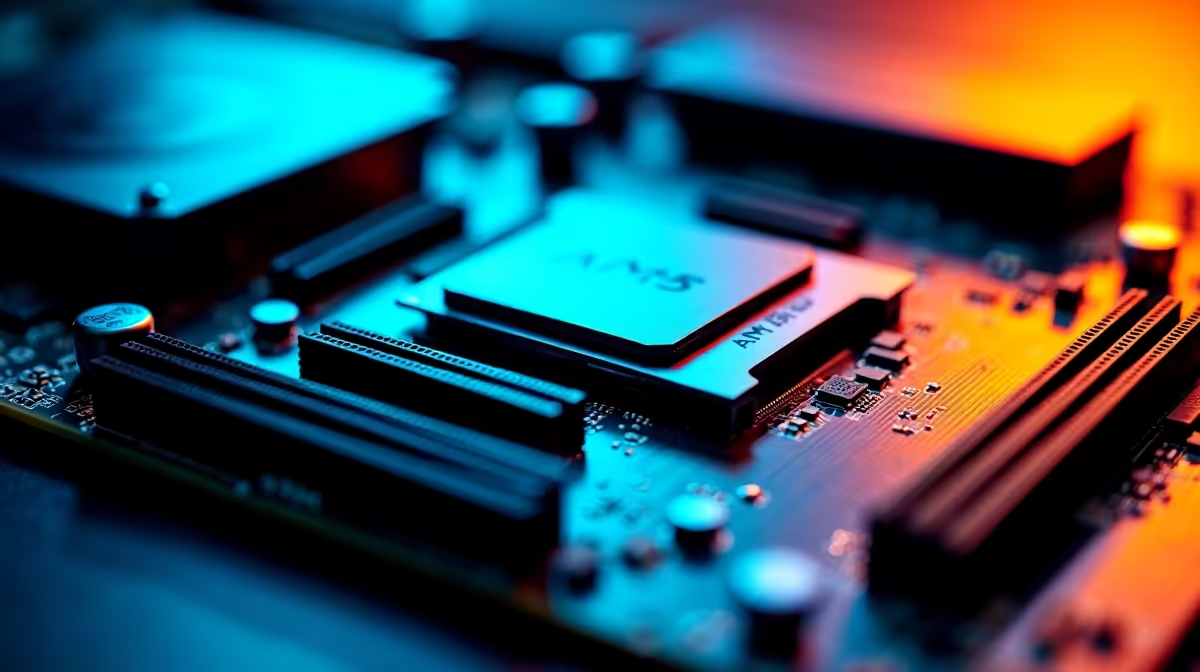
If your AM5 motherboard keeps causing low FPS mid-match, the fix almost always comes from one measurable change rather than a fresh parts list.
Yes, most low FPS on a AM5 motherboard clears once you align display mode, power profile, and a clean driver install. A solid B650 AM5 board costs around R3,200, while X670E options pass R6,500. Treat the named hardware as context until your numbers prove otherwise.
Close capture tools, browser tabs, launchers, RGB utilities, and update services for one clean pass. Background processes quietly steal cycles and bandwidth, and on a AM5 motherboard they are a common hidden cause of low FPS. Re-run your scene with a quiet system to see how much average frame rate recovers without spending anything.
Once your scene is stable, read which subsystem is pinned. High GPU load points to lower resolution scale or softer presets; high CPU load points to engine limits or memory behaviour; storage spikes show up when assets stream. Tying low FPS on a AM5 motherboard to a measured load pattern makes the next step obvious.
Lock the in-game preset and resolution first; only then touch one tuning option so you can attribute any gain correctly.
Make sure DDR5 support is enabled correctly and that the boot drive has free space and healthy speeds. Misconfigured memory profiles and a near-full drive both surface as low FPS under load. A solid B650 AM5 board costs around R3,200, while X670E options pass R6,500. A quick check here often explains stutters that look like a GPU problem on the AM5 motherboard.
It can be. Confirming PCIe 5.0 is configured correctly removes a common hidden cause before you blame other parts. Verify it, retest the same scene, and record the average frame rate result.
Yes. Set Windows and any vendor utility to high performance, not eco or balanced, so average frame rate is not capped to save energy. Then confirm temperatures stay in range during your test scene.
Test the load pattern first. If the GPU is pinned, drop resolution scale or heavy effects; if the CPU is pinned, settings changes help less. Targeting DDR5 support as a reference keeps tuning realistic.
Let the data choose your next motherboard. After your test scene reveals the real bottleneck behind low FPS, compare the relevant Evetech motherboard options instead of guessing.
1000W for RTX 5090 needs a full-build check, not a simple yes. Review GPU guidance, CPU draw, transient load, connectors, PSU quality, and upgrade plans before deciding.
Read more
RTX 5080 Super with a 750W PSU is more comfortable than lower wattage if the unit is quality. SA builders should still confirm GPU guidance, CPU draw, connector type, airflow, and upgrade room.
Read more
How to fix FPS drops after a RX 9070 XT starts with driver cleanup, chipset updates, thermals, and power checks. For SA gaming PCs, confirm PCIe seating, monitor refresh, frame caps, and per-game graphics settings before replacing parts.
Read more
How to fix low FPS Windows 11 Wi-Fi 7 issues starts by checking whether the problem is frame rate or network lag. Test ping, drivers, power settings, Ethernet, and game FPS before adjusting visuals.
Read more
AM5 is smart for SA builders because it supports newer Ryzen CPUs, DDR5 memory, and a longer upgrade path. Compare board cost, cooling, gaming needs, and local part availability before choosing your next PC platform.
Read more
AM5 gives Randburg gaming builders a longer upgrade path. For SA buyers, DDR5 support, newer board features, and future CPU options can justify the platform. Weigh board cost, cooler support, BIOS maturity, and upgrade timing before choosing.
Read more
RTX 5090 on a 550W PSU leaves almost no practical room for OC plans. Treat the setup as constrained, with CPU draw, power spikes, cable quality, thermals, and stability checks more important than chasing extra clocks.

FPS drops on a Ryzen 9 9950X3D build often have a fixable cause. Check settings, drivers, thermals, background tasks, network conditions, and bottlenecks before assuming a part must be replaced.

The difference between PCIe 5.0 and PCIe 4.0 for SA gamers is mostly bandwidth headroom. Compare GPU slot needs, NVMe speed, motherboard support, and upgrade timing before paying extra for a newer platform.

Gaming PC stuck pixel checks in South Africa should confirm the monitor fault first. Use colour tests, screenshot comparison, cable swaps, display menu checks, and clear photos before deciding on support.

AMD's current driver now lists a Radeon RX 9050 4GB, while product coverage details a narrowed memory system. SA buyers should weigh the low VRAM ceiling against current local Radeon options.

Samsung Display has demonstrated a 16-inch 2.5K OLED laptop panel running at 300Hz. SA buyers should wait for a named notebook, full panel specifications and a local price before planning an upgrade.

Microsoft says some Windows 11 game crashes after recent updates are linked to RGB-related drivers. Affected SA gamers should confirm the update and driver before using the published registry workaround.

Thermalright's Fan Frame Vision-1 adds a 640x172 status screen to a standard 120mm fan. SA builders should check clearance, USB routing and local support before treating it as an easy upgrade.
1000W for RTX 5090 needs a full-build check, not a simple yes. Review GPU guidance, CPU draw, transient load, connectors, PSU quality, and upgrade plans before deciding.

Wi-Fi 6E vs Wi-Fi 6 matters for 4K video editing when files move across a network. The real-world difference between Wi-Fi 6E and Wi-Fi 6 for video editing in 4K depends on NAS access, cloud uploads, router range, and SA creator workflows.
RTX 5080 Super with a 750W PSU is more comfortable than lower wattage if the unit is quality. SA builders should still confirm GPU guidance, CPU draw, connector type, airflow, and upgrade room.

Wi-Fi 6E vs Wi-Fi 6 for Video Editing in 4K comes down to router support, latency, client devices, band support, and home network layout. SA buyers should match the choice to their setup instead of assuming one option always wins.