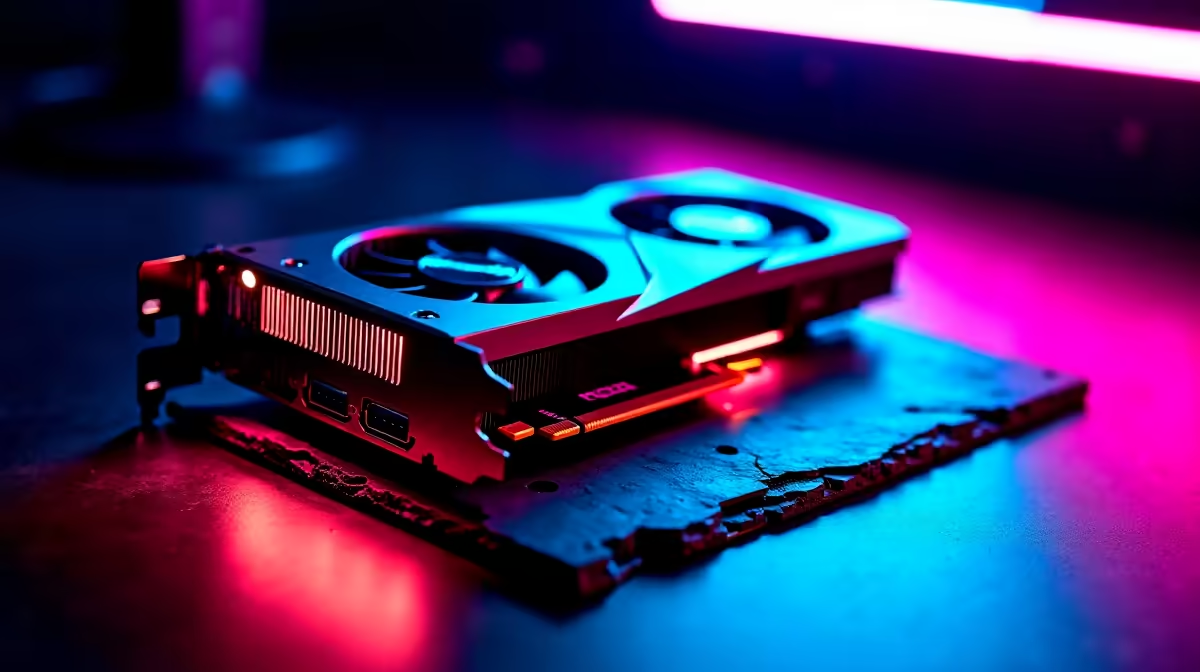
Counter-Strike 2 demands absolute precision. If your frame rate drops during a crucial clutch on Mirage, you are already dead. The AMD Radeon RX 7800 XT is an absolute beast for 1440p gaming, but out of the box, it might not be pushing the raw frames you need for competitive play. Let us look at exactly how to optimize RX 7800 XT for CS2 and secure those high-refresh-rate headshots. 🚀
Fine-Tuning AMD Adrenalin Software
Before launching the game, you need to tweak your GPU drivers. Open your AMD Adrenalin Edition software. Navigate to the Gaming tab and select CS2. Here, you want to disable features that introduce input lag. Turn off Radeon Chill and Radeon Anti-Lag. While Anti-Lag sounds great, CS2 has native latency reduction built-in that often clashes with driver-level toggles.
If you are building a new rig and still need the hardware, checking out the latest graphics cards for sale is your first step to competitive dominance.
The Best In-Game Settings for CS2
Now... let us boot up the game. Competitive CS2 is not about making the map look pretty. It is about maximum visibility and zero stutter. Set your resolution to your monitor's native spec, or drop to a stretched 4:3 aspect ratio if you prefer wider player models.
Under Advanced Video, set Global Shadow Quality to High. This is crucial for seeing enemy shadows around corners. Everything else? Drop it to Low. Model detail, effect detail, and shader detail should all be minimised. This guarantees your GPU focuses purely on pushing frames.
Need a machine that can handle these high frame rates without breaking a sweat? You might want to browse our curated best gaming PC deals for systems perfectly paired with the 7800 XT.
Performance Pro Tip ⚡
Always enable AMD Smart Access Memory (SAM) in your BIOS if you have a compatible Ryzen CPU. It gives your processor full access to the RX 7800 XT VRAM, which can boost your CS2 frame rates by up to 10 percent for absolutely free.
Balancing Your Entire System
Your graphics card does not work in isolation. CS2 is notoriously CPU-heavy. If your processor is bottlenecking your RX 7800 XT, you will experience nasty frame-time spikes. Ensure your RAM is running at its rated EXPO or XMP speeds.
If you are tired of tweaking and just want a system that works straight out of the box, exploring pre-built PC deals can save you hours of troubleshooting. Even if you are a gamer on the move, modern hardware has caught up... there are incredible laptops in South Africa that offer desktop-class performance for competitive shooters.
Keeping Your Rig Cool and Updated
High FPS means high heat. Make sure your case has excellent airflow. The RX 7800 XT runs incredibly efficiently, but keeping temperatures low prevents thermal throttling during marathon Premier matches. Always keep your AMD drivers updated to the latest WHQL release. AMD frequently drops driver updates specifically tailored for major CS2 patches.
To get the best value in ZAR when upgrading your cooling or storage, always keep an eye on our weekly hardware specials to stretch your budget further. 🔧
Ready to Dominate the Leaderboards?
Optimising your settings is just the beginning. To truly experience CS2 at 240Hz and beyond, you need the right hardware backing you up. Explore our massive range of gaming PCs and equip yourself with the ultimate competitive advantage today.