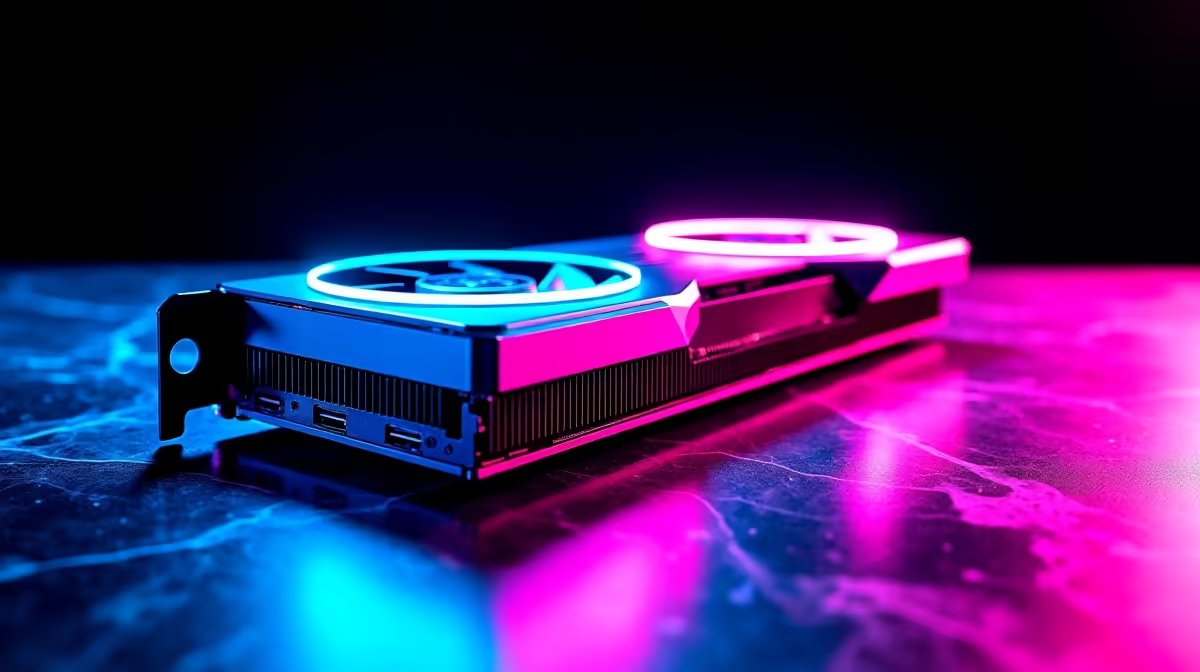
Why Optimising Your RX 9070 Matters for Minecraft Performance
If you're gaming in South Africa, you know every frame counts — especially in Minecraft’s ever-expanding worlds. The RX 9070 graphics card is a solid choice, but to truly shine with Minecraft’s blocky landscapes, you need to optimise it for the best visuals and smooth gameplay. Whether you're building mega structures or diving into Redstone contraptions, fine-tuning your RX 9070 delivers that silky, lag-free experience we all crave. Ready to get started?
Key Settings to Enhance RX 9070 Performance in Minecraft
Minecraft can be surprisingly demanding, especially with shaders or high-resolution textures. To squeeze every ounce of performance from your RX 9070, focus on these steps:
Adjust In-Game Video Settings for Best FPS
Lower the Render Distance first — 12 to 16 chunks strikes a good balance between visual clarity and smooth gameplay. Disable fancy graphics like motion blur and clouds that can drain GPU power. Staying with “Fast” graphics mode keeps frame rates high without sacrificing the classic Minecraft feel.
Update Your AMD Drivers Regularly
AMD rolls out driver updates optimised for new games and bug fixes. Check the official site or use the AMD Radeon Software that comes with your GPU. Updated drivers can boost performance and stability, making gameplay more fluid.
Utilise AMD Radeon Software Features
Radeon Software has handy tools like Radeon Anti-Lag and Radeon Chill. Anti-Lag helps reduce input delay — critical when you’re mining or in PvP battles. Radeon Chill dynamically adjusts frame rates to lower power consumption and heat. Both keep your RX 9070 running cool and efficiently.
Pro tip for RX 9070 gamers
Don’t overlook custom fan curves. Tweaking your fan speed via Radeon Software helps maintain optimal temperatures without noisy fans — improved hardware longevity and consistent FPS.
Upgrade and Build Tips for South African Gamers
To get the most out of your RX 9070 for Minecraft and beyond, pairing it with the right components is key. A balanced build ensures no bottlenecks slow down your gaming session.
Choose Pre-Built Gaming PCs for Convenience
If custom assembly isn’t your thing, consider looking at Evetech’s pre-built PC deals featuring RX 9070 options. These rigs are tested, warranty-backed, and priced competitively in ZAR — perfect for gamers who want plug-and-play power.
Optimise Memory and Storage
Minecraft thrives on RAM and fast storage. Aim for at least 16GB RAM, and use an SSD rather than an HDD to cut down load times and chunk generation lag. Evetech’s array of gaming PC deals includes builds with quality SSDs and RAM configurations tailored for Minecraft.
Must-Haves: Laptops and Graphics Cards for Flexibility
Do you game on the go? South African gamers can grab powerful options from Evetech’s notebook section. Many sport RX 9070 or similar GPUs, great for Minecraft plus other titles. And if you're upgrading, browse Evetech’s graphics cards range for the latest RX 9070 deals.
Keep an Eye on Specials for the Best Value
Price savvy? Evetech’s specials page regularly features discounts on GPUs, PCs, and gaming gear. Snap up fantastic ZAR deals to improve your RX 9070 experience without breaking the bank.
Get Ultimate Minecraft Performance Today
Need an optimised gaming PC or RX 9070 upgrade? Shop now at Evetech for performance that leaves lag in the dust.