Moving a controller between systems is easiest when the first session is treated as a controlled check, not a rush into a match. A sound arcade fightstick setup identifies the target platform, places the controls comfortably and confirms each input before a game depends on it.
Quick Answer
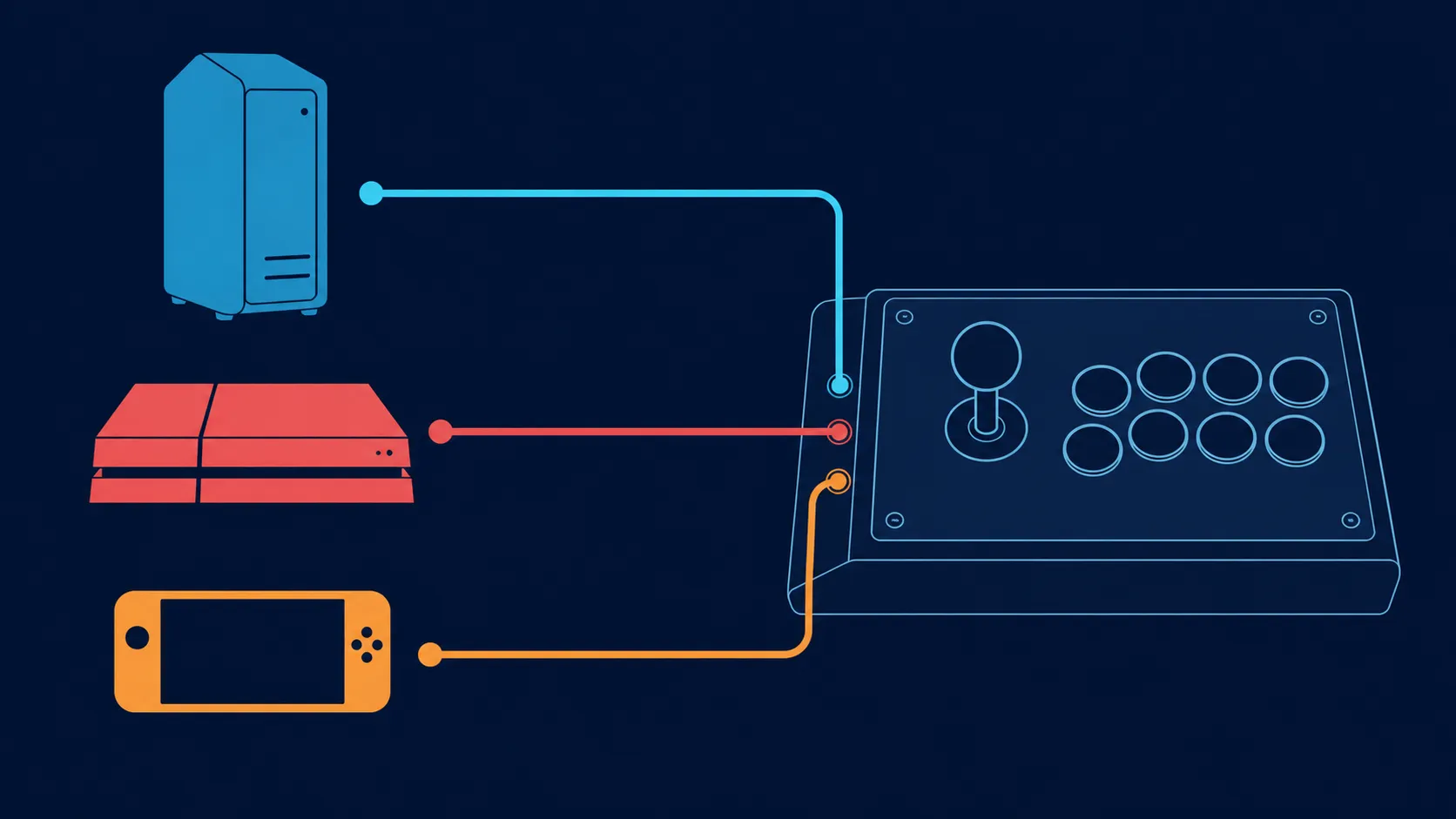
The C2 supports PC, PS4, PS5, Xbox One, Xbox Series X/S and Nintendo Switch, so setup begins by selecting one of those six platforms.
Set up the GameSir C2 by choosing its supported platform first, then checking the lever, action buttons, directional toggle and key lock one function at a time. Its R1,799 platform list spans PC, PS4, PS5, Xbox One, Xbox Series X/S and Switch. Keep the first test inside a low-risk menu or practice environment.
🎮 Start with the system, not the button map
Decide whether this session is for PC, PS4, PS5, Xbox One, Xbox Series X/S or Switch before changing any control option. Those are the six named platforms for the C2; support for hardware outside that set should not be inferred from a similar connector or controller family.
Use the platform's ordinary controller-recognition process and watch for a response before opening a fighting game. If nothing happens, return to the platform step rather than pressing every control at once. A single-variable approach makes it much easier to tell whether recognition, a setting or an individual input needs attention.
The gaming controller range is useful when comparing platform coverage and control formats before settling on a setup.
🕹️ Give the arcade layout a neutral first pass
Place the fightstick on a stable surface and sit where the lever and action controls can be reached without twisting either wrist. The C2 uses an arcade layout fitted with Sanwa Denshi parts, but the maker name does not determine the best hand position for every player. Comfort still needs a short, deliberate trial.
Begin with direction. Move through up, down, left and right in a menu that shows a clear cursor response. Then check each action button separately and note any control that behaves differently from the intended mapping. Do not alter several settings to chase one unexpected result.
⚙️ Isolate the setup controls
The multi-functional directional toggle deserves its own check because its exact operating choices should not be guessed. Select the intended function using the product's instructions, verify the four directions again, and leave that control alone once the result matches the game plan.
Next, test the key lock button. Check the controls before and after engaging it so the difference is visible. A lock position by itself is not proof that the intended keys are restricted; the input test provides the useful answer.
For desk placement, cables and other supporting items, browse gaming accessories only after the controller position is settled. Accessories should solve a real routing or comfort problem rather than hide an unfinished input check.
✅ Finish with a repeatable practice test
Open a practice mode or another forgiving part of the chosen game. Perform a small sequence containing each direction and every action control you expect to use. Repeat it twice without changing the configuration. Consistent responses are more informative than one successful attempt followed by several unexplained adjustments.
Store a short note for each platform if the C2 will move between systems. Write only what was actually selected and tested. That makes the next console, Switch or PC session a known restart instead of a fresh round of guesswork.
Place the 400 x 250 x 132mm, 3.5kg aluminium-alloy unit on a stable lap or table. Test the Sanwa lever and short-travel buttons, select the directional interpretation, then engage the key lock after configuration. Its power requirement is 5V at 500mA.
Frequently Asked Questions
Where should the first C2 test happen?
Use a console menu, PC controller screen or practice mode where an unexpected input has no consequence. The goal is to see one response clearly before adding game pressure.
Must every supported system use identical settings?
No assumption is necessary. Treat each of the six supported platforms as a separate setup session, and verify the working control arrangement whenever the fightstick changes host.
Why check directions before action buttons?
Directional movement provides a simple four-point test and exposes the selected input function early. Once it behaves as intended, button checks are easier to interpret.
Does the Sanwa Denshi name define the mapping?
No. It identifies the arcade-parts maker used in the C2, while the platform and game determine how inputs are recognised and assigned.
When should the key lock be engaged?
Turn it on only after the ordinary controls have passed their baseline check. Compare behaviour with the lock off and on so its practical effect is understood.
What is the spending reference for this setup?
At R1,799, this setup should be judged by the three supported platforms and the controls that will actually be used.
Ready to organise a cleaner multi-system control setup?
Compare Evetech's controller and gaming-accessory options around the platform you intend to test first.