



1000W PSU Planning for RTX 5090 Builds in SA
1000W for RTX 5090 needs a full-build check, not a simple yes. Review GPU guidance, CPU draw, transient load, connectors, PSU quality, and upgrade plans before deciding.
Read moreSet up automated lumbar tracking by first choosing a neutral posture, then adjusting support in small steps. The R14,999 HBADA X7 provides fully automated smart lumbar tracking with multi-directional adjustable support.

Automated support is easiest to judge when the rest of the chair starts from a calm, repeatable position. A smart ergonomic chair lumbar setup should establish desk reach and seat posture before changing the back support. The HBADA X7 brings fully automated smart lumbar tracking to this process at R14,999.
Smart Mode learns the chosen intensity and mode, then resumes automatic waist-following as soon as the user sits down unless the feature was disabled.
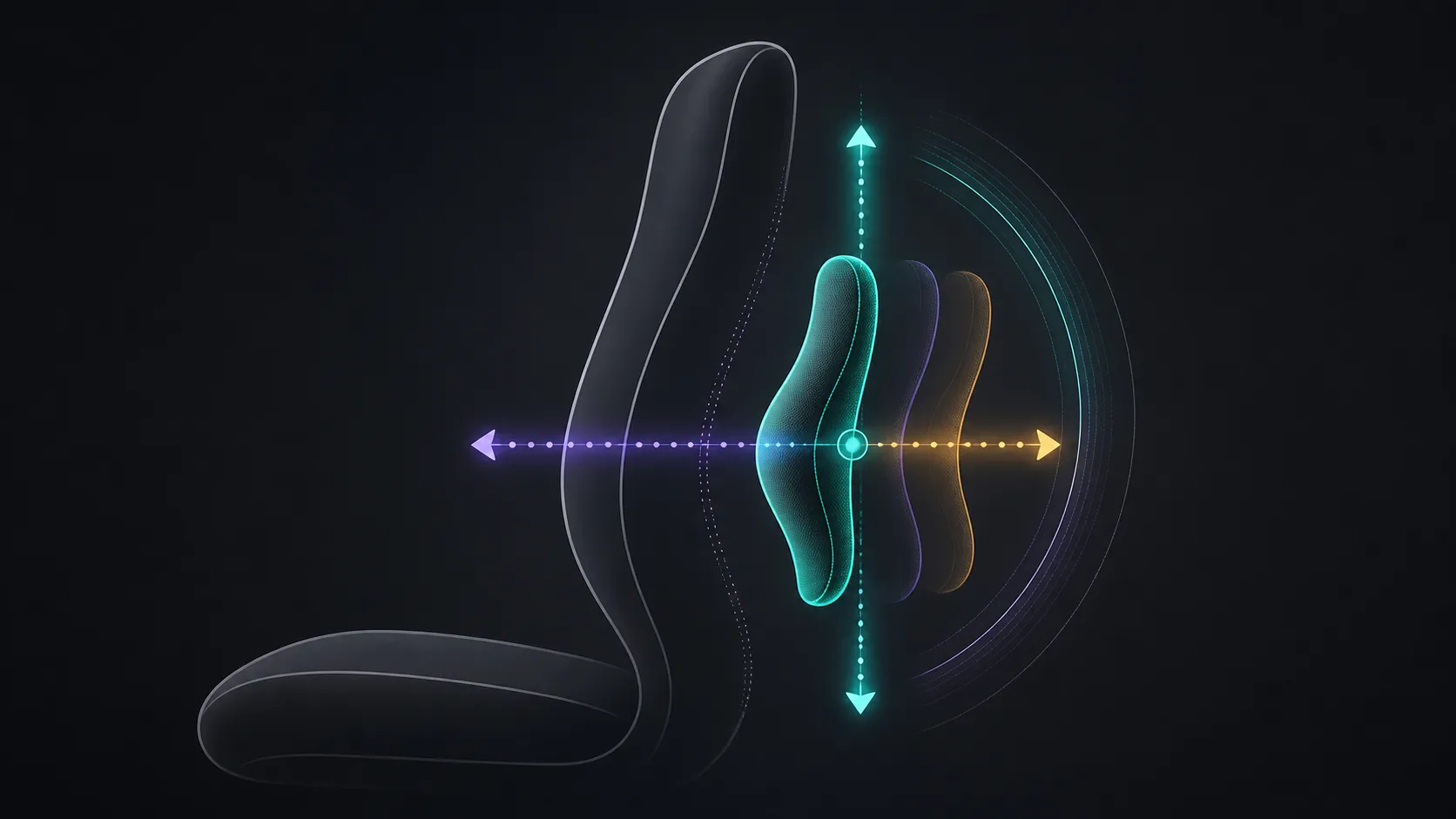
Set up automated lumbar tracking by sitting in a neutral working posture, positioning the chair for the desk, and testing support through small posture changes. At R14,999, the X7 lets its lumbar system follow posture automatically while the back support adjusts across several directions. Give it time to respond, then judge contact and pressure rather than chasing constant movement.
Place both feet securely, keep the desk within easy reach and centre the screen before evaluating the backrest. A poor desk position can make useful lumbar contact feel misplaced because the user is reaching, twisting or sitting too far forward. Use a normal typing task for several minutes before deciding whether the starting position works.
The aim is not to force one textbook pose. It is to create a stable reference that makes later support changes easier to notice. Open Evetech's HBADA chair selection when comparing how different models approach this first fit step.
Lean forward to read, settle back for ordinary work and turn slightly toward the secondary side of the desk. Notice whether support remains useful without creating a sharp pressure point. Alter one chair or workstation factor per pass, then repeat the movement sequence from its neutral start.
Automated tracking does not guarantee relief from pain or a medical outcome. It is an adjustment feature whose value depends on fit, contact and the user's routine. Persistent discomfort, numbness or pain deserves appropriate professional advice rather than more aggressive chair tuning.
Use the chair through a focused work block, a short break and another desk session. Write down which posture change improved or weakened the support. Revisit the position later in the day, when fatigue and sitting habits may differ from the first five minutes.
The X7 also offers massage, heat and a ventilated seat, but those functions should remain outside the initial lumbar test. Buyers who want a wider fit comparison can browse Evetech's office-chair range and apply the same posture sequence to each candidate.
Ask a second person to sit down without copying the first user's posture. Let them establish their own desk reach, then repeat the forward, centred and side-task sequence. Note whether the automated support remains understandable without an explanation of hidden technology. This separates a genuinely usable setup from one that works only because the original user remembers every adjustment.
Return the chair to the first person's baseline afterward. If recovery is difficult, simplify the written note to three observable items: chair distance from the desk, where support contact feels broad, and which work movement confirmed the position. Avoid recording a supposed sensor state because that mechanism is not defined.
Use the result to decide whether automation reduces setup work in a shared home or team environment. A feature can still be valuable for one owner even if sharing is awkward, but the ownership pattern should be explicit before the chair is chosen.
Pressure sensors read seating and leaning changes, an automotive-grade chip processes feedback 1,000 times per second, and a millimetre-precision linear motor shifts lumbar contact. Start with a moderate intensity, make one posture change at a time and save the preferred response only after it remains comfortable through normal work.
Begin with feet supported, comfortable desk reach and a neutral seated position. This removes avoidable reaching or twisting before lumbar contact is judged.
The X7 follows posture with its automated lumbar function and allows back support adjustment in several directions. Judge that result without assigning undocumented sensors or internal response logic.
Make one small change, complete the same work movement and allow enough time to feel the result. Rapid changes make it difficult to identify which setting caused the improvement.
No medical result follows from the feature alone. Stop if symptoms worsen, and seek suitable healthcare guidance for persistent or significant pain.
No. The battery is not included, so identify the required power item and operating instructions before relying on the chair's active functions.
Ready to compare smart lumbar support at your own desk? Explore Evetech chair options with your working posture, desk reach and movement test written down.
Begin with feet supported, comfortable desk reach and a neutral seated position. This removes avoidable reaching or twisting before lumbar contact is judged.
The X7 follows posture with its automated lumbar function and allows back support adjustment in several directions. Judge that result without assigning undocumented sensors or internal response logic.
Make one small change, complete the same work movement and allow enough time to feel the result. Rapid changes make it difficult to identify which setting caused the improvement.
No medical result follows from the feature alone. Stop if symptoms worsen, and seek suitable healthcare guidance for persistent or significant pain.
No. The battery is not included, so identify the required power item and operating instructions before relying on the chair's active functions.
1000W for RTX 5090 needs a full-build check, not a simple yes. Review GPU guidance, CPU draw, transient load, connectors, PSU quality, and upgrade plans before deciding.
Read more
RTX 5080 Super with a 750W PSU is more comfortable than lower wattage if the unit is quality. SA builders should still confirm GPU guidance, CPU draw, connector type, airflow, and upgrade room.
Read more
How to fix FPS drops after a RX 9070 XT starts with driver cleanup, chipset updates, thermals, and power checks. For SA gaming PCs, confirm PCIe seating, monitor refresh, frame caps, and per-game graphics settings before replacing parts.
Read more
How to fix low FPS Windows 11 Wi-Fi 7 issues starts by checking whether the problem is frame rate or network lag. Test ping, drivers, power settings, Ethernet, and game FPS before adjusting visuals.
Read more
AM5 is smart for SA builders because it supports newer Ryzen CPUs, DDR5 memory, and a longer upgrade path. Compare board cost, cooling, gaming needs, and local part availability before choosing your next PC platform.
Read more
AM5 gives Randburg gaming builders a longer upgrade path. For SA buyers, DDR5 support, newer board features, and future CPU options can justify the platform. Weigh board cost, cooler support, BIOS maturity, and upgrade timing before choosing.
Read more
RTX 5090 on a 550W PSU leaves almost no practical room for OC plans. Treat the setup as constrained, with CPU draw, power spikes, cable quality, thermals, and stability checks more important than chasing extra clocks.

FPS drops on a Ryzen 9 9950X3D build often have a fixable cause. Check settings, drivers, thermals, background tasks, network conditions, and bottlenecks before assuming a part must be replaced.

The difference between PCIe 5.0 and PCIe 4.0 for SA gamers is mostly bandwidth headroom. Compare GPU slot needs, NVMe speed, motherboard support, and upgrade timing before paying extra for a newer platform.

Gaming PC stuck pixel checks in South Africa should confirm the monitor fault first. Use colour tests, screenshot comparison, cable swaps, display menu checks, and clear photos before deciding on support.

AMD's current driver now lists a Radeon RX 9050 4GB, while product coverage details a narrowed memory system. SA buyers should weigh the low VRAM ceiling against current local Radeon options.

Samsung Display has demonstrated a 16-inch 2.5K OLED laptop panel running at 300Hz. SA buyers should wait for a named notebook, full panel specifications and a local price before planning an upgrade.

Microsoft says some Windows 11 game crashes after recent updates are linked to RGB-related drivers. Affected SA gamers should confirm the update and driver before using the published registry workaround.

Thermalright's Fan Frame Vision-1 adds a 640x172 status screen to a standard 120mm fan. SA builders should check clearance, USB routing and local support before treating it as an easy upgrade.
1000W for RTX 5090 needs a full-build check, not a simple yes. Review GPU guidance, CPU draw, transient load, connectors, PSU quality, and upgrade plans before deciding.

Wi-Fi 6E vs Wi-Fi 6 matters for 4K video editing when files move across a network. The real-world difference between Wi-Fi 6E and Wi-Fi 6 for video editing in 4K depends on NAS access, cloud uploads, router range, and SA creator workflows.
RTX 5080 Super with a 750W PSU is more comfortable than lower wattage if the unit is quality. SA builders should still confirm GPU guidance, CPU draw, connector type, airflow, and upgrade room.

Wi-Fi 6E vs Wi-Fi 6 for Video Editing in 4K comes down to router support, latency, client devices, band support, and home network layout. SA buyers should match the choice to their setup instead of assuming one option always wins.