



1000W PSU Planning for RTX 5090 Builds in SA
1000W for RTX 5090 needs a full-build check, not a simple yes. Review GPU guidance, CPU draw, transient load, connectors, PSU quality, and upgrade plans before deciding.
Read moreSet up the UStand by unfolding it, choosing the 135-degree arm position and rotating the display to the required view. Check that the 7-15.6-inch screen is seated against the anti-slip rubber, then route charging access while it remains mounted.

Setting up a foldable portable monitor stand is easier when each movement is handled separately. Start with an empty, level work surface, unfold the UPERFECT UStand, establish the arm position and only then seat the display. This order makes fit, contact and cable routing easier to inspect.
The aluminium UStand opens from a fully flat travel position into a 360-degree rotating head and 135-degree folding arm for 7-to-15.6-inch devices.
At R399, the UStand accepts 7-15.6-inch displays, folds through a 135-degree arm and rotates through 360 degrees. Open it on a suitable surface, choose a useful arm angle, seat the screen against the all-around anti-slip rubber and leave its charging connection unobstructed.
Clear enough room to handle the display without leaning it against another object. Unfold the aluminium structure while it is empty so the moving sections can be observed. Stop at a practical starting angle rather than trying to set the final view immediately.
The arm offers a 135-degree folding range. That figure describes available movement, not one compulsory position. A lower or higher setting may suit the desk, screen and viewing task differently. Keep fingers, loose cables and nearby items away from the moving section as it opens.
Before adding a device, inspect where the stand meets the worktop and where the screen will sit. All-around anti-slip rubber is built into the design, but dust, debris or an unsuitable surface can still compromise contact. A clean setup gives the rubber the best chance to do its intended job.
Confirm that the screen falls within the universal 7-15.6-inch range. Diagonal size is the starting filter; the chosen device must also sit properly without a connector, control or cable being forced against the support.
Lower the portable display onto the contact area without twisting the arm. Check that its weight is centred, its edges are not caught and the rubber touches the intended surfaces. Do not infer a load rating, VESA arrangement or exact laptop fit from the size range.
Readers still choosing a screen can compare Evetech's portable monitor range by diagonal size and connector placement before pairing one with the stand.
Use the folding arm to establish the supported position, then use the 360-degree rotation to change orientation. Making one change at a time shows which movement improved the view and prevents a useful setting from being lost through several simultaneous adjustments.
After every movement, pause and recheck all contact points. Rotation can alter where a cable hangs, while arm movement can change how the display relates to the work surface. Neither adjustment proves security by itself; correct seating and a suitable surface remain part of setup.
Test the position from the chair and task you will actually use. A comfortable reading arrangement may differ from a presentation or reference-screen layout. The stand supplies movement, while the user decides the working position.
The UStand permits charging while a compatible device remains mounted. Connect the lead only after the display is seated, form a relaxed route and check that the plug is not bearing against the support. Leave enough slack for any orientation change you plan to make.
Browse monitor accessories at Evetech for the wider desk setup, using confirmed connector and device requirements rather than assuming every accessory suits every display.
At the end of the session, disconnect the cable, remove the screen and fold the stand flat. The UStand can also convert into a tripod or selfie stick, but any new format deserves a fresh fit and contact check before use.
Fit the device within the stand's 5.9-to-9.56-inch width range, tighten the supplied hex-key adjustment and route its cable through the frame. Anti-slip rubber surrounds the contact points, while an anti-wobble structure and anti-tip base support the extended arm. The mounted screen can still charge, and the same stand can change into a tripod or selfie stick when the desk role ends.
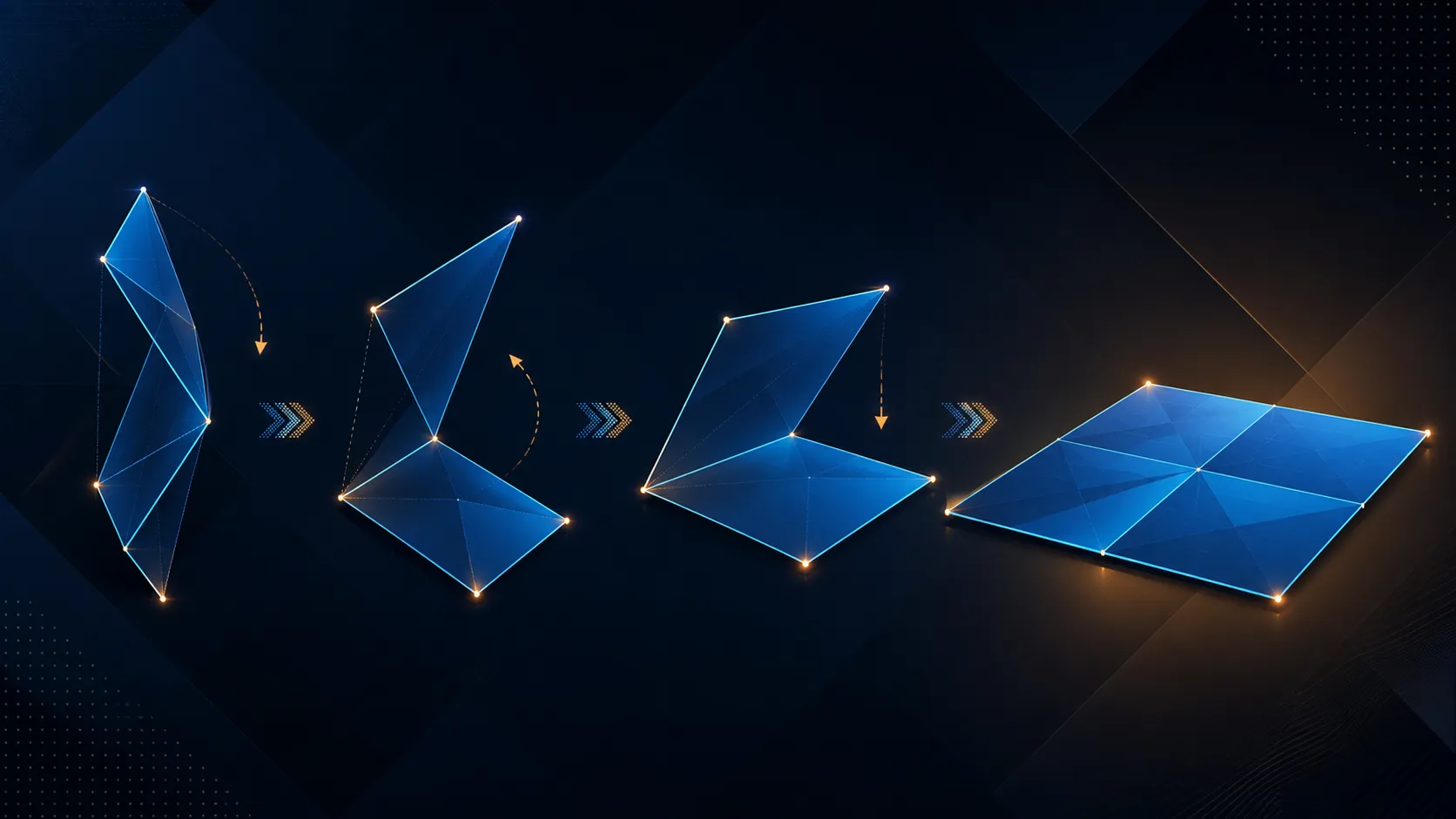
Begin with an empty, clear work surface and unfold the aluminium structure without a device attached. This makes the arm and contact areas easier to inspect.
Its folding arm covers 135 degrees. Treat that as an adjustment range and choose the position that keeps the supported device properly seated.
Yes. The rotating section provides 360-degree movement, though contact, cable slack and screen seating should be checked after each change.
The universal range runs from 7 inches to 15.6 inches. Exact device shape and connector clearance still need checking before use.
All-around anti-slip rubber adds grip at the intended contact areas. It works alongside correct placement and a suitable supporting surface.
Charging can continue with a compatible device in place. Route the lead so it does not pull on the plug or interrupt the screen's seated contact.
Ready to organise your portable display setup? Compare monitor stands and portable screens at Evetech with fit, viewing position and cable clearance already mapped.
Begin with an empty, clear work surface and unfold the aluminium structure without a device attached. This makes the arm and contact areas easier to inspect.
Its folding arm covers 135 degrees. Treat that as an adjustment range and choose the position that keeps the supported device properly seated.
Yes. The rotating section provides 360-degree movement, though contact, cable slack and screen seating should be checked after each change.
The universal range runs from 7 inches to 15.6 inches. Exact device shape and connector clearance still need checking before use.
All-around anti-slip rubber adds grip at the intended contact areas. It works alongside correct placement and a suitable supporting surface.
Charging can continue with a compatible device in place. Route the lead so it does not pull on the plug or interrupt the screen's seated contact.
1000W for RTX 5090 needs a full-build check, not a simple yes. Review GPU guidance, CPU draw, transient load, connectors, PSU quality, and upgrade plans before deciding.
Read more
RTX 5080 Super with a 750W PSU is more comfortable than lower wattage if the unit is quality. SA builders should still confirm GPU guidance, CPU draw, connector type, airflow, and upgrade room.
Read more
How to fix FPS drops after a RX 9070 XT starts with driver cleanup, chipset updates, thermals, and power checks. For SA gaming PCs, confirm PCIe seating, monitor refresh, frame caps, and per-game graphics settings before replacing parts.
Read more
How to fix low FPS Windows 11 Wi-Fi 7 issues starts by checking whether the problem is frame rate or network lag. Test ping, drivers, power settings, Ethernet, and game FPS before adjusting visuals.
Read more
AM5 is smart for SA builders because it supports newer Ryzen CPUs, DDR5 memory, and a longer upgrade path. Compare board cost, cooling, gaming needs, and local part availability before choosing your next PC platform.
Read more
AM5 gives Randburg gaming builders a longer upgrade path. For SA buyers, DDR5 support, newer board features, and future CPU options can justify the platform. Weigh board cost, cooler support, BIOS maturity, and upgrade timing before choosing.
Read more
RTX 5090 on a 550W PSU leaves almost no practical room for OC plans. Treat the setup as constrained, with CPU draw, power spikes, cable quality, thermals, and stability checks more important than chasing extra clocks.

FPS drops on a Ryzen 9 9950X3D build often have a fixable cause. Check settings, drivers, thermals, background tasks, network conditions, and bottlenecks before assuming a part must be replaced.

The difference between PCIe 5.0 and PCIe 4.0 for SA gamers is mostly bandwidth headroom. Compare GPU slot needs, NVMe speed, motherboard support, and upgrade timing before paying extra for a newer platform.

Gaming PC stuck pixel checks in South Africa should confirm the monitor fault first. Use colour tests, screenshot comparison, cable swaps, display menu checks, and clear photos before deciding on support.

AMD's current driver now lists a Radeon RX 9050 4GB, while product coverage details a narrowed memory system. SA buyers should weigh the low VRAM ceiling against current local Radeon options.

Samsung Display has demonstrated a 16-inch 2.5K OLED laptop panel running at 300Hz. SA buyers should wait for a named notebook, full panel specifications and a local price before planning an upgrade.

Microsoft says some Windows 11 game crashes after recent updates are linked to RGB-related drivers. Affected SA gamers should confirm the update and driver before using the published registry workaround.

Thermalright's Fan Frame Vision-1 adds a 640x172 status screen to a standard 120mm fan. SA builders should check clearance, USB routing and local support before treating it as an easy upgrade.
1000W for RTX 5090 needs a full-build check, not a simple yes. Review GPU guidance, CPU draw, transient load, connectors, PSU quality, and upgrade plans before deciding.

Wi-Fi 6E vs Wi-Fi 6 matters for 4K video editing when files move across a network. The real-world difference between Wi-Fi 6E and Wi-Fi 6 for video editing in 4K depends on NAS access, cloud uploads, router range, and SA creator workflows.
RTX 5080 Super with a 750W PSU is more comfortable than lower wattage if the unit is quality. SA builders should still confirm GPU guidance, CPU draw, connector type, airflow, and upgrade room.

Wi-Fi 6E vs Wi-Fi 6 for Video Editing in 4K comes down to router support, latency, client devices, band support, and home network layout. SA buyers should match the choice to their setup instead of assuming one option always wins.