Tired of buffering streams when the fibre goes down during stage four an unexpected outage? It is time to take control of your entertainment. Learning how to set up a home media server with a NAS in SA gives you instant local access. Enjoy stutter-free movies and series... with no monthly subscription fees. Let us explore how you can build your ultimate local streaming powerhouse right here in South Africa.
What is a NAS and Why Do You Need One?
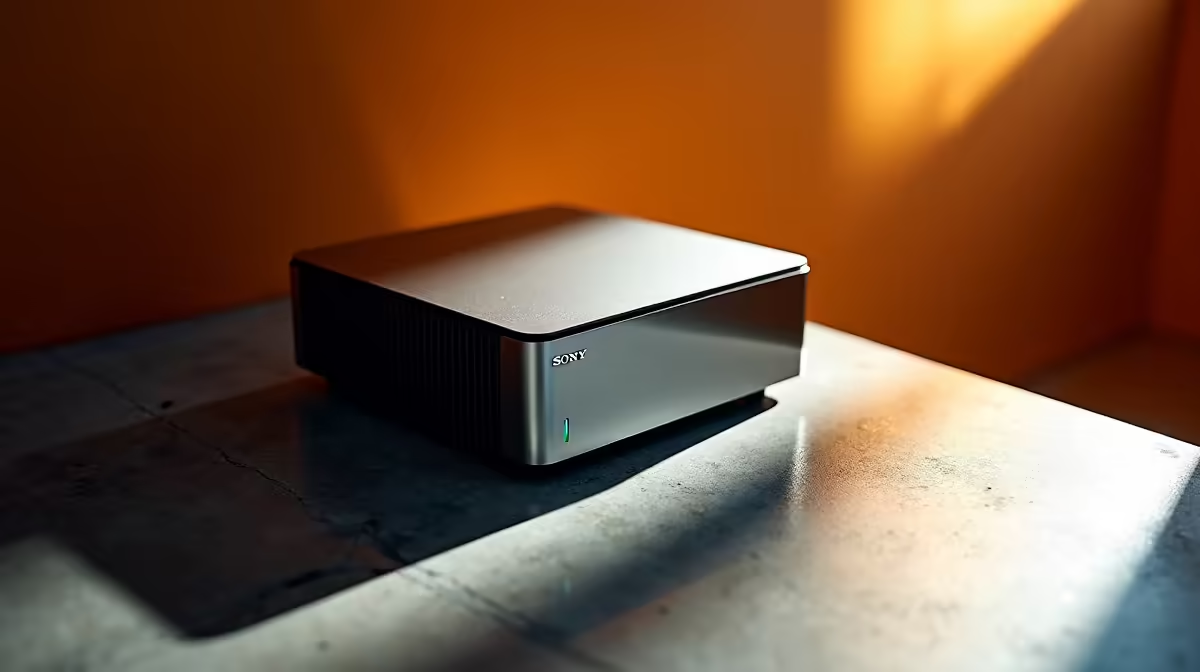
A NAS (Network Attached Storage) is essentially a mini-computer. It houses massive hard drives and connects straight to your home router. Think of it as your personal cloud storage.
Instead of filling up the precious SSD space on your powerful laptops, a NAS centralises everything. You can stream 4K movies directly to your smart TV, phone, or desktop. It keeps your digital life organised and easily accessible. Building a dedicated media library means your entertainment never stops... even when the internet drops.
Choosing the Right Hardware for Your Server 🔧
Not all NAS devices are created equal. If you want to stream high-quality 4K files, you need decent processing power. Plex and Jellyfin often require hardware transcoding to play smoothly on older TVs.
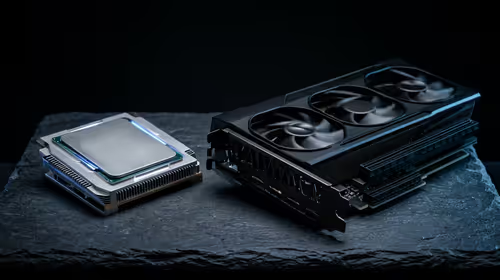
While dedicated NAS boxes are great, many SA tech enthusiasts prefer building custom servers. You can easily grab parts from our latest tech specials to build a custom rig. Adding dedicated graphics cards to a custom server handles heavy video transcoding flawlessly.
Understanding RAID configurations is also vital for data protection. Setting your drives in a RAID 1 array mirrors your data perfectly. If one hard drive fails, you do not lose your precious family photos or series collection.
Storage Pro Tip ⚡
Always use NAS-rated hard drives like WD Red or Seagate IronWolf. Standard desktop drives are not built to spin 24 7 and will fail much faster in a server environment.
How to Set Up a Home Media Server With a NAS in SA
Ready to get started? First, connect your NAS directly to your router using a high-quality Ethernet cable. Wi-Fi is too unstable for a primary server connection.
Next, install your preferred media software. Plex is the most popular choice for its beautiful interface and automatic metadata scraping. Once installed, point the software to your movie folders. The setup process is surprisingly simple.
If building a custom server feels overwhelming, you have other options. You can repurpose a machine from our pre-built PC deals as a robust Windows-based media server.
Even machines found in our gaming PC deals offer incredible multi-core processors. These powerful CPUs are perfect for serving heavy media files to multiple users simultaneously.
Optimising for the South African Home 🚀
Power cuts are a harsh reality in South Africa. Sudden power loss can corrupt your NAS hard drives and destroy terabytes of data.
Always plug your NAS into a reliable UPS. A small 600W UPS costs around R1000 and gives your server enough time to shut down safely. This small ZAR investment saves massive headaches later.
Finally, ensure your home network switch supports Gigabit speeds. Streaming untouched Blu-ray rips requires serious bandwidth to prevent stuttering.
Ready to Build Your Dream Setup?
Whether you need parts for a custom home server or a powerful new daily driver, Evetech has you covered. Explore our massive range of tech specials and find the perfect hardware to upgrade your digital lifestyle today.