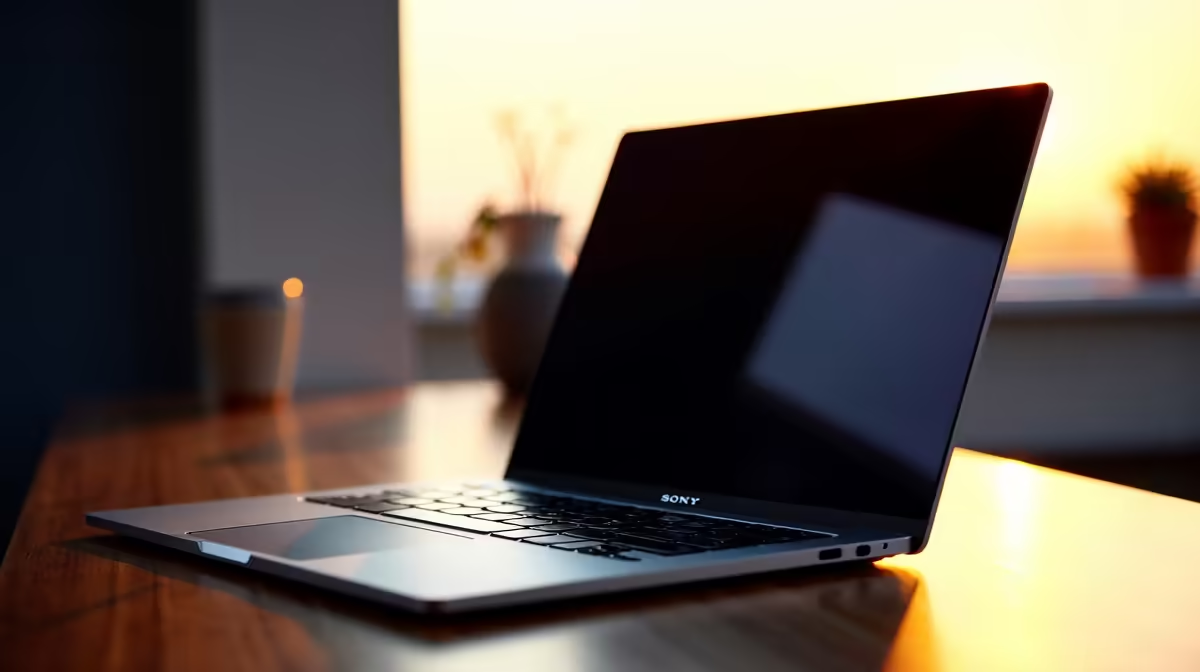
There is nothing quite like the sleek feel of fresh aluminium. If you just dropped a chunk of ZAR on an Apple machine, you want it running perfectly. Perhaps it is a daily driver for the office. Maybe it is a secondary machine alongside your main gaming rig. Knowing how to set up a new MacBook is crucial. You need a first 24 hours complete guide to get started. Let us dive into the ultimate setup checklist.
Essential Steps to Set Up a New MacBook 🚀
When you first open the lid, macOS guides you through the absolute basics. Connect to your local Wi-Fi network. Sign in with your Apple ID to sync your iCloud data. Are you migrating from an older Apple machine? The built-in Migration Assistant is a brilliant tool. It moves your files and preferences seamlessly over your network.
However, many power users prefer a clean slate. This helps avoid carrying over old digital clutter. Still weighing your options before spending your hard-earned ZAR? Explore the vast range of notebooks for sale in South Africa. This helps you decide if macOS or Windows is your true calling.
Optimise Your First 24 Hours Complete Guide Settings ⚡
Once you hit the desktop, it is time to tweak the system preferences. Head straight to System Settings to adjust your trackpad speed. Turn on 'Tap to click' immediately for a smoother navigation experience. Next, you should optimise your battery settings. Apple Silicon chips are incredibly power-efficient. Turning on the 'Optimised Battery Charging' feature is smart. It ensures your battery stays healthy over the years.
You should also enable Dark Mode. This reduces eye strain during late-night work sessions. MacBooks are phenomenal for productivity and creative tasks. They are not always the first choice for hardcore gamers. Want to push high frame rates after hours? You should look at the best gaming PC deals available right now. Alternatively, grab one of our incredible pre-built PC deals. This keeps your professional work and gaming lives completely separate.
Mac Productivity Tip ✨
Use Spotlight Search by pressing Command + Space. It is the absolute fastest way to open apps. You can do quick ZAR currency conversions or find local files without ever lifting your hands off the keyboard.
Expanding Your Setup and Customisation 🔧
Your first day is all about making the machine feel like your own. Download your essential daily apps like Chrome or Spotify. Install the Adobe Creative Cloud suite if needed. Creative professionals will immediately appreciate the stunning colour accuracy. The Retina display is truly a sight to behold. You might also want to set up Hot Corners. This gives quick access to your desktop or screen saver.
Of course, a sleek laptop alone might not satisfy every tech craving. Keep a close eye on our weekly tech specials. You can upgrade your home office setup with external monitors. Do you quickly realise you still need raw rendering power? Heavy 3D workloads require serious hardware. Browse our premium range of graphics cards. This will supercharge your desktop workstation.
Ready to Find Your Perfect Match?
The Mac vs Windows debate is complex, but for maximum power, choice, and value in South Africa, Windows is hard to beat. Explore our massive range of laptop specials and find the perfect machine to conquer your world.