Using a 135 degree folding arm with a portable display starts with understanding what the arm controls. On the UPERFECT UStand, it changes the supported position; the separate rotating section handles orientation. Treating those adjustments as different tasks makes the setup easier to refine.
Quick Answer
The UStand's aluminium arm folds through 135 degrees, lowering or raising a supported screen while its 360-degree head handles orientation.
At R399, the UStand gives a compatible 7-15.6-inch display a 135-degree folding-arm range plus 360-degree rotation. Select the arm position while the cable is clear, seat the screen against the anti-slip rubber and use rotation only after its supporting angle is established.
📐 Understand the Arm's Job
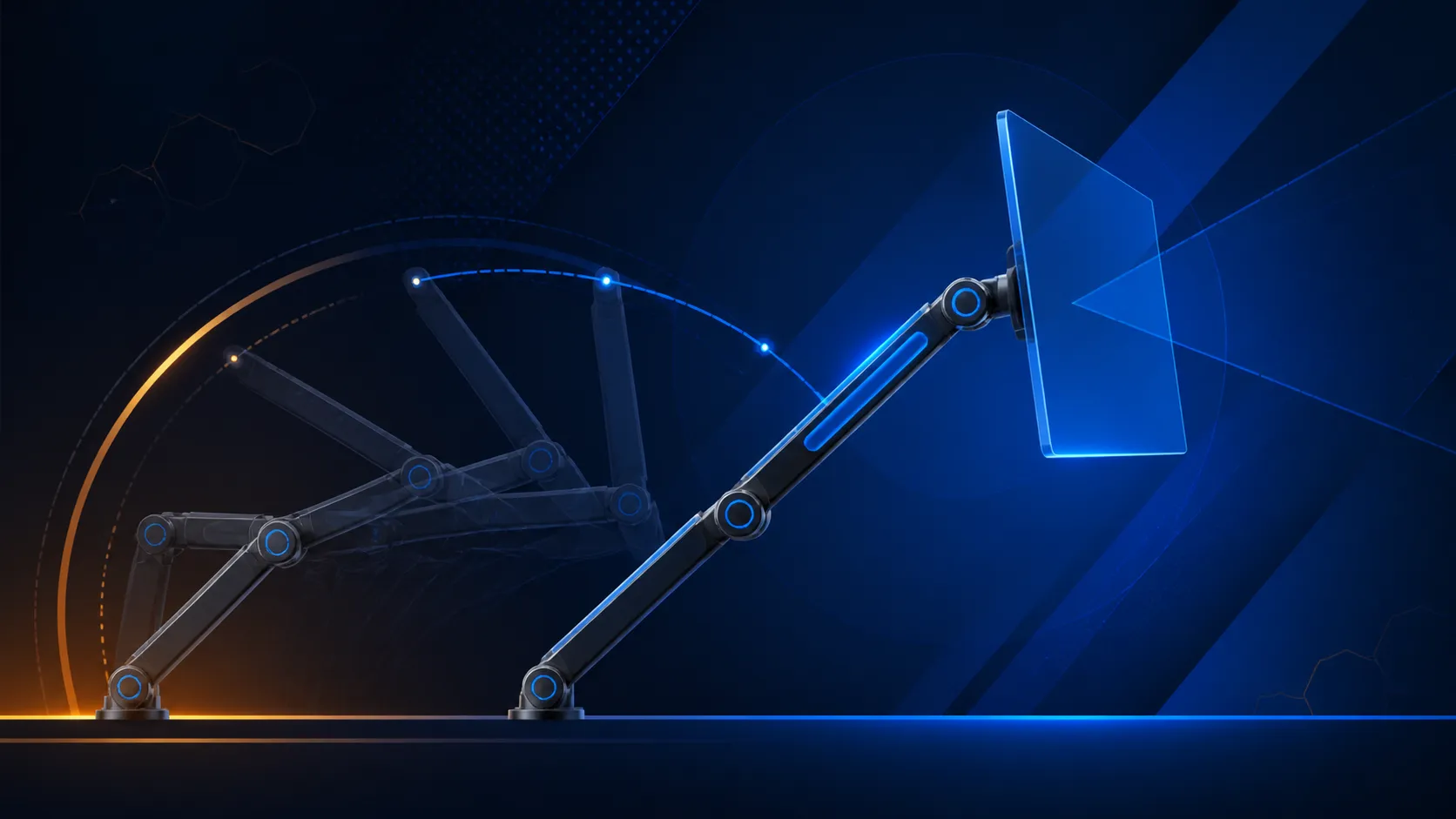
The folding arm changes how the mounted device is positioned relative to the base. It can open through 135 degrees, offering a range rather than a prescribed angle. Begin with a conservative position and adjust only after viewing the screen from the intended seat.
Do not confuse arm travel with screen rotation. Tilting or raising the supported position and changing content orientation solve different problems. The UStand's 360-degree section can be used after the arm has produced a workable relationship between screen and surface.
Heavy-duty aluminium forms the structure, while all-around anti-slip rubber covers the intended contact areas. Check exact load capacity, VESA mounting and long-term durability separately when they matter to the setup.
🖥️ Match and Mount the Screen
Check that the portable display measures between 7 and 15.6 inches diagonally. Then inspect its depth, body shape, connector position and controls before placing it. A size-span match is necessary, but it is not a substitute for examining actual seating.
Set the unloaded arm, lower the display squarely and confirm that its body rests on the intended rubber areas. Avoid forcing a port, button or cable against the support. If the screen sits off-centre, remove it and revisit the arm rather than twisting the loaded device into place.
Compare possible screens through Evetech's portable monitor selection, checking the chosen model's physical layout against the stand.
🎯 Refine the Viewing Position
Open the task you plan to perform and look at the display from normal working distance. Move the 135-degree arm by a small amount, reseat if needed and reassess. A sequence of modest changes is more informative than moving immediately from one extreme to another.
When the supported position feels useful, try the rotational function. Leave clear space around the screen and stop before it approaches another monitor, wall or desk item. Reconfirm rubber contact after changing orientation because the device's relationship to gravity and its cable may have shifted.
The correct angle depends on the room, desk, chair and task. The adjustment range creates options without promising a universal viewing result.
🔋 Keep Charging Practical
The device may remain on charge while mounted. Plan its cable after the initial arm choice, allowing slack that follows the route without tugging on the connector. Keep the lead outside the hinge and away from areas needed for grip.
If the arm must move during use, support the screen, observe the lead and stop if tension appears. Mounted charging does not mean the stand supplies power; the display still relies on its own compatible cable and source.
Find supporting items among Evetech monitor accessories, verifying connector requirements rather than treating accessory labels as universal. Remove the screen and disconnect power before folding the UStand flat.
Use the folding range to bring a tablet or portable display closer to the normal sightline, then verify that the anti-tip base remains fully planted. Devices from 7 to 15.6 inches and 5.9 to 9.56 inches wide fit the holder. Cable-routing holes preserve charging while mounted, so the arm adjustment does not need to be undone simply to reconnect power or video.
Frequently Asked Questions
What adjustment range does the folding arm offer?
The arm travels through 135 degrees. That range lets the user test several supported positions without dictating one correct setting.
How should the arm angle be selected?
Choose it from the actual viewing task and available desk space, making small changes and confirming device contact after each one.
Can orientation change without resetting the arm?
Yes. A separate 360-degree section rotates the screen, so orientation can be altered after a suitable arm position is found.
What sizes can be used with the arm?
Displays from 7 inches through 15.6 inches fall within the universal range, subject to an exact fit and connector-clearance check.
How does the stand address surface grip?
All-around anti-slip rubber provides contact at the intended areas. Clean placement and correct seating remain necessary parts of use.
Can power remain connected during arm adjustment?
Mounted charging is supported, though the lead needs enough slack and must stay clear of the hinge, rubber and other contact points.
Planning a more adaptable portable screen position?
Compare folding monitor stands at Evetech with your display dimensions, connector side and working angle noted in advance.