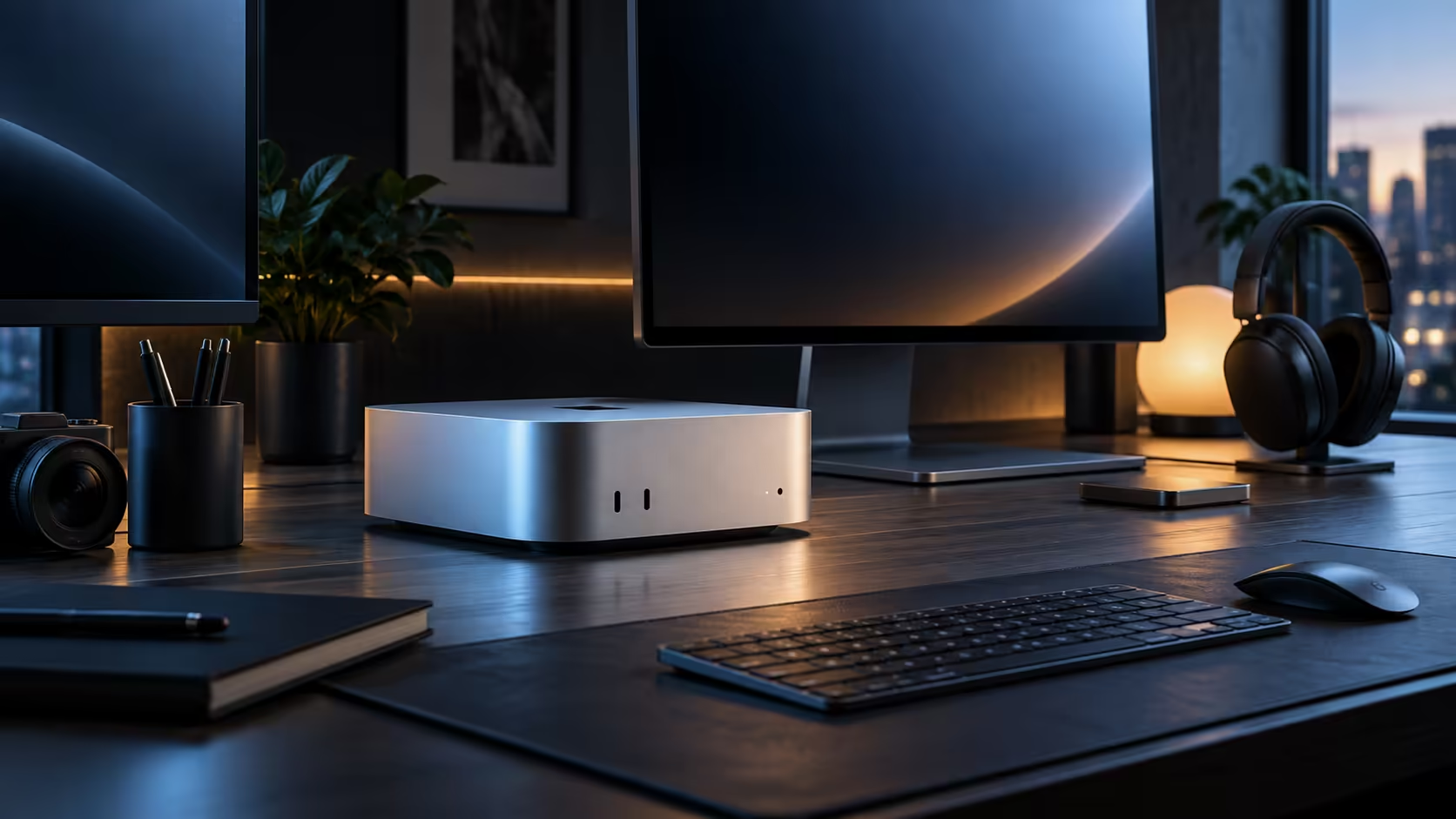
A 512GB drive on a compact desktop rarely gets threatened by documents or photos. It is applications, game installs and downloaded AI models, each individually unremarkable, that quietly add up until the drive is suddenly nearly full.
Quick Answer
Yes, for typical office use, browsing and a moderate photo collection, the 512GB drive on a R21,699 compact desktop lasts for years without any real management. The three things that actually eat into it are large applications, installed games and downloaded AI models, none of which show up as an obvious single culprit the way a video folder would.
📦 Applications add up more than people expect
A handful of professional creative applications, a couple of development tools and the usual browsers and utilities can together claim 40GB or 50GB without any single one of them looking large on its own. Periodically checking which installed apps you have not opened in 3 or 4 months, and removing them, recovers real space with zero downside.
🎮 Games are the single biggest per-item cost
A modern game install can run to 50GB or more on its own, so three or four titles kept installed at once is a meaningful chunk of a 512GB drive gone before anything else is considered. Uninstalling titles you have finished, rather than keeping an ever-growing library "just in case," is the single most effective habit for anyone who games on this kind of machine.
🤖 Downloaded AI models are the newest culprit
A local AI model can run from a few gigabytes to well over 20GB depending on its size, and it is easy to accumulate several before realising how much space they collectively hold. Delete models you have not used in a month rather than letting a growing collection sit untouched.
🧮 A quick way to see what is actually using your space
Check storage usage by category in System Settings, under General, then Storage, rather than guessing. This breaks usage down by applications, documents, and system files, and it usually reveals the actual culprit within seconds rather than requiring a manual folder-by-folder search.
Frequently Asked Questions
Do applications really use more space than documents for most people?
For anyone running a handful of creative or development tools, yes, often considerably more than years of documents and photos combined.
Should I uninstall a game the moment I finish it?
Generally yes, unless you plan to replay it soon; a 50GB-plus install sitting unused is the fastest single way to lose meaningful storage.
Is there a quick built-in way to see what is using my storage?
Yes, System Settings, under General, then Storage, breaks usage down by category and usually reveals the real culprit within seconds.
Should I add external storage instead of managing the internal drive?
For a genuinely heavy user, yes; browse external hard drives or an SSD once management alone stops being enough. The wider mini PC range faces the same 512GB question, so the same habits apply regardless of which compact desktop you own.
Ready to see what is actually filling your compact desktop's storage?
Check the built-in storage breakdown before assuming you need a bigger drive.