



1000W PSU Planning for RTX 5090 Builds in SA
1000W for RTX 5090 needs a full-build check, not a simple yes. Review GPU guidance, CPU draw, transient load, connectors, PSU quality, and upgrade plans before deciding.
Read moreSmart cable management is worth it when leads remain clear through desk-height changes and daily use. For an A4 Pro setup, plan routes around precision height adjustment and the 15W charging pad, then choose external cable organisers that fit the actual equipment.
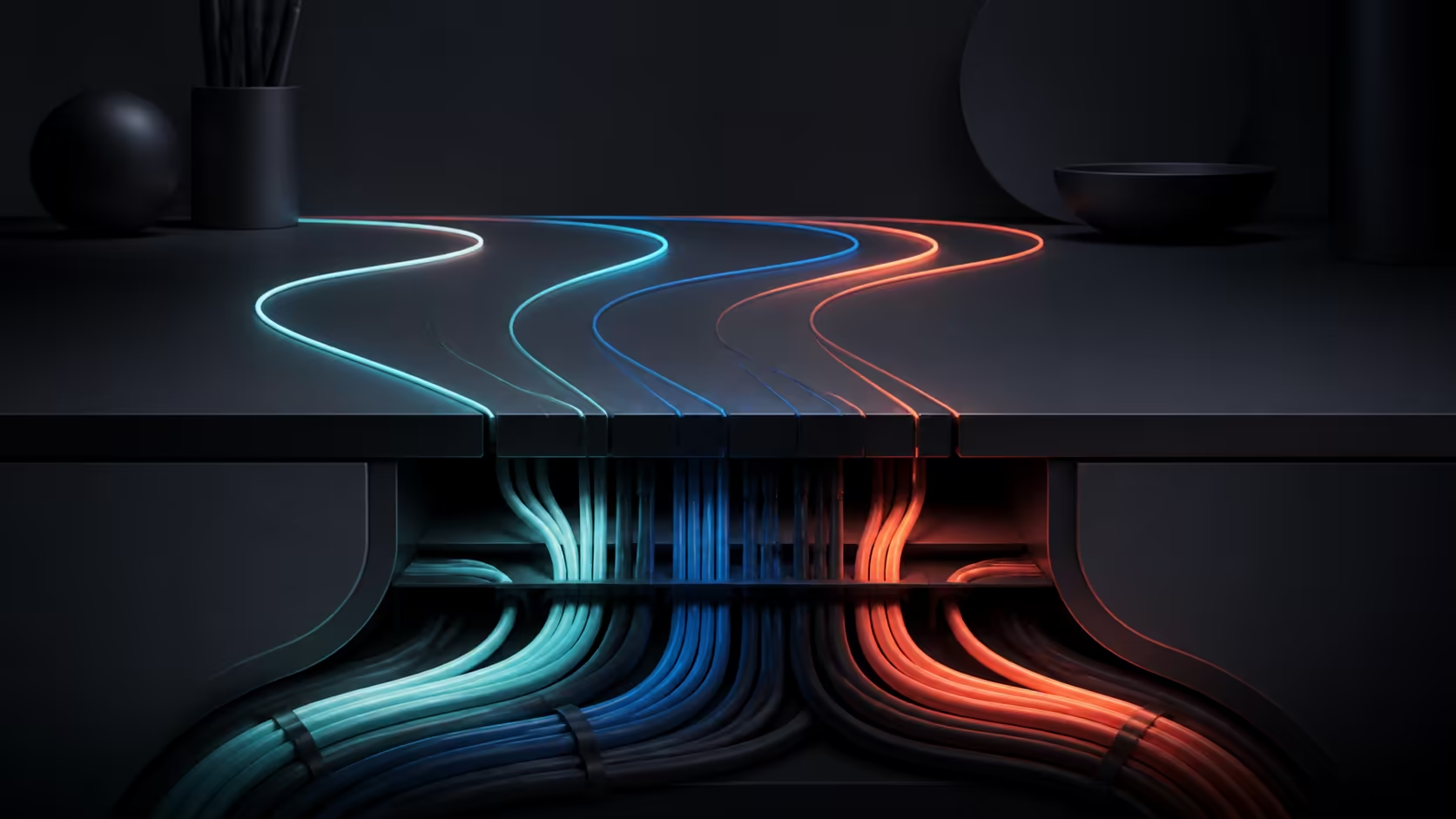
Clean wiring is worthwhile when it survives every desk position without blocking equipment or becoming hard to service. The A4 Pro's smart gaming desk cable management uses dedicated routes and concealed pathways to keep leads controlled as the surface moves.
Yes. The A4 Pro has dedicated routing channels and concealed cable pathways that reduce visible clutter while keeping power and peripheral lines easier to maintain.
Cable management earns its place when power and signal paths remain controlled during ordinary position changes. The A4 Pro supplies built-in routing, and its 15W charging zone can remove one loose phone lead. Size any extra clips or sleeves to the remaining bundle.
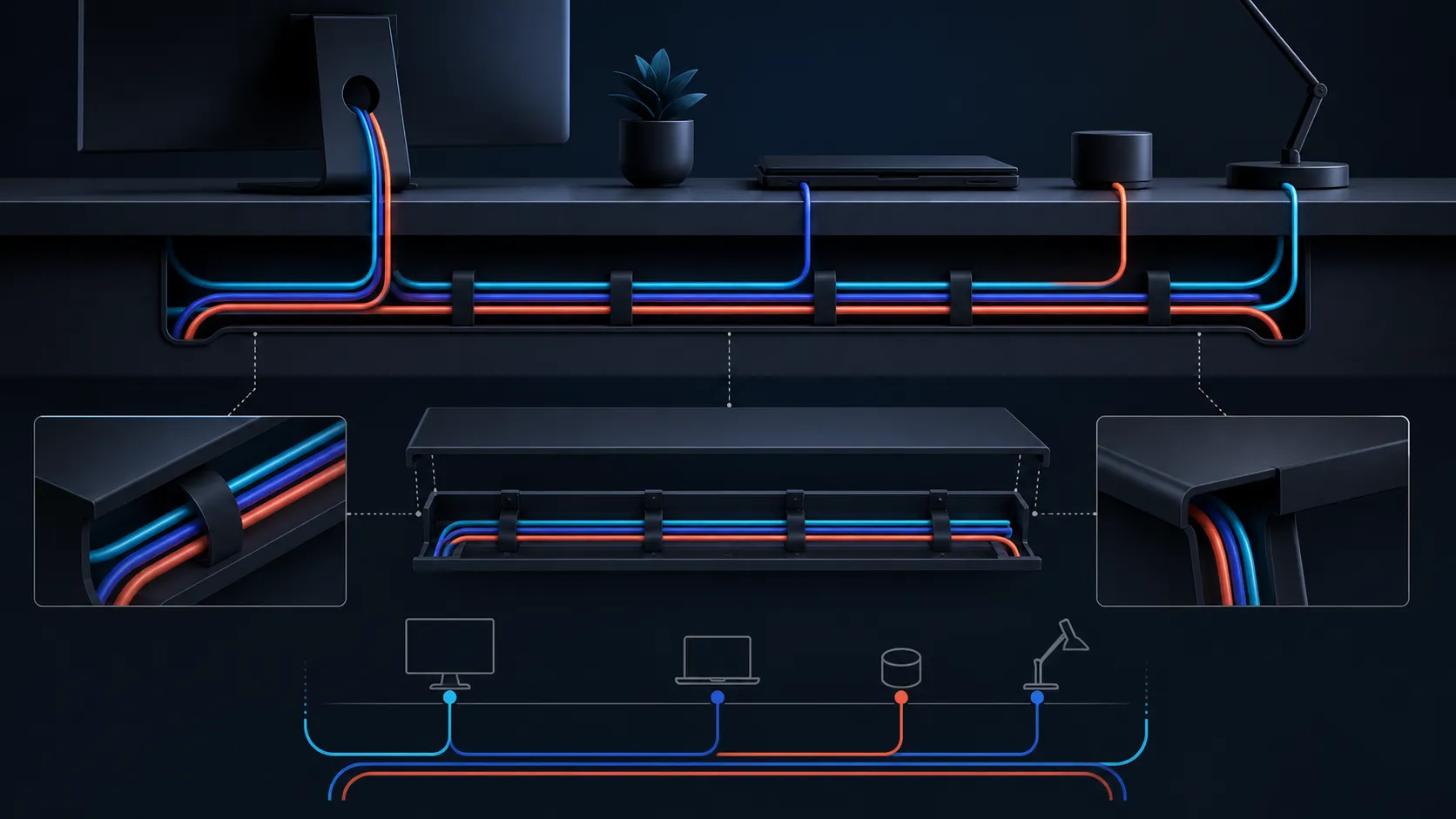
Trace power first, then display, audio, network and peripheral connections from end to end. Distinguish worktop-travelling cables from links attached to floor or wall equipment. The resulting diagram shows route direction, quantity and bundle thickness.
Do not buy a tray on appearance alone. Measure the real bundle and note large adapters or plugs that require extra space. Evetech's gaming desk category can frame the furniture choice while routing hardware remains a setup-specific decision.
Place the desk at each intended working height and watch every connection. Leads need enough freedom for movement without hanging into feet, pulling on ports or catching nearby objects. Keep wall connections and movable desktop equipment clearly separated in the plan.
The A4 Pro offers precision adjustment, but its exact travel range is not needed to perform this test. Use the real positions after setup. An integrated wireless pad may remove a phone lead for a compatible device; it cannot eliminate the computer, display and peripheral cables.
Use clips where a single lead needs guidance, sleeves where related cables share a path, and a suitably sized external tray when adapters or excess length require support. Confirm each organiser's attachment and fit with the actual desk before installation.
Small-item storage is a separate problem. On the A4 Pro, a drink and headset shift into their respective holders, leaving the desk-wide mousepad as the primary input zone. Evetech's gaming accessories range can supply further planning context.
Label both ends of similar leads and keep removable connections reachable. After routing, move the desk through the positions used in practice while watching plugs, adapters and loops. Change one route at a time if a cable tightens or drags.
At R10,399, assess the A4 Pro on its integrated cable routes, 125kg capacity, adjustment, solid-wood desktop, charging pad and holders. The concealed pathways answer the organisation question without requiring a separate under-desk tray.
Raise the surface from 710mm to 1170mm while watching every connection. Leave enough service slack for the full travel, keep plugs clear of the motor frame and reserve the charging area for a compatible handset. That test turns the built-in system into a working cable plan.
Photograph or sketch the finished routes before changing equipment. That record makes it easier to identify which new lead displaced an existing one and where extra organiser space is required. It also discourages forcing an adapter into a route designed for thinner signal cables.
Review the system after a week of real use. A path that looked tidy on assembly day may place a removable plug out of reach or allow a loop to drift. A small route correction is preferable to hiding every connection permanently.
Plan separate routes for mains power, monitor signals and frequently moved desk peripherals, leaving enough slack for the full 710-to-1170mm lift. The integrated 15W wireless charger removes another phone lead, while the headset stand and cup holder keep accessories away from the cable zone. After every height change, inspect the lowest point and maximum extension so organisation never becomes strain on a connector.
It is worthwhile when organised routes protect access, stay clear during height changes and make individual connections easier to identify.
Do not assume a built-in compartment. Size any external solution to the measured cable bundle and its plugs.
Precision height adjustment means desktop leads must be checked at every position the owner expects to use.
No. The 15W pad can replace one compatible device's charging lead, while the wider setup still contains wired equipment.
One fixture takes the drink and another carries the headset, relocating both from the central mouse area.
Begin with an endpoint-to-endpoint cable inventory, then measure the bundle and test routes before selecting clips, sleeves or trays.
Ready to route a moving desk without guesswork? Explore Evetech's desk and accessory ranges after mapping every plug, lead, adapter and height-dependent path in your setup.
It is worthwhile when organised routes protect access, stay clear during height changes and make individual connections easier to identify.
Do not assume a built-in compartment. Size any external solution to the measured cable bundle and its plugs.
Precision height adjustment means desktop leads must be checked at every position the owner expects to use.
No. The 15W pad can replace one compatible device's charging lead, while the wider setup still contains wired equipment.
One fixture takes the drink and another carries the headset, relocating both from the central mouse area.
Begin with an endpoint-to-endpoint cable inventory, then measure the bundle and test routes before selecting clips, sleeves or trays.
1000W for RTX 5090 needs a full-build check, not a simple yes. Review GPU guidance, CPU draw, transient load, connectors, PSU quality, and upgrade plans before deciding.
Read more
RTX 5080 Super with a 750W PSU is more comfortable than lower wattage if the unit is quality. SA builders should still confirm GPU guidance, CPU draw, connector type, airflow, and upgrade room.
Read more
How to fix FPS drops after a RX 9070 XT starts with driver cleanup, chipset updates, thermals, and power checks. For SA gaming PCs, confirm PCIe seating, monitor refresh, frame caps, and per-game graphics settings before replacing parts.
Read more
How to fix low FPS Windows 11 Wi-Fi 7 issues starts by checking whether the problem is frame rate or network lag. Test ping, drivers, power settings, Ethernet, and game FPS before adjusting visuals.
Read more
AM5 is smart for SA builders because it supports newer Ryzen CPUs, DDR5 memory, and a longer upgrade path. Compare board cost, cooling, gaming needs, and local part availability before choosing your next PC platform.
Read more
AM5 gives Randburg gaming builders a longer upgrade path. For SA buyers, DDR5 support, newer board features, and future CPU options can justify the platform. Weigh board cost, cooler support, BIOS maturity, and upgrade timing before choosing.
Read more
RTX 5090 on a 550W PSU leaves almost no practical room for OC plans. Treat the setup as constrained, with CPU draw, power spikes, cable quality, thermals, and stability checks more important than chasing extra clocks.

FPS drops on a Ryzen 9 9950X3D build often have a fixable cause. Check settings, drivers, thermals, background tasks, network conditions, and bottlenecks before assuming a part must be replaced.

The difference between PCIe 5.0 and PCIe 4.0 for SA gamers is mostly bandwidth headroom. Compare GPU slot needs, NVMe speed, motherboard support, and upgrade timing before paying extra for a newer platform.

Gaming PC stuck pixel checks in South Africa should confirm the monitor fault first. Use colour tests, screenshot comparison, cable swaps, display menu checks, and clear photos before deciding on support.

AMD's current driver now lists a Radeon RX 9050 4GB, while product coverage details a narrowed memory system. SA buyers should weigh the low VRAM ceiling against current local Radeon options.

Samsung Display has demonstrated a 16-inch 2.5K OLED laptop panel running at 300Hz. SA buyers should wait for a named notebook, full panel specifications and a local price before planning an upgrade.

Microsoft says some Windows 11 game crashes after recent updates are linked to RGB-related drivers. Affected SA gamers should confirm the update and driver before using the published registry workaround.

Thermalright's Fan Frame Vision-1 adds a 640x172 status screen to a standard 120mm fan. SA builders should check clearance, USB routing and local support before treating it as an easy upgrade.
1000W for RTX 5090 needs a full-build check, not a simple yes. Review GPU guidance, CPU draw, transient load, connectors, PSU quality, and upgrade plans before deciding.

Wi-Fi 6E vs Wi-Fi 6 matters for 4K video editing when files move across a network. The real-world difference between Wi-Fi 6E and Wi-Fi 6 for video editing in 4K depends on NAS access, cloud uploads, router range, and SA creator workflows.
RTX 5080 Super with a 750W PSU is more comfortable than lower wattage if the unit is quality. SA builders should still confirm GPU guidance, CPU draw, connector type, airflow, and upgrade room.

Wi-Fi 6E vs Wi-Fi 6 for Video Editing in 4K comes down to router support, latency, client devices, band support, and home network layout. SA buyers should match the choice to their setup instead of assuming one option always wins.