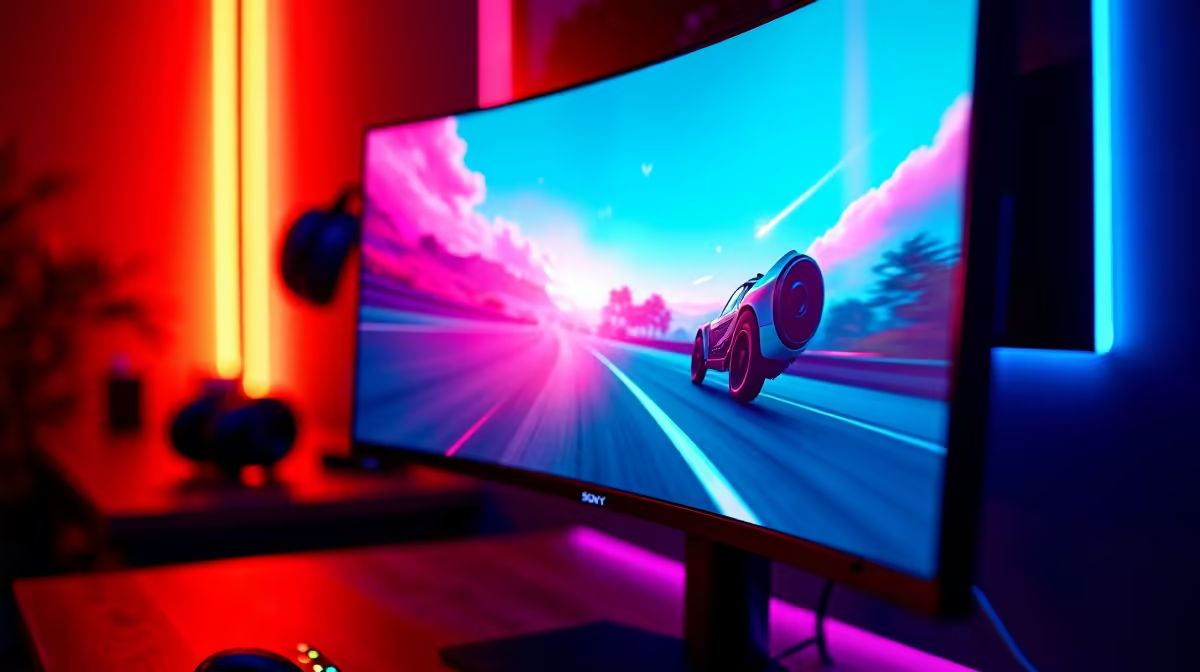
OLED panels look spectacular, but for SA buyers they are not always the smartest first spend on a build.
Quick Answer
Buy the OLED panel now only if you game mostly single-player or watch content and can keep it on a stable desk; for a LAN party rig you carry to a mate's place, a fast IPS at 165Hz around R4,500 to R7,000 makes more sense first. A 27-inch 1440p OLED at 240Hz starts near R12,500 in SA, and you need an RTX 4070-class GPU or better to feed it.
What OLED actually buys you
Per-pixel contrast and near-instant 0.03ms response are real, measurable wins for dark scenes in games like Cyberpunk 2077 or Elden Ring. The catch is brightness: most QD-OLED panels hold around 250 nits full-screen, so a desk facing a sunny window in Joburg or Cape Town can wash out highlights.
OLED also asks for habits: enable pixel-shift, hide static taskbars, and budget for the panel-refresh cycle that runs after a few hours. None of that is hard, but it matters for a LAN party rig you carry to a mate's place where the screen is on all day.
The cheaper panel that often wins
A 1440p IPS at 165Hz to 180Hz, roughly R4,500 to R7,500, gives you 90 percent of the gaming feel with full daytime brightness near 350 nits and zero burn-in worry. Pair it with a GPU like the RX 9060 XT or RTX 4060 Ti and you hit 100+ fps at 1440p in most titles.
Spend the OLED premium only once the rest of the build is sorted: GPU, a 750W PSU, and fast storage. A great panel in front of a weak GPU just shows you a smoother slideshow.
FAQ
Is an OLED monitor worth it in South Africa right now?
Only if you mostly play single-player or watch media and keep it on a fixed desk. A 1440p 240Hz OLED runs about R12,500 and up, while a fast IPS at half that handles competitive play just as well in bright SA rooms.
What GPU do I need to drive a 1440p OLED?
Aim for an RTX 4070 or RX 9060 XT class card at minimum to push 100+ fps at 1440p. Anything weaker leaves the panel's 240Hz refresh unused for most modern titles.
Does OLED burn-in still happen?
Modern QD-OLED panels include pixel-shift and auto-refresh routines that make burn-in unlikely for mixed gaming use. Static UI elements left on screen for hours daily are the only real risk, so hide fixed taskbars and HUDs.
the OLED premium, confirm your GPU clears 100fps at 1440p in your main game and that your desk light won't wash out a 250-nit full-screen panel.
Compare OLED and high-refresh IPS gaming monitors stocked at Evetech and match the panel to your GPU and room lighting.