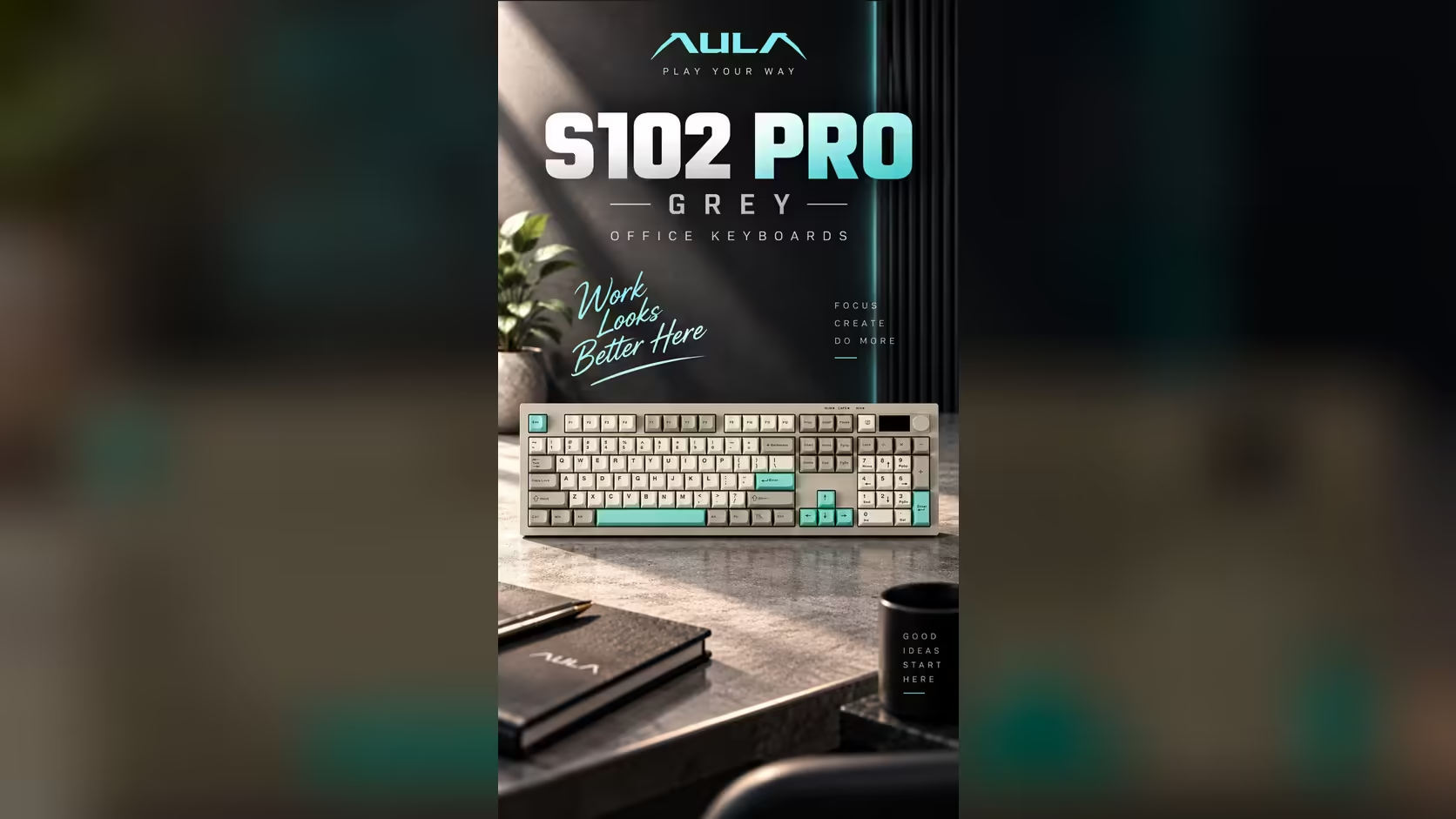
Working straight off a laptop forces a bad compromise. If the keyboard is at a comfortable height, the screen is too low and your head tilts down all day. Raise the screen and the keyboard rises with it, putting your wrists and shoulders at an awkward angle. The fix is to separate the two: put the laptop on a stand and use an external board in front of it. A full-size option like the S102 PRO turns that into a proper laptop stand home office setup rather than a temporary workaround.
Quick Answer
Put your laptop on a stand at eye level and type on the AULA S102 PRO, and your neck stops bending down all day. The full-size board adds a real number pad and three typing angles, and it connects by 2.4GHz, Bluetooth or USB-C. Because AULA wants it charged from a computer, the laptop itself can refill it. Cover is a 1 Year Local Warranty through Evetech, where it sells for R299.
🧍 Why a laptop alone strains your neck
A laptop's screen and keyboard are joined, so one of them is always in the wrong place. With the laptop flat on a desk, the top of the screen sits well below eye level, and most people tilt their head forward to see it. The head is heavy, and holding it forward for hours loads the neck and upper back.
The general ergonomic advice is simple: raise the screen so its top edge is roughly at or slightly below eye level, and keep the keyboard low enough that your elbows rest near your sides with forearms roughly level. A laptop stand takes care of the screen. An external keyboard takes care of your arms.
🖥️ Setting up the S102 PRO in front of a raised laptop
Where the keyboard goes
Place the S102 PRO directly in front of you, centred on the main typing area rather than on the whole board, so your hands rest over the letters. On a full-size keyboard, the number pad sits to the right; your mouse goes beyond it.
The S102 PRO has three typing angles from its kickstands, and sits 2cm high at the front when flat. Start flat, which suits many typists, and try the other angles if you find yourself looking down at the keys.
Wireless or cable to the laptop
The board gives you three options:
- 2.4GHz wireless, using its receiver.
- Bluetooth, which pairs with up to two devices and needs no receiver at all.
- A USB lead, supplied, with USB-A at the computer end.
For a laptop with few free ports, Bluetooth is the tidiest choice. A glance at the keyboard's little TFT panel tells you which link it is using and how much charge remains.
🔋 Charging, Macs and small desks
Charging from the laptop
According to AULA, top the S102 PRO up from a computer, because USB wall chargers are not supported. In a laptop-stand setup that works in your favour: connect the cable to the laptop when the screen shows the battery getting low.
Mac laptops on a stand
The keyboard switches to Mac mode with Fn + S and back to Windows with Fn + A, so a MacBook on a stand works just as well.
Does full-size fit a small desk?
A full-size board is wider than a compact one, so measure your desk if space is tight. The payoff is the dedicated number pad and full function row, which matter for spreadsheets and documents. The volume knob is a bonus for calls and music during the workday.
The S102 PRO is listed with Evetech's office keyboards. Want a keyboard and mouse bought together for the same desk instead? The keyboard and mouse bundles section has those. Pricing is on the product page.
Frequently Asked Questions
Why does working on a laptop hurt my neck?
The screen sits low, so you tilt your head forward for hours. Raising the screen and using an external keyboard fixes that.
Should I use the receiver, Bluetooth or the cable?
Bluetooth saves a port on the laptop. The receiver and the cable are there when you prefer them.
Is a full-size board too big for a home desk?
It is wider than a compact board, but it gives you a number pad and function row. Measure the desk beforehand if space is tight.
Can I charge it from the laptop?
Yes, that is exactly what AULA recommends: a computer's port rather than a plug-in wall charger.
Where should the keyboard sit relative to the screen?
Directly in front of you, low enough that your elbows rest near your sides, with the raised screen behind it.
Setting up a healthier home office?
Explore Evetech's office keyboard range and pair the S102 PRO with your laptop stand.