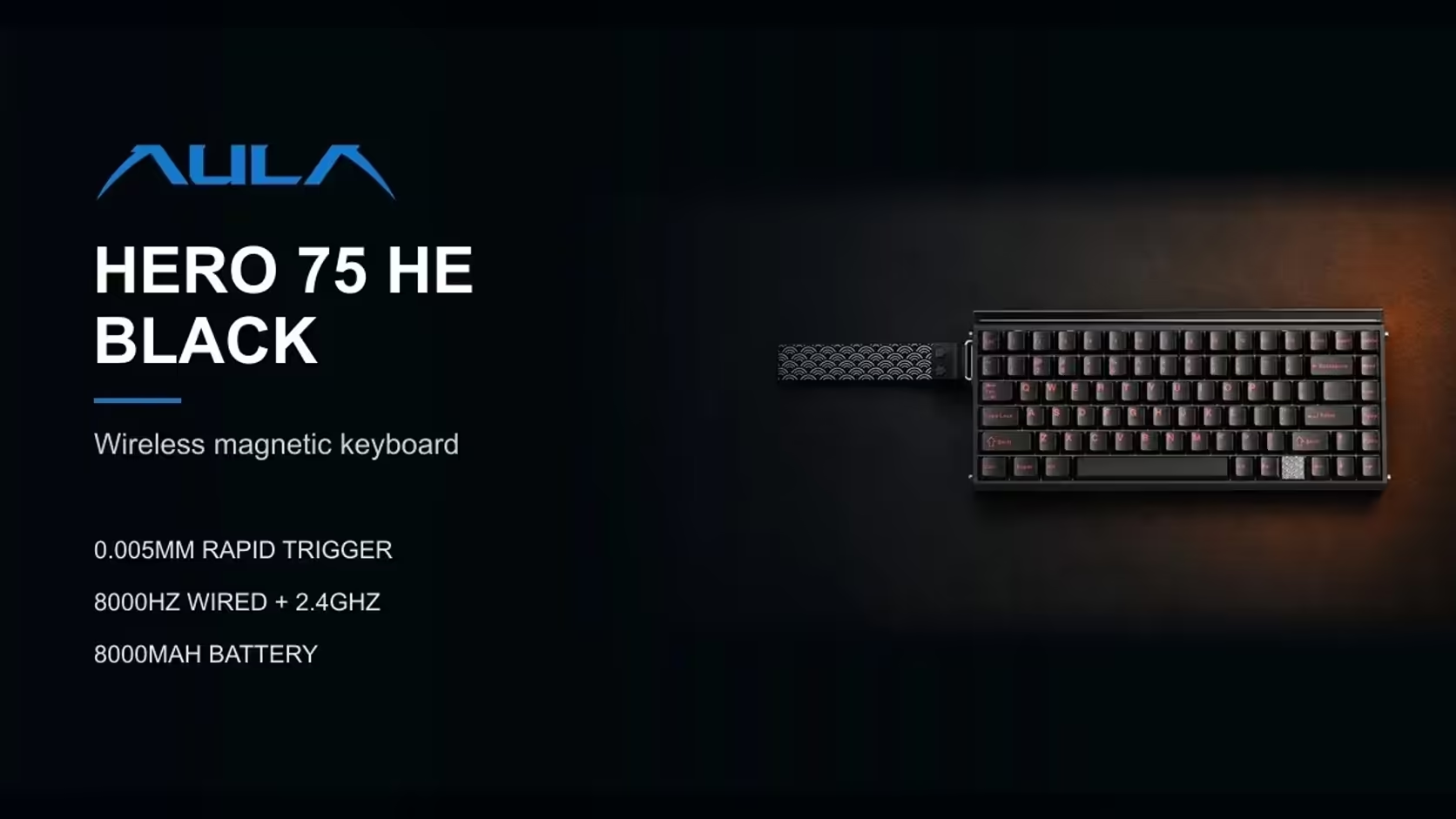
Open the Wi-Fi list on your phone in a block of flats and you might see twenty networks or more. Every one of them is shouting into the same slice of radio spectrum that many wireless keyboards use. So it is a fair question whether the AULA HERO 75 HE's receiver can keep a steady link in that noise. 2.4GHz keyboard interference is real, but it is manageable, and the HERO gives you a fallback that sidesteps it entirely.
Quick Answer
The AULA HERO 75 HE's 2.4GHz receiver can hold steady in a busy Wi-Fi area if it sits close to the keyboard with a clear path. Moving your own router and devices to 5GHz frees space in the crowded band. If a flat or office stays congested, the USB-C cable keeps the board at the same 8000Hz with no radio involved. The HERO 75 HE retails at Evetech for R899.
📻 Why Wi-Fi and keyboards share a problem
The 2.4GHz band is a shared public space. Home Wi-Fi uses it, older routers default to it, and so do many wireless mice, headsets, game controllers and smart-home gadgets. Devices on the same band take turns and occasionally talk over each other.
A keyboard receiver has an advantage here: it is usually very close to the keyboard, often under a metre away, while Wi-Fi signals from neighbours have travelled through walls. A strong, close signal tends to win over weak, distant ones. Problems start when the receiver is far away, blocked by a metal PC case, or surrounded by other busy radios.
🔧 Clearing the air around the HERO
A few changes go a long way, starting with the ones you control:
- Move your own traffic to 5GHz. If your router offers both bands, put phones, laptops and TVs on 5GHz. That leaves more of 2.4GHz for the keyboard.
- Shorten the gap. Plug the receiver into a front USB port or bring it closer with a short extension cable of your own, so the keyboard and receiver are near each other.
- Clear the line of sight. Avoid leaving the receiver behind a steel case or monitor stand.
- Spread out other dongles. Several 2.4GHz receivers bunched in neighbouring ports can crowd each other.
🚦 Signs the link is struggling
At 8000Hz, the HERO sends thousands of reports every second, so a weak link tends to show itself through small symptoms rather than total dropouts:
- A key occasionally not registering, or registering late.
- Movement that feels jittery in a game you know well.
- A pause after the keyboard wakes before it responds.
If you see these, try the same game on the USB-C cable. If the problems vanish, radio conditions are the cause, not the board.
🏢 Bluetooth, flats and offices
Bluetooth is not an escape from the crowd, because it also operates in the 2.4GHz band. It does use frequency hopping, which helps it cope with congestion, but on the HERO it runs at 125Hz, so it is best kept for typing on a laptop or tablet rather than gaming.
In an apartment block or open-plan office where the airwaves stay busy all day, the cable is the dependable choice for games. You lose nothing in speed, since the HERO polls at 8000Hz over USB-C, and you keep every magnetic feature: actuation from 0.1mm, Rapid Trigger, SOCD and DKS.
The board itself is a 75% layout with 84 keys, available in black with Stormrise switches or in orange and green with Spiritcloud. Its 2 Years Local Warranty is handled by Evetech. Weigh it up against the wider gaming keyboards line-up, and glance at the keyboard best-seller range at Evetech for a sense of what others choose.
Frequently Asked Questions
Why would Wi-Fi affect a keyboard at all?
Many wireless keyboards, including the HERO's receiver link, use the same 2.4GHz band as home Wi-Fi and other gadgets.
Does putting my router on 5GHz help?
Yes. Moving your own devices to 5GHz frees space in the 2.4GHz band for the keyboard.
How close should the receiver be?
As close as practical, with a clear path. A front port or a short extension cable usually does the job.
How can I tell the link is struggling?
Missed or late keys, jittery movement and a delay on waking are typical. Test on the cable to confirm.
Is Bluetooth a way around the congestion?
Not really. Bluetooth also uses 2.4GHz, and on the HERO it runs at 125Hz, so it suits typing rather than games.
I live in a block of flats with dozens of networks. Any hope?
Place the receiver close, move your own devices to 5GHz, and use the cable for games if congestion persists.
Want a wireless board with a wired fallback?
Explore Evetech's gaming keyboard range and find boards like the HERO 75 HE that give you both options.