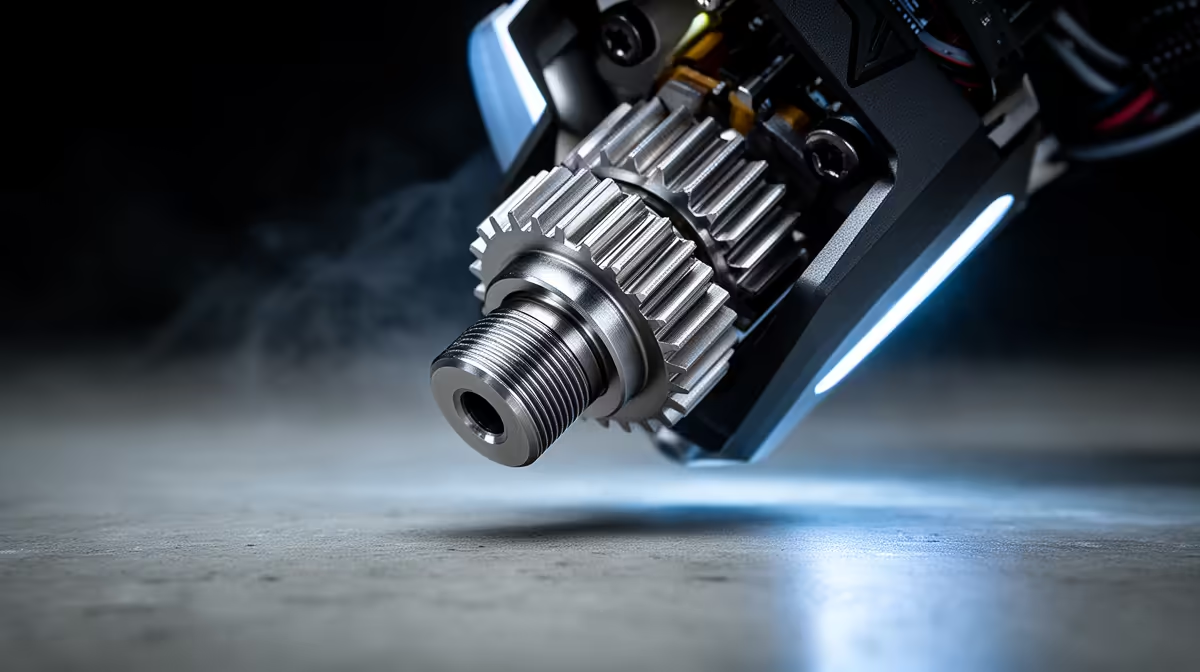
That rhythmic clack-clack-clack halfway through a print is not the machine settling in. It is the extruder grinding because the drive gear has run out of places to push the filament and is skipping backwards over it instead. The forward path is blocked, pressure has nowhere to go, and the stepper takes the path of least resistance by slipping. Catch it early and you save a failed print and a chewed groove in your filament.
Quick Answer
A loud grinding or knocking noise from the extruder means the drive gear is slipping because forward pressure is blocked. Nine times out of ten the cause is a partial nozzle clog, a print temperature set 10 to 15 degrees too low, or print speed pushed past what the hotend can melt. Clear the nozzle, raise the temperature, and slow the first layers down.
Why the Gear Skips Instead of Pushing
The extruder motor only knows one job: rotate the drive gear and feed plastic into the hotend. When the molten plastic cannot leave the nozzle fast enough, back pressure builds up the filament path. The gear keeps turning, but the filament will not move, so the toothed gear loses grip and jumps back over the filament surface. That jump is the knock you hear. Every skip also shaves a flat spot into the filament, which makes the next grip even worse, so the problem snowballs if you leave it running.
The Three Fixes, In Order
Start with temperature, because it is free and instant. Bump the hotend up by 5 to 10 degrees and watch whether the clicking stops. PLA that grinds at 195 often runs clean at 210. PETG frequently needs 235 to 245 to flow without resistance.
If heat alone does not solve it, you have a partial clog. Heat the nozzle to printing temperature, push filament through by hand, then do a cold pull: drop the temperature to around 90 degrees Celsius for PLA and pull the strand out firmly. The tip should come out shaped like the inside of the nozzle, dragging the debris with it. Repeat until it pulls clean.
Third, slow down. If the printer is asking the hotend to melt more plastic per second than it physically can, no temperature tweak will keep up. Drop to 40 to 60mm/s for PLA or 30 to 50mm/s for PETG and the grinding usually disappears. While you are in there, clear any shredded filament dust from the drive gear teeth with a small brush, since clogged teeth lose grip on their own.
When It Is Not The Nozzle
A worn PTFE tube, a drive gear tension spring set too loose, or moisture-bloated filament can all mimic a clog. Wet filament hisses and bubbles at the nozzle and resists flow even at the right temperature, so dry it before blaming the hardware. A good nozzle cleaning kit and spare hotend parts are worth keeping on the shelf, and you can stock up from the accessories that print enthusiasts buy most so you are never stalled mid-project.
Frequently Asked Questions
How do I tell a clog from a temperature problem?
Raise the hotend temperature by 10 degrees first. If the grinding stops, it was heat. If it persists at the correct temperature for your material, you have a partial blockage that needs a cold pull or a nozzle change.
Will the grinding damage my printer?
The motor itself is fine, but the drive gear chews a flat groove into the filament that makes future grip worse. It can also pack the gear teeth with plastic dust, so clean the teeth after any grinding episode.
What temperature should I print PLA and PETG at?
Most PLA flows cleanly between 200 and 215 degrees Celsius, and PETG between 230 and 245. Check the spec on your specific spool, since brands vary, and adjust upward in small steps if the extruder still skips.
Could wet filament be causing this?
Yes. Filament that has absorbed moisture hisses and pops at the nozzle and resists smooth flow even at the right temperature. Dry it in a filament dryer or low oven before assuming the hardware is at fault.
A grinding extruder almost always traces back to flow, not a broken machine, so work through temperature, clog, then speed before replacing parts. If your printer is past saving or you want a more reliable workhorse, compare the current lineup of 3D printers stocked at Evetech and get back to clean, quiet prints.