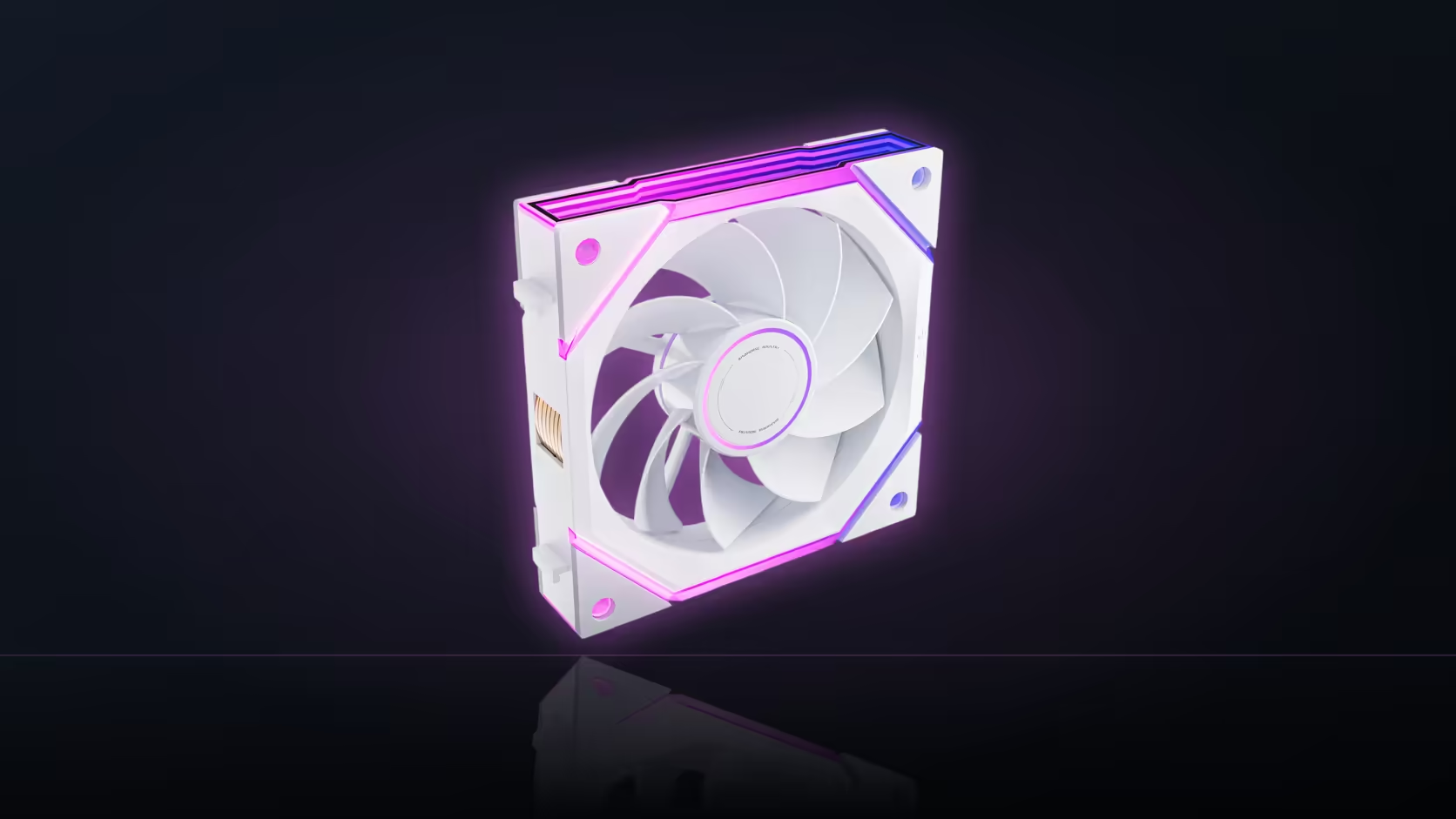
A dual-chamber case splits fans across two separated areas, and each one is seen from its own angle rather than a single shared sightline. Treating blade direction as one rule for the whole build misses that, because a fan that reads correctly on one side of the divider can show its wrong face on the other. Planning per position beats planning per case.
Quick Answer
Nyota Ultra fans come in both standard and reverse-blade versions at the same price, R249 for a single and R649 for a three-pack. In a two-chamber layout, the right choice is decided position by position, based on which side of each fan the relevant window actually shows.
🗂️ What splits a two-chamber case apart
The main chamber typically holds the motherboard, graphics card and the primary intake or exhaust fans, viewed through the largest glass panel. A second chamber, usually behind the mounting tray or below a shroud, houses the power supply and sometimes extra storage or pump hardware, and it may have its own smaller window or none at all. Fans in each area answer to a different sightline, so a single blade-direction rule picked for the main chamber can be the wrong call for the second one.
🧭 Working out direction per position
The practical approach is to identify which face of each fan the nearest window shows, then choose forward or reverse to put the finished side there. A fan mounted as intake in the main chamber, seen from the front glass, might need reverse blades if it is oriented so its rear normally faces outward. A fan tucked into a lower chamber with no window at all can run either direction, since nothing about its appearance will be seen once the panel closes.
⚙️ What stays identical between the two directions
Both blade orientations share the infinity-mirror ring with its 16 addressable ARGB LEDs, so the lit element looks the same regardless of which chamber a fan sits in. Airflow and speed also hold steady: 58.5 CFM and an 800 to 2000 RPM PWM range apply across the Ultra range whichever direction is chosen, and mounting a reverse fan does not reverse the direction air actually moves. That is set entirely by how the fan is installed, not by which side of the blade faces the viewer.
📦 Keeping a mixed order sorted on arrival
An order covering both chambers is likely to include forward and reverse fans together, and the two look similar once out of the box. Keeping the packaging until installation, since the product name states the blade direction clearly, avoids guesswork when it is time to mount fans into two separate areas at different points in the build. For sourcing either version, the case fan range lists both, and the case accessories range covers the cabling for linking fans across a divided chassis.
Frequently Asked Questions
Why does a dual-chamber case need per-position planning?
Because each chamber has its own sightline, so a blade direction that suits the main window can be wrong for a smaller secondary one.
How do I actually decide direction for each fan?
Check which face of the fan the nearest window will show, then pick whichever version puts the finished side towards it.
Do the two blade directions look alike from the front?
Yes, both use the same infinity-mirror ring, so the lit face matches even though the blade shape underneath differs.
Does reverse blade mean reverse airflow?
No. Airflow direction is set by mounting orientation, not by blade design, so reverse fans still push air the way they are installed to.
Is one direction more expensive than the other?
No, both cost identically, R249 buys one fan and R649 buys three, regardless of which way the blades face.
What if a chamber has no window at all?
Then blade direction there is a free choice, and using whichever fans are left spare is a reasonable way to fill it.
Ready to sort your fan directions per chamber before installing?
Check Evetech's case fan range for both blade orientations and plan each position on its own sightline.