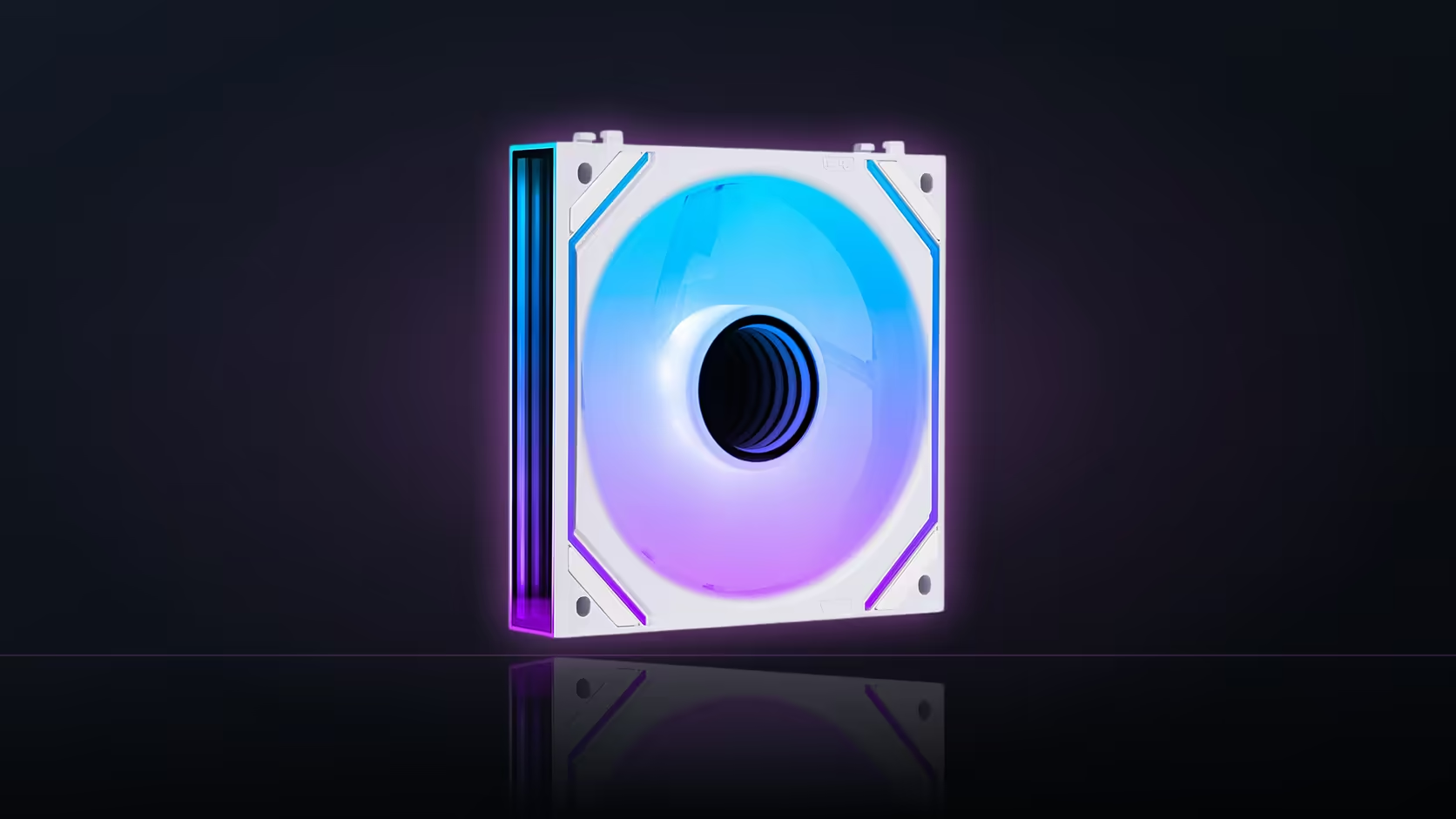
A physical interlock that clicks two fans together side by side looks like proof of compatibility, but it only proves one thing: those two specific fans were designed to sit next to each other. A modular interlock joining fans within one family says nothing at all about whether a different model can join the same row.
Quick Answer
The AsiaHorse Nyota Pro's modular interlock links fans physically within its own R599 3-pack family, letting a row leave the case on one tidy cable run - and it says nothing about whether a Nyota A12, Nyota Ultra, or Amici 5GT fan can join that same interlocked row, since interlocks are model-specific mechanical designs. Mixed families connect the normal way instead: by cable, not by clicking together.
🔧 What an interlock actually is
A modular interlock is a physical connection point moulded into a specific fan's frame, designed to mate with the identical feature on another unit from the same product line. It handles both the mechanical joining of the fans and, in the Nyota Pro's case, carrying the electrical connection between them so the row exits on a single cable. That is a deliberate, model-specific engineering decision - not a general standard shared across every fan AsiaHorse sells.
Why it does not extend to other models
An interlock designed for one specific fan shape and frame geometry has no reason to mechanically or electrically mate with a differently designed fan from another product line, even within the same brand, unless the two were explicitly engineered together for that purpose.
🔌 How mixed families actually connect
Fans from different families in this range connect through their individual cables in the normal way - each fan reaching its own header or hub port, exactly as it would if it were the only fan in the build. This does introduce a visible cable between fans where an interlocked row would have none, since the interlock exists partly to eliminate exactly that visible connection.
Which families use loose cables instead of interlocking
The Amici 5GT gives each individual fan its own dedicated speed cable, while the Nyota A12 uses linked connectors between units rather than a true physical interlock - two different approaches to chaining that are still not the same mechanism as the Nyota Pro's interlock.
🎯 Should you avoid mixing families in one row
For a single visible row where appearance matters, matching the fan family keeps both the physical connection and the overall look consistent - a genuinely worthwhile consideration if the row sits somewhere visible behind a windowed panel. A hub, however, removes the compatibility question entirely.
Does the hub solve the mixed-family problem
Yes - the ASH-S1, with its nine four-pin fan ports, accepts any standard four-pin fan regardless of which family it belongs to, sidestepping the interlock question completely by connecting through cables rather than physical mating. Cable routing for mixed-family builds is in the cable solutions range.
Frequently Asked Questions
What does a modular interlock actually do?
It physically joins fans within its own family so a row exits the case on a single cable run, as described for the Nyota Pro specifically.
Will a fan from a different family join an interlocked row?
Not through the interlock itself, since that mechanical arrangement is specific to fans designed for it within one product line.
How would mixed families connect to each other then?
Through their individual cables, with each fan reaching a header or hub port in the standard way rather than clicking together.
Does mixing families affect how a row looks?
It can, since a cable running between fans is visible where an interlocked row would have hidden that connection entirely.
Which fan families in this range use loose cables instead?
The Amici 5GT gives each fan its own speed cable, while the Nyota A12 uses linked connectors rather than a true physical interlock.
Is it worth avoiding mixed families in one row?
For a single visible row, matching the family keeps both the connection and the appearance consistent throughout.
Does a hub solve the mixed-family compatibility question?
Yes - the ASH-S1's nine fan ports accept any standard four-pin fan regardless of family, connecting by cable rather than physical interlock.
Mixing different AsiaHorse fan families in one build?
Browse hub options in the case accessories range and connection cables in the cable solutions category to keep it all working together.