



1000W PSU Planning for RTX 5090 Builds in SA
1000W for RTX 5090 needs a full-build check, not a simple yes. Review GPU guidance, CPU draw, transient load, connectors, PSU quality, and upgrade plans before deciding.
Read moreThe right build volume is the smallest one that fits the planned parts in a workable orientation with useful margin. At R7,799, the Neptune 4 Plus provides 320 x 320 x 385mm as a concrete 3D printer reference for South African comparisons.
For mid-size vs large-format 3D printer build volumes, the right capacity is the smallest workable envelope that fits prepared projects with useful margin. Labels vary, so exact width, depth and height provide a stronger comparison than category language.
Choose the Neptune 4 Plus when 320 x 320 x 385mm fits recurring parts without excessive segmentation; move larger only when real sliced jobs exceed those axes.
The R7,799 Neptune 4 Plus provides a 320 x 320 x 385mm reference. Slice recurring parts, test orientation and segmentation, estimate assembly work and compare all three axes with larger candidates before deciding whether this capacity is mid-size or sufficient.
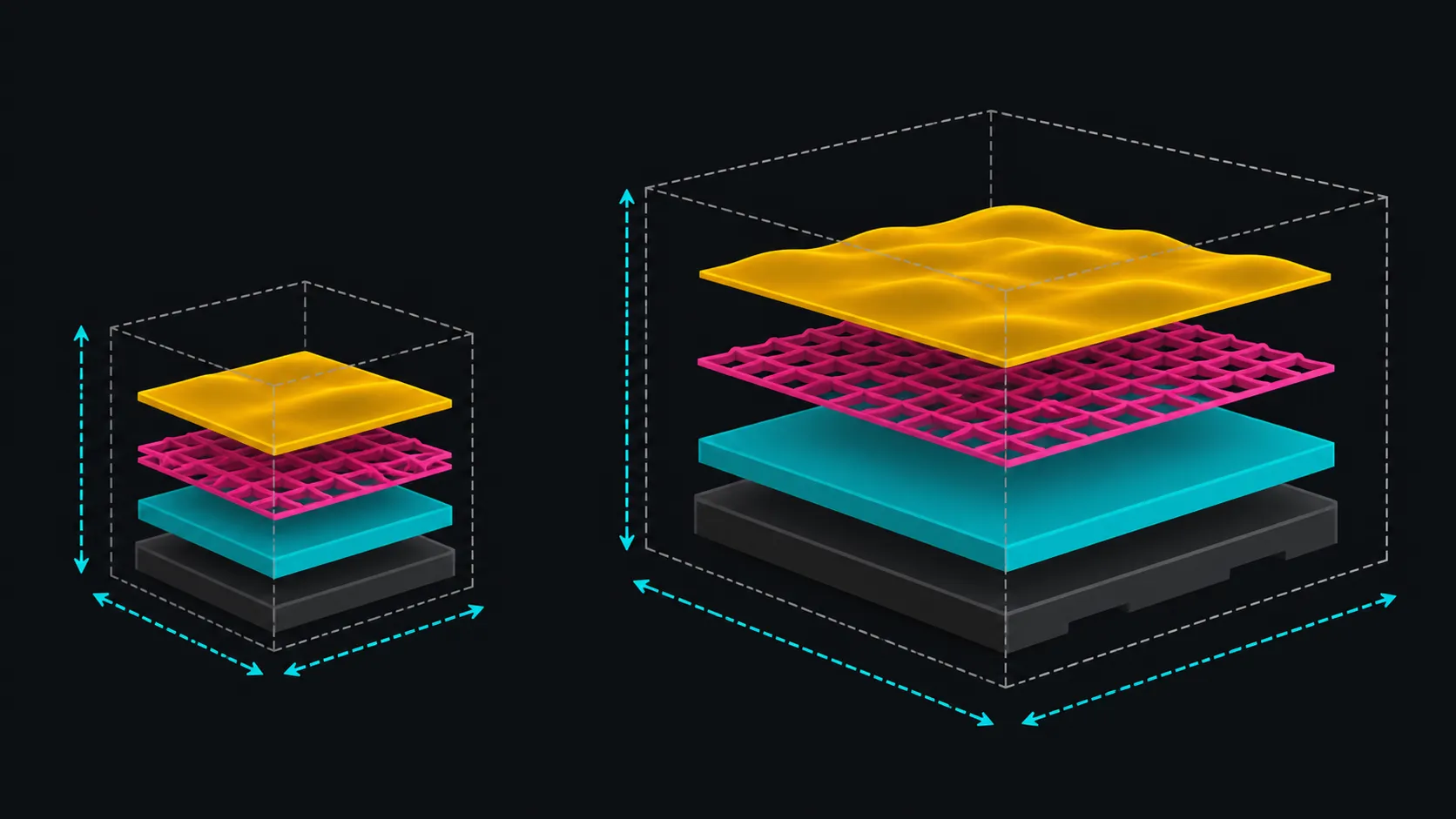
Measure the sliced model after supports, brim and orientation are included. A design fitting one 320mm axis may exceed the other or the 385mm height.
Diagonal placement can help some footprints, while segmentation can divide parts that remain too large. Both choices can change surface, supports and assembly.
Compare large printers at Evetech using real files rather than broad size labels.
Count seams, alignment, joining and finishing added by a smaller envelope. A larger printer may avoid some sections, but bigger jobs can consume more material when they fail.
Decide whether the part is visual, dimensional or functional. Each class has different tolerance for joins and print direction.
Neither mid-size nor large-format tells the buyer how much bench space the machine occupies. Obtain exterior dimensions and add access for motion, cables, spool, plate and service.
The Neptune's automatic levelling, direct drive and 300C nozzle shape its workflow without determining another candidate's setup.
Browse Evetech 3D printers with site planning included.
Klipper supports motion up to 500mm/s, but complete time and finish require a representative test. A larger envelope does not promise faster accepted output.
Select 3D printing filament through Evetech after matching the exact part and machine requirements.
Choose the volume that reduces total project friction across printing, assembly, finishing and workspace. The R7,799 example is valuable when its exact envelope suits recurring work.
Compare project frequency as well as maximum size. A rare oversized part may be segmented or handled through another route, while daily mid-size work can benefit from a well-matched envelope and repeatable setup.
Use a second prepared file to challenge the choice. One project may fit diagonally, but a different design can expose height, support or multi-part layout constraints. The final classification matters less than whether both jobs have practical production routes.
Keep material and first-layer requirements attached to the capacity comparison. A larger bed creates more area to prepare and verify; it does not reduce the need for consistent surface and flow.
Estimate failure cost at the proposed part size. A single large print can consume more filament and time before a fault appears, while segmented work distributes risk but adds assembly. Put both consequences beside the volume numbers.
Ask both the file-preparation owner and the part-finishing owner to review the choice. Their constraints may differ from the buyer's initial focus on one-piece fit. A workable envelope supports the whole team, not just the slicer preview.
Record the agreed project tradeoff and capacity rationale before placing the final printer order.
The same volume can batch smaller objects, improving use of a job. Its R7,799 package adds Klipper, a 300C direct drive and material-specific plate surfaces. Compare assembly labour, failure risk and workspace alongside raw millimetres.
A larger printer may reduce joins but increase warm-up, workspace and single-job risk. The Neptune 4 Plus can already place several smaller parts on one 320mm-square plate. Compare how often a larger axis would remove a meaningful assembly seam, not how impressive the empty volume looks.
A frequent oversized job is stronger evidence for moving up than a single unusual project.
Fit sliced geometry, supports, brim and margin inside all three axes after choosing a workable orientation.
The Neptune 4 Plus offers 320 x 320 x 385mm of printable capacity.
No. Compare explicit width, depth and height because category boundaries can vary between products.
It can for suitable designs when seams, alignment, joining, finish and function remain acceptable.
Not as an exact rule. Measure each machine's exterior and working clearance independently.
The ELEGOO Neptune 4 Plus costs R7,799 with a 320 x 320 x 385mm build volume, automatic levelling and Klipper firmware.
Choosing capacity from total project work rather than a label? Compare build volumes at Evetech with real geometry, segmentation effort and bench space calculated first.
Fit sliced geometry, supports, brim and margin inside all three axes after choosing a workable orientation.
The Neptune 4 Plus offers 320 x 320 x 385mm of printable capacity.
No. Compare explicit width, depth and height because category boundaries can vary between products.
It can for suitable designs when seams, alignment, joining, finish and function remain acceptable.
Not as an exact rule. Measure each machine's exterior and working clearance independently.
The ELEGOO Neptune 4 Plus costs R7,799 with a 320 x 320 x 385mm build volume, automatic levelling and Klipper firmware.
1000W for RTX 5090 needs a full-build check, not a simple yes. Review GPU guidance, CPU draw, transient load, connectors, PSU quality, and upgrade plans before deciding.
Read more
RTX 5080 Super with a 750W PSU is more comfortable than lower wattage if the unit is quality. SA builders should still confirm GPU guidance, CPU draw, connector type, airflow, and upgrade room.
Read more
How to fix FPS drops after a RX 9070 XT starts with driver cleanup, chipset updates, thermals, and power checks. For SA gaming PCs, confirm PCIe seating, monitor refresh, frame caps, and per-game graphics settings before replacing parts.
Read more
How to fix low FPS Windows 11 Wi-Fi 7 issues starts by checking whether the problem is frame rate or network lag. Test ping, drivers, power settings, Ethernet, and game FPS before adjusting visuals.
Read more
AM5 is smart for SA builders because it supports newer Ryzen CPUs, DDR5 memory, and a longer upgrade path. Compare board cost, cooling, gaming needs, and local part availability before choosing your next PC platform.
Read more
AM5 gives Randburg gaming builders a longer upgrade path. For SA buyers, DDR5 support, newer board features, and future CPU options can justify the platform. Weigh board cost, cooler support, BIOS maturity, and upgrade timing before choosing.
Read more
RTX 5090 on a 550W PSU leaves almost no practical room for OC plans. Treat the setup as constrained, with CPU draw, power spikes, cable quality, thermals, and stability checks more important than chasing extra clocks.

FPS drops on a Ryzen 9 9950X3D build often have a fixable cause. Check settings, drivers, thermals, background tasks, network conditions, and bottlenecks before assuming a part must be replaced.

The difference between PCIe 5.0 and PCIe 4.0 for SA gamers is mostly bandwidth headroom. Compare GPU slot needs, NVMe speed, motherboard support, and upgrade timing before paying extra for a newer platform.

Gaming PC stuck pixel checks in South Africa should confirm the monitor fault first. Use colour tests, screenshot comparison, cable swaps, display menu checks, and clear photos before deciding on support.

AMD's current driver now lists a Radeon RX 9050 4GB, while product coverage details a narrowed memory system. SA buyers should weigh the low VRAM ceiling against current local Radeon options.

Samsung Display has demonstrated a 16-inch 2.5K OLED laptop panel running at 300Hz. SA buyers should wait for a named notebook, full panel specifications and a local price before planning an upgrade.

Microsoft says some Windows 11 game crashes after recent updates are linked to RGB-related drivers. Affected SA gamers should confirm the update and driver before using the published registry workaround.

Thermalright's Fan Frame Vision-1 adds a 640x172 status screen to a standard 120mm fan. SA builders should check clearance, USB routing and local support before treating it as an easy upgrade.
1000W for RTX 5090 needs a full-build check, not a simple yes. Review GPU guidance, CPU draw, transient load, connectors, PSU quality, and upgrade plans before deciding.

Wi-Fi 6E vs Wi-Fi 6 matters for 4K video editing when files move across a network. The real-world difference between Wi-Fi 6E and Wi-Fi 6 for video editing in 4K depends on NAS access, cloud uploads, router range, and SA creator workflows.
RTX 5080 Super with a 750W PSU is more comfortable than lower wattage if the unit is quality. SA builders should still confirm GPU guidance, CPU draw, connector type, airflow, and upgrade room.

Wi-Fi 6E vs Wi-Fi 6 for Video Editing in 4K comes down to router support, latency, client devices, band support, and home network layout. SA buyers should match the choice to their setup instead of assuming one option always wins.