Can You Mix Different RAM Sticks Without Issues? 🔧
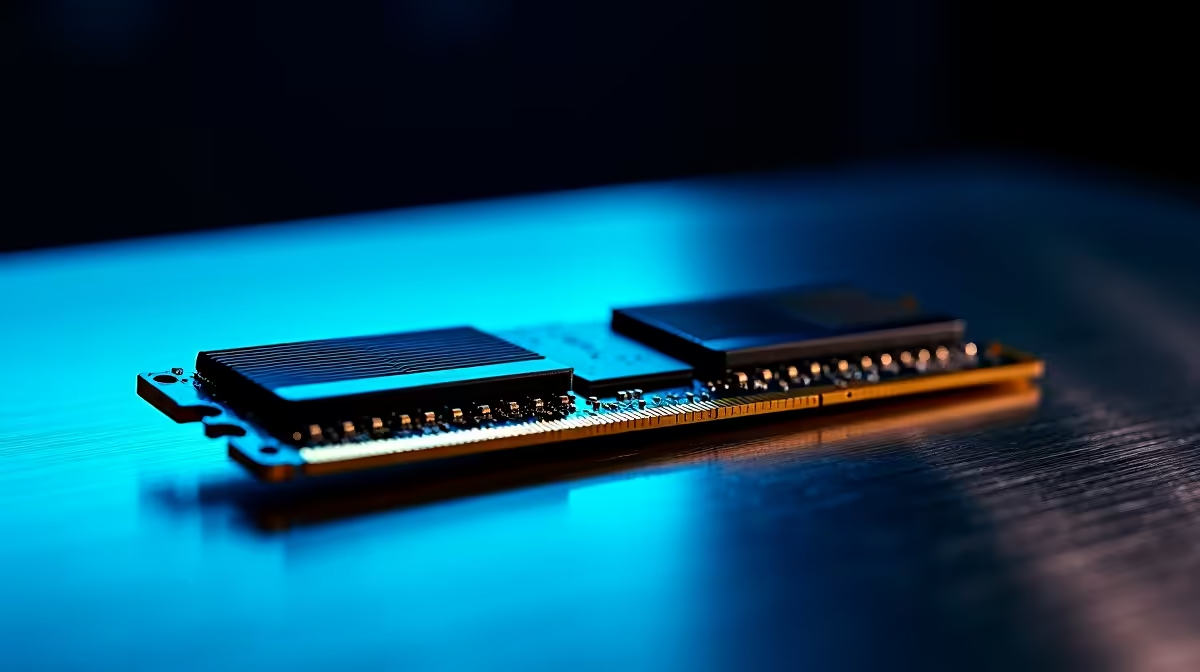
South African gamers and tech enthusiasts often ponder: Can you mix different RAM sticks? It’s a common question when upgrading a PC or building a rig on a budget. The short answer: yes, but with caveats. Mismatched RAM can cause performance hiccups or stability problems when not paired properly. Unlock the facts before blending your memory sticks for a smoother gaming experience.
What Happens When You Mix RAM Modules?
Mixing RAM modules with differing speeds, sizes, or brands doesn’t always result in disaster. Your motherboard will usually default to the slowest speed and adjust timings for compatibility. But mismatched RAM can sometimes trigger blue screens, failed boots, or suboptimal performance — especially if the sticks have different voltages or latency specs. ⚡
South African gamers upgrading their rigs sometimes grab various sticks at differing prices or from old builds. While this can save money, it’s vital to understand the risks and check motherboard RAM support lists.
How to Successfully Use Mismatched RAM
Match Key Specs for Stability 🚀
To minimise issues, match these key factors:
- Speed (MHz): Use RAM sticks with the same or similar speeds. The system will throttle all to the slowest speed.
- Capacity: Mixing sizes is possible, but dual-channel benefits work best with matched pairs.
- Voltage & Timings: Align these to reduce stability issues.
Use Your Motherboard Manual
Always consult your motherboard’s manual or official specs. Many modern boards support flexible RAM configs, but some older models are picky.
If you want a quick upgrade without hassle, check out Evetech’s ready-to-go gaming PC deals. They come optimised with matched high-performance RAM for South African gamers who value hassle-free setups.
Benefits of Matched RAM vs Mismatched RAM
Matched RAM kits are tested for compatibility and synchronised performance, squeezing out every ounce of speed — important for competitive gaming. However, mismatched RAM can still work fine for everyday use, light gaming, or budget builds.
For those who want control over their builds, Evetech’s PC memory selection offers diverse options to build the ideal setup. Choose matched kits or mix carefully with expert advice.
RAM Mix Tip
Start with matched pairs where possible. If mixing, add the fastest or largest module second to achieve better dual-channel support.
Real-Life Scenario: Upgrading on a Budget in South Africa
A local gamer’s story: Jacob had an older rig with 8GB DDR3 RAM and bought a second-hand 4GB stick to upgrade cheaply. At first, he faced occasional crashes and slower performance. After tweaking BIOS settings and adjusting voltages, the system stabilised. But he realised that investing in a matched 16GB DDR4 kit from Evetech’s pre-built PC deals gave him far better reliability and future-proofing for about R3000 more.
Jacob’s takeaway? Mixing RAM can work short-term but matched sets save frustration and upgrade headaches.
Considerations for Laptop RAM Upgrades in South Africa
Laptop users asking about mismatched RAM must be extra cautious since laptops are less flexible hardware-wise. Adding an unmatched RAM stick can cause system instability or void warranties. If you’re upgrading a laptop, browse Evetech’s notebook range or consult experts before mixing modules.
Wrapping Up: Mismatched RAM in Your Build
Mixing different RAM sticks isn’t off-limits, but understand the technical trade-offs. For steady gaming rigs, matched RAM kits are safer and deliver optimised speed. For budget-conscious upgrades, careful mixing paired with BIOS adjustments can work.
Planning a fresh build or upgrade? Don’t miss out on Evetech’s weekly specials where you can find great deals on quality memory and components.
Upgrade Your Memory Today!
Don’t settle for sluggish performance — Shop now at Evetech for RAM that powers your gaming and computing with confidence.