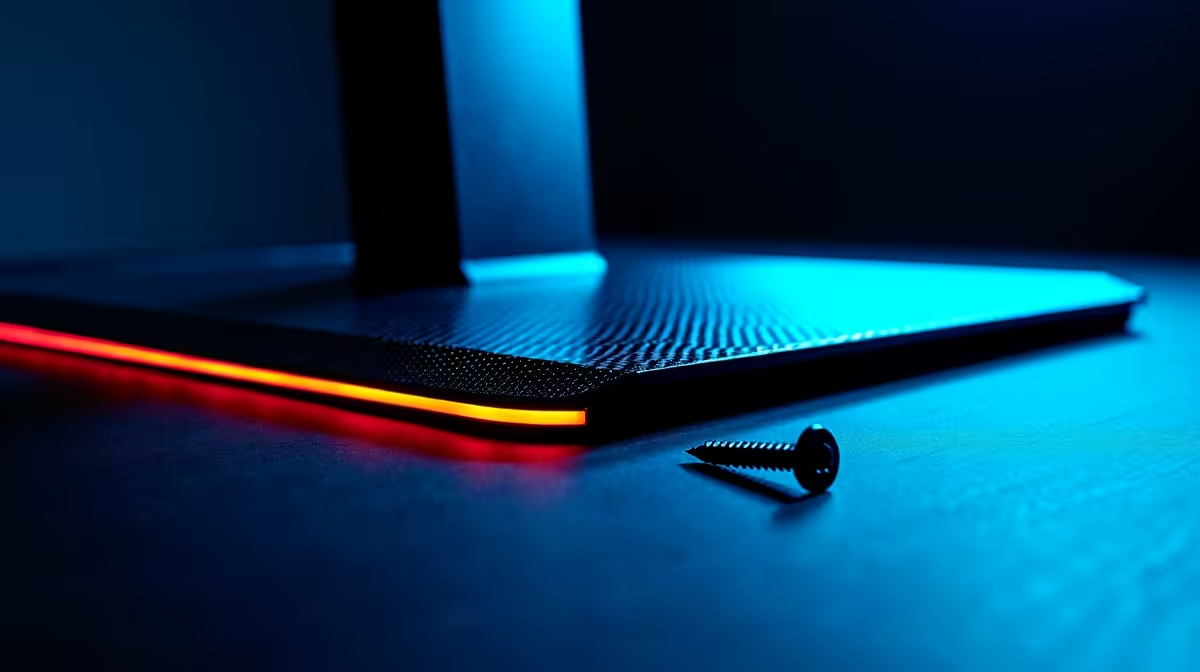
It’s a feeling every PC builder in South Africa knows… the pure excitement of unboxing a new screen, followed by that sinking feeling. Where are the screws? You've checked the box three times, shaken the styrofoam, and now you’re stuck with a beautiful display and no way to stand it up. Don't panic. Before you start raiding your junk drawer, we've got a quick guide to locating those missing monitor stand screws and getting your setup sorted. 🔧
First Steps: Where to Look for Missing Monitor Screws
Before you head to the store, let's triple-check the most common hiding spots. Manufacturers are clever, and those tiny screws can be easy to miss.
- Inside the Manual Bag: Often, the screws are in a small, sealed plastic packet tucked inside the quick-start guide or warranty booklet.
- Taped to the Stand or Neck: Check for any plastic or tape on the stand components themselves. The screws might be attached directly to the part they're meant for.
- Embedded in the Styrofoam: Carefully inspect all the cut-outs in the foam packaging. Sometimes, the screw packet is wedged into a small slot to prevent it from rattling around.
If you've just moved or are reassembling an old display, finding lost monitor screws can be tougher. But nine times out of ten, for a new unboxing, they’re hiding in plain sight.
Understanding VESA Screws: The Universal Standard
If you've searched everywhere and still come up empty, the next step is to find a replacement. Luckily, most modern PC monitors follow a universal standard called VESA. This makes finding the right screws much simpler.
What is VESA?
The VESA standard dictates the four-hole mounting pattern on the back of most monitors (e.g., 75x75mm or 100x100mm). For these mounts, the standard screw size is almost always an M4 machine screw. The only thing that varies is the length, which is typically 10mm.
So, what do you ask for? Head to your local Builders or electronics shop and ask for "M4x10mm machine screws." They cost just a few Rands. It's a good idea to take the monitor stand with you to test the fit, just in case your model requires a slightly shorter or longer screw (like 8mm or 12mm). This applies whether you're setting up one of today's immersive curved monitors or a classic flat panel.
When It's Time for a Fresh Start ✨
Can't find the screws for an older monitor? Maybe it's a sign from the tech gods. If your screen has seen better days, fighting with it might not be worth the frustration. This could be the perfect excuse to explore an upgrade. The difference in clarity and colour when jumping to one of today's stunning 4K monitors is incredible, offering more screen real estate for productivity and jaw-dropping detail in games.
From ultra-responsive panels for competitive gaming to handy portable monitors for your on-the-go setup, the technology has moved forward in leaps and bounds. You can browse all our gaming monitors to see what's new.
Prevention is Better Than a Headache
To avoid this happening again, get a small container for all your extra PC bits and bobs. When you unbox new gear, immediately place any spare screws, brackets, or cables in there. Being organised saves you a massive headache later. Investing in the right monitor accessories, like a quality VESA arm, often comes with a variety of screws, giving you spares for the future.
Ready for an Upgrade?
Don't let a few missing screws dim your shine. Explore the best PC monitor deals in South Africa and get a brand-new screen, complete with all the right parts, delivered straight to your door.