Quick Answer
When upgrading a monitor before a GPU, the PC case matters if your new monitor pushes you toward a future GPU that needs more clearance and airflow. Buy a 1440p 144Hz monitor first around R4,500 to R8,000, but pick a case that clears a 330mm GPU so the later card fits.
Why The Case Enters A Monitor-First Plan
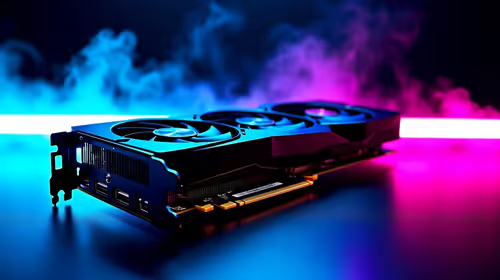
Upgrading the monitor before the GPU is sound, since a 1440p 144Hz panel makes your current GPU's frames look better while you save for a card upgrade. But the case matters in this plan because a higher-resolution monitor sets up a future GPU that is likely longer and hotter. If your case only clears 280mm, a future triple-fan RTX-class card at 320mm to 340mm will not fit. So when the case is also up for change, choose one that clears a 330mm GPU and a 170mm cooler to match the monitor-led upgrade path.
The monitor changes what your eyes see now; the case decides what GPU you can add later.
Spec The Monitor And Case Together
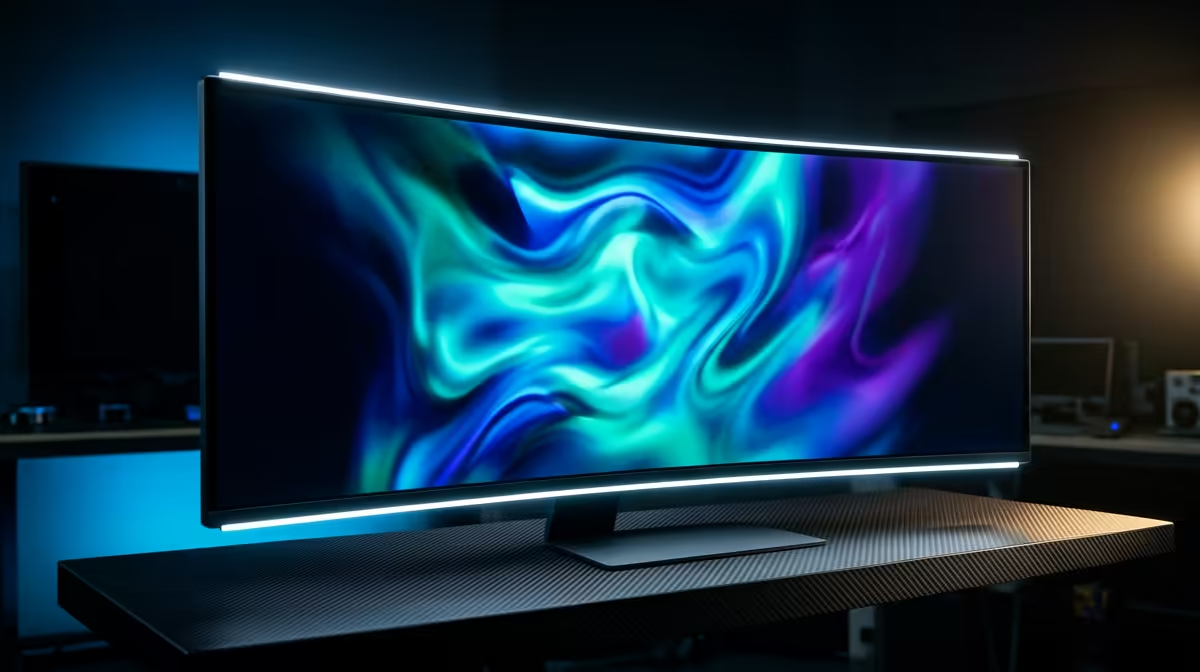
A 1440p 144Hz monitor at R4,500 to R8,000 is the sweet spot for sharp, smooth gaming and is the right first buy. Pair it with a case clearing a 330mm GPU, a 170mm cooler, and offering mesh airflow for two intake and one exhaust 120mm fan. That airflow lets a future GPU sustain its boost so you actually hit 144fps at 1440p once the card arrives. Confirm your GPU's outputs support 1440p at 144Hz over DisplayPort.
Sequence The Spend Sensibly
Buy the monitor now for an immediate visual upgrade, then the GPU when budget allows, and only change the case if it cannot house the planned card. A case with good clearance and airflow is cheap insurance, often R900 to R2,000, against a future GPU that does not fit. On the SA grid, plan a pure sine wave UPS sized to the build's 350W to 550W draw for clean shutdowns.
FAQ
Should I upgrade my monitor or GPU first?
A monitor upgrade to 1440p 144Hz first sharpens and smooths what your current GPU already produces, while you save for the card. Just ensure your case and GPU can drive 1440p at 144Hz.
Why does the case matter if I am upgrading the monitor?
Because a higher-resolution monitor leads to a future GPU that is often longer and hotter. A case clearing a 330mm GPU and offering good airflow ensures that later card fits and performs.
What monitor should I buy before a GPU upgrade?
A 1440p 144Hz panel at R4,500 to R8,000 is the sweet spot, sharp and smooth, and it makes a future GPU upgrade worthwhile. Confirm your GPU outputs support 1440p at 144Hz over DisplayPort.
case that clears a 330mm GPU when you upgrade the monitor; it costs little now and guarantees the longer, hotter card you add later will actually fit.