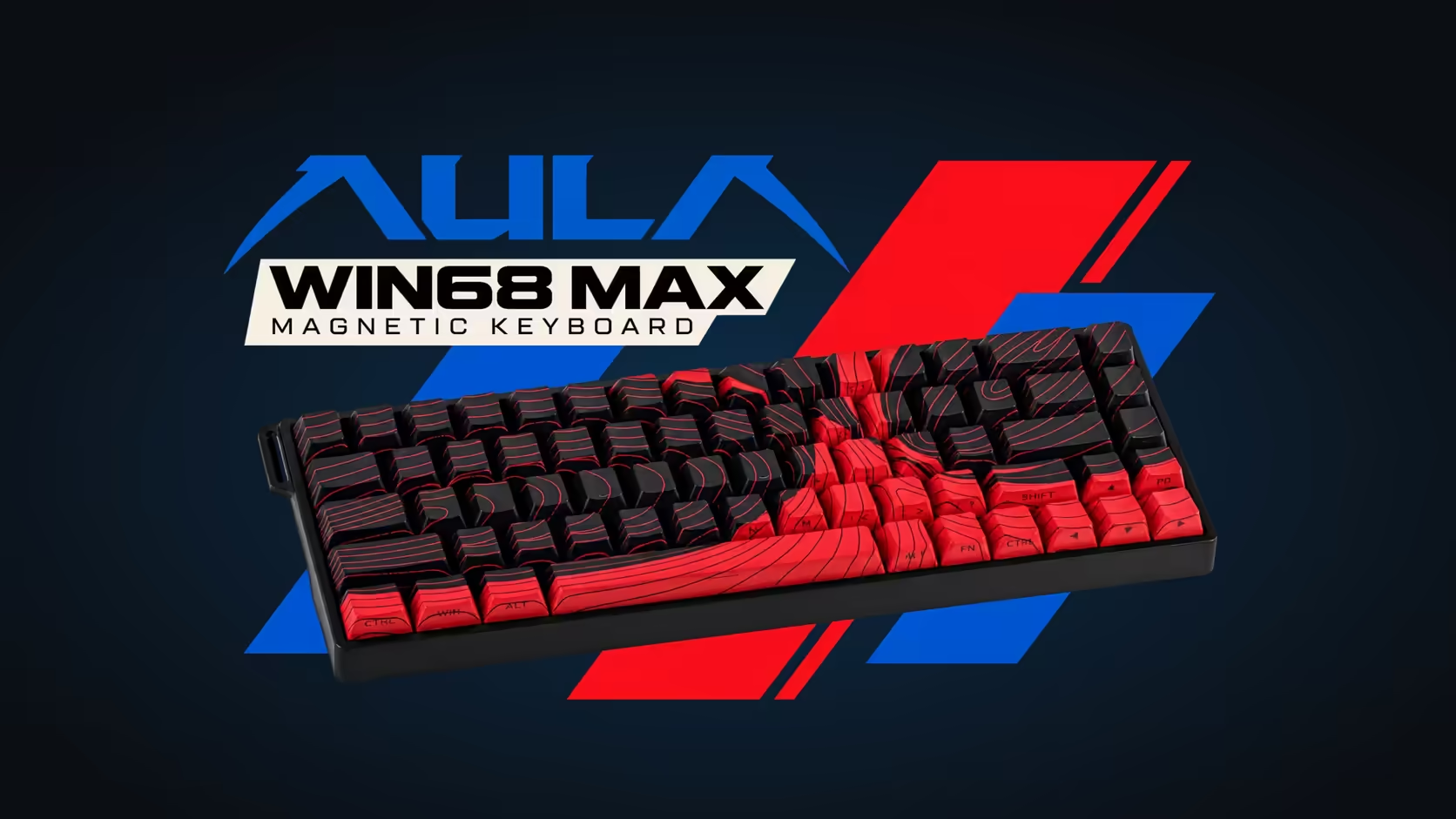
Plenty of keyboards ask for a hefty download before you can change a single key. The AULA WIN68 takes another route: its settings live in a browser-based web driver, so there is no program sitting on your PC, no background updater and nothing to uninstall later. Here is what that driver covers on the WIN68 HE and WIN68 MAX, and the one limit worth knowing before you plug in.
Quick Answer
Both WIN68 editions are set up in AULA's web driver, which opens in a browser with nothing to install. From it you remap keys, record macros, set the lighting and tune each key's actuation for Rapid Trigger. AULA states the driver supports Windows only, so configuration needs a Windows PC even if the board later moves elsewhere. Evetech lists the WIN68 HE at R449.
🌐 What a browser driver actually is
A web driver is a configuration page that talks to the keyboard over its USB-C cable through the browser. You open the page, the board is detected, and changes are written to the keyboard itself. Once saved, the settings travel with the board rather than living in an app on one machine.
That design has practical upsides:
- Nothing to keep updated on the PC, and no tray icon running all day.
- A shared or work computer does not need admin rights for a software install.
- Your layout stays on the keyboard when you move it to another Windows machine.
🛠️ What you can change on each edition
On the WIN68 HE, the driver handles the basics that matter day to day. You can reassign keys, build macros, set the per-key south-facing RGB and adjust each key's actuation and release points, which is how Rapid Trigger is tuned. The HE also changes lighting through Fn shortcuts on the board, handy when the browser is closed.
The WIN68 MAX uses the same tool with a longer menu of options. On top of Rapid Trigger, its driver sets Toggle, Mod-Tap, DKS, Rapid Switch and SOCD, lets you remove the dead zone so keys respond across the full travel, and offers seven polling levels up to 8000Hz. Actuation on the MAX adjusts from 0.1mm to 3.4mm, with Rapid Trigger precision rated at 0.01mm.
🍎 The Windows-only catch
AULA is clear that the web driver supports Windows. The page may load in a browser on another operating system, but do not count on it detecting or configuring the board there.
There is a partial workaround on the MAX. Its Mac mode trades the positions of the Windows and Alt keys: hold Fn and S for five seconds to switch, and Fn and A to return. So a Mac owner can type and game on a MAX once it is set up, but the tuning itself happens on a Windows PC. The HE page does not describe a Mac mode, so plan around a Windows machine for that edition.
💡 Is a browser tool a lesser tool?
Not on the evidence of the feature list. The MAX's driver carries the full set of competitive modes that heavier desktop apps on other boards offer, and both editions store their settings on the keyboard. What you give up is mainly offline convenience: you need a working browser session to make changes, while the board itself keeps working without one.
If you are comparing magnetic boards, the gaming keyboards section on Evetech gathers the WIN68 pair alongside other layouts, and the hot-swap sockets on both mean the keyboard switches range stays relevant after purchase. Either WIN68 carries a 2 Years Local Warranty via Evetech.
Frequently Asked Questions
Do I need to download software to use the WIN68?
No. The board works as soon as it is plugged in, and the settings page runs in a browser without any installation.
Can the driver be used from a MacBook?
AULA states the driver supports Windows only. The MAX can type in a Mac layout, but setup should be done on a Windows PC.
Which settings are handled in the browser?
Key remapping, macros, lighting and per-key actuation on both editions, plus the MAX-only modes, dead zone control and polling levels.
Can polling rate be changed from the driver?
On the MAX, yes: it offers seven levels up to 8000Hz. The HE page lists 8000Hz without selectable steps.
Can I change the lighting without opening the driver?
On the HE, yes. AULA lists Fn shortcuts for the per-key RGB alongside the driver controls.
Prefer a keyboard with no software to install?
Browse Evetech's gaming keyboard range and see how the browser-configured WIN68 boards compare with the rest of the shelf.