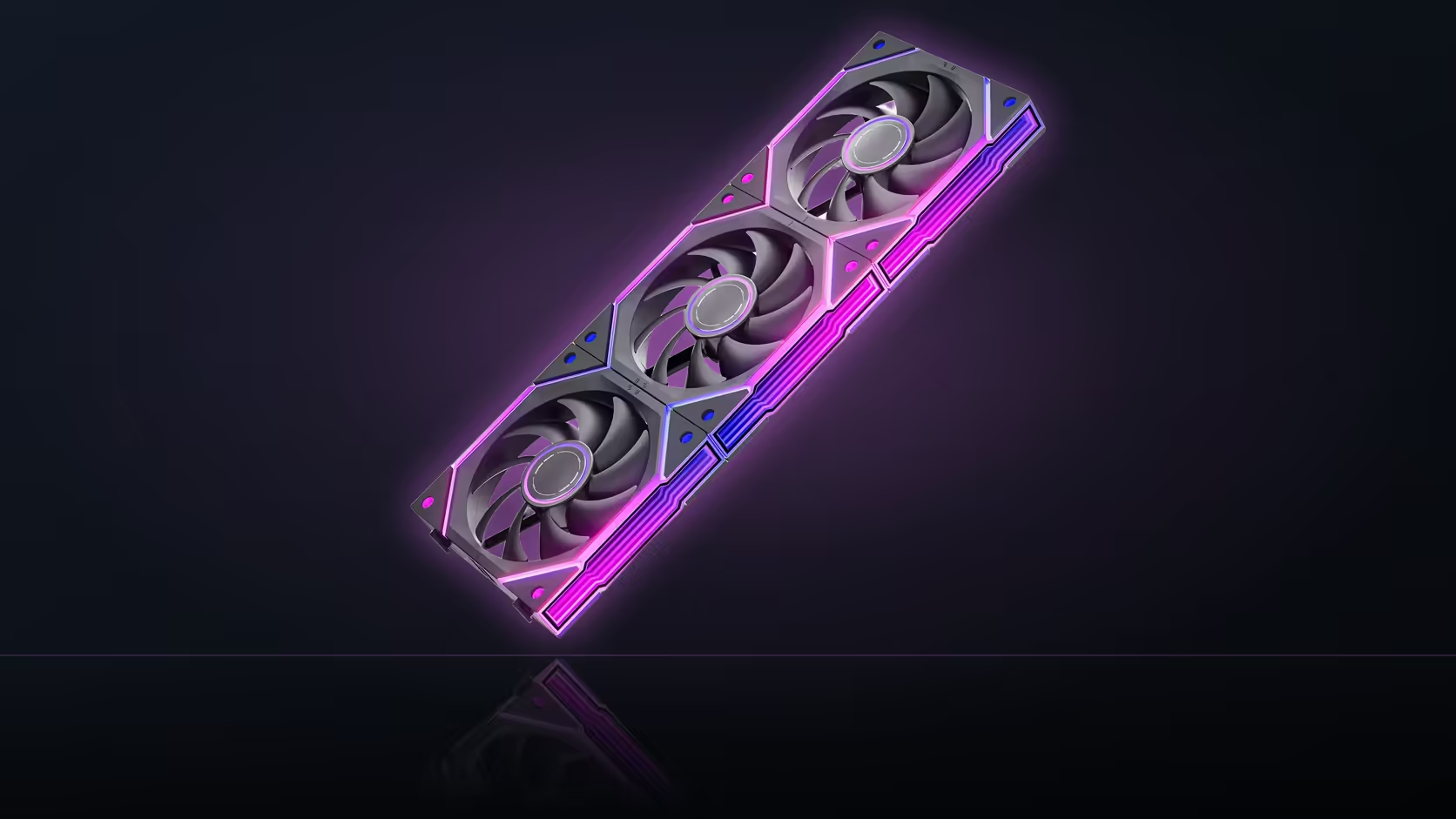
A noise spec printed as a range rather than a single number tends to raise more questions than it answers. The Nyota Ultra lists 6 to 30 dBA, and neither figure describes what the fan sounds like most of the time you are actually using your PC. Understanding what the two ends mark is more useful than either number on its own.
Quick Answer
The Nyota Ultra's published 6 to 30 dBA range spans its full 800 to 2000 RPM speed window, with the quiet figure sitting near idle and the louder one near maximum speed. Neither end describes normal running; where your build actually sits depends on the fan curve set in your BIOS or lighting software.
📉 Which end corresponds to which speed
The quiet figure at the bottom of the range lines up with the low end of the 800 to 2000 RPM speed window, while the louder figure sits at the top of it. AsiaHorse has not published a curve mapping every point in between, so the two numbers act as bounds on the range rather than a full description of how noise rises as speed increases.
📈 Whether the relationship is a straight line
No such curve exists in the listing, which means assuming a smooth, linear climb from 6 dBA to 30 dBA across the RPM range is an assumption rather than a documented fact. Fan noise commonly rises faster near the top of a speed range than near the bottom, so treating the midpoint of the RPM window as the midpoint of the noise window is not a safe shortcut.
🏠 What the case around the fan adds
The 6 to 30 dBA figure describes the fan alone, measured under whatever conditions AsiaHorse tested it in. Mounting the fan into a case changes that considerably: panel resonance, airflow restriction from filters or mesh, and vibration transferred through the mounting points can all add to what you actually hear at your desk, on top of the fan's own contribution. A single fan's rating is a comparison point against other fans, not a prediction of your finished build's noise level.
🎚️ Setting where your build actually sits
Where a build lands on the range comes down to the fan curve you configure, whether through motherboard software or the case controller. A quiet-focused curve keeps the fan near the bottom of its speed window during normal desktop use, only climbing under sustained load, while a performance-focused curve runs higher throughout. Multiplying by fan count matters too: the published figure describes one Nyota Ultra, so a row of three at the same speed produces more total noise than a single unit at that same setting. Browse the case fan range to compare noise figures across models, and the case accessories selection for fan controllers that make curve adjustment easier.
Frequently Asked Questions
What does the 6 dBA figure actually mark?
The quiet end of the range, corresponding to the low end of the fan's 800 to 2000 RPM speed window.
And the 30 dBA figure?
The louder end, marking the top of the speed range rather than typical running conditions.
Does noise rise evenly between the two figures?
No documented curve confirms that, so a straight-line assumption between the two numbers is not something the listing supports.
Why might my build sound louder than the rating suggests?
Panel resonance, filter restriction, and vibration through the mounting points all add noise beyond what the fan rating alone describes.
Does the figure apply to a row of fans or just one?
Just one fan. A three-fan row running at the same speed adds up to more total noise than the single-fan figure states.
How should I actually use this range when comparing fans?
As a relative benchmark against other models, keeping in mind that your own fan curve decides where within it your build typically sits.
Ready to work out where your build will actually sit on this range?
Browse Evetech's case fan range and check a fan controller in the accessories section to shape your own curve.