Quick Answer
NZXT RGB software (CAM) lets South African gamers control lighting, fan speeds, and system monitoring from one dashboard. Download it free, connect your NZXT hardware, and sync RGB effects across your build in minutes.
Getting Started with NZXT CAM in South Africa
NZXT CAM is the companion software for NZXT cases, coolers, and RGB accessories. South African gamers running Windows 10 or 11 can download CAM directly from NZXT's site. Installation is straightforward - create a free account, plug in your USB-connected hub or Kraken cooler, and CAM detects hardware automatically. An unexpected outage can interrupt a mid-session download, so grab the offline installer and keep it on a flash drive for peace of mind.
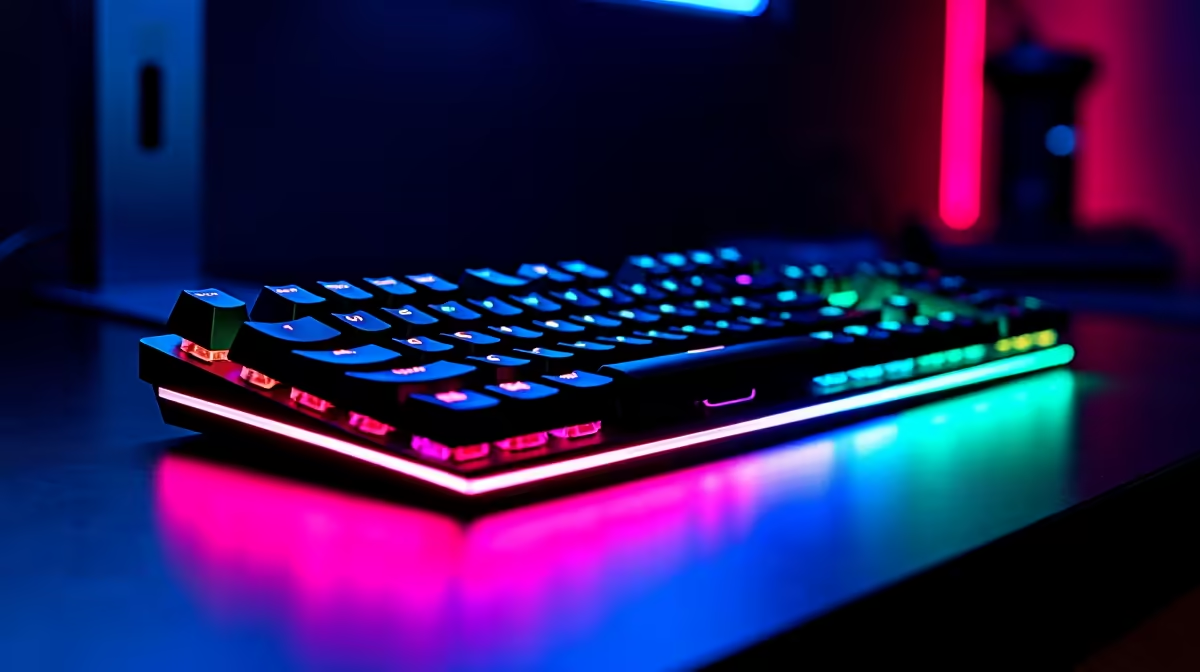
Once installed, the Lighting tab is where the magic happens. CAM offers preset effects like Pulse, Wave, Spiral, and Fixed. You can assign different effects to each connected component - for example, a slow blue pulse on your case fans and a sharp red fixed colour on your CPU block. Sync all devices with one click using the "Sync" toggle at the top of the Lighting panel.
Advanced RGB Customisation and Fan Control
For gamers who want more than presets, CAM's Custom Lighting mode lets you set individual LED colours per zone. Pair this with the Fan Control tab to build temperature-based fan curves. A quiet fan profile works well during casual browsing; ramp it up automatically when your GPU hits 75 degrees Celsius during a gaming session.
The Dashboard tab shows real-time CPU and GPU temperatures, usage percentages, and network activity. It is a handy overlay for South African players on fibre connections wanting to track latency spikes. CAM also supports a heads-up display (HUD) overlay inside games, showing FPS and temps without alt-tabbing.
If you are building or upgrading your rig with a gaming PC from Evetech, NZXT CAM integrates smoothly with pre-built systems that include NZXT components.
Troubleshooting Common CAM Issues
CAM occasionally fails to detect hardware after a Windows update. The fix is usually to uninstall CAM fully, reboot, and reinstall the latest version. If your RGB hub is not showing up, try a different USB port - avoid USB hubs and plug directly into the motherboard. Firewall software can also block CAM's cloud sync; add a CAM exception if you see constant login errors.
SA users on metered LTE connections should disable CAM's auto-update feature to avoid unexpected data use. The software still functions fully offline once logged in.
Frequently Asked Questions
Is NZXT CAM free to download?
Yes. CAM is free software. You only need an NZXT account, which is also free to create.
Does CAM work without an internet connection?
Basic RGB and fan control work offline once you have logged in at least once. Cloud features and firmware updates require a connection.
Can I use CAM with non-NZXT RGB components?
CAM is designed for NZXT hardware. Non-NZXT components will not appear in the lighting panel, though you can still use CAM's monitoring dashboard alongside other RGB software.