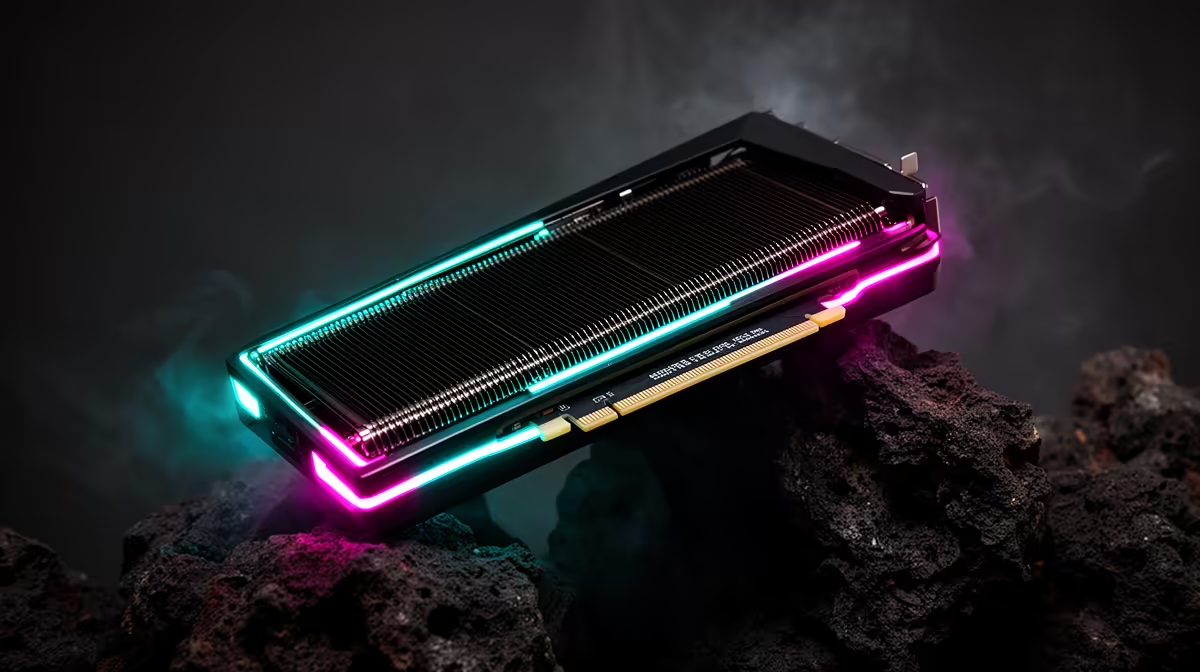
If you have invested in a RTX 5090, Pacific Drive will reward you, but matching your monitor to the card is what turns raw frames into a better experience.
Quick Answer
A RTX 5090 pushes Pacific Drive to roughly 157 fps at 1440p and near 89 fps at 4K with DLSS on. At 1080p the card is overkill, clearing 210 fps, so 1440p 144Hz is the natural home.
Settings and Upscaling Notes
In Pacific Drive, DLSS Quality or FSR Quality lifts frame rates with minimal visible loss, especially at 4K. Ray tracing is comfortably on the table at 1440p on a RTX 5090; turn frame generation on if your monitor's refresh can use the extra frames.
Frame Rates by Resolution
At 1080p the RTX 5090 is CPU-bound in Pacific Drive, clearing roughly 210 fps. At 1440p you get about 157 fps with room for ray tracing, and 4K settles near 89 fps with upscaling on. The card is built for 1440p high refresh and up.
Monitor Pairing for the RTX 5090
There is no point in a RTX 5090 feeding a 60Hz panel. Pair it with a 1440p 144Hz to 240Hz monitor, or a 4K 144Hz screen if you favour fidelity. The display is where you actually feel the 157+ fps this card produces in Pacific Drive.
What This Means for Your Wallet
Anchor the decision to how you actually play and the screen you already own, not to a spec-sheet headline. Buy the part that lifts your daily experience, keep proven components in place, and leave a little headroom for one sensible step later. That discipline is what separates a smart SA build from an expensive one.
FAQ
Will my CPU bottleneck Pacific Drive on a RTX 5090?
At 1080p a weak CPU can cap frames, but at 1440p and 4K the GPU leads. Pair the card with a current six or eight-core chip to be safe.
What fps does Pacific Drive hit at 4K on a RTX 5090?
Around 89 fps at 4K with high settings and upscaling on. Enabling frame generation can push that higher if your monitor supports the refresh.
Is a RTX 5090 overkill for Pacific Drive at 1080p?
At 1080p the card clears roughly 210 fps and is largely CPU-limited. You will see its real value at 1440p and 4K, so match it to a higher-resolution panel.
Spend where it shows up.
Browse Evetech tiers to put your rand into the GPU and SSD first, the two parts you feel every session.