Every storage upgrade cycle comes with the same trade-off: more speed, more heat, and a slightly higher price tag. Picking a b860m motherboard for your next build means deciding how much of that trade-off is worth chasing for an M.2 drive that spends most of its life loading levels rather than benchmarking.
Quick Answer
PCIe 5.0 M.2 SSDs roughly double the sequential speed ceiling of PCIe 4.0 drives, but they run hotter and cost more per gigabyte. Both generations physically fit the same slots here, and the ASUS B860M MAX Gaming AX supports either one across its triple M.2 bays for R4,499, so the board itself is not the limiting factor either way.
📈 The speed jump on paper
A PCIe 5.0 M.2 slot can theoretically move roughly double the sequential data of a PCIe 4.0 slot, which sounds like a clear upgrade. In practice, that ceiling mostly matters for sustained large-file transfers and certain professional workloads, since game loading times are shaped by a mix of storage speed, CPU decompression and engine design rather than pure sequential throughput alone.
Where gamers actually feel it
Level load times and asset streaming benefit somewhat from faster storage, but the jump from a fast PCIe 4.0 drive to a PCIe 5.0 drive is far less dramatic than the jump from a hard drive to any NVMe SSD.
🔥 Heat and thermal management
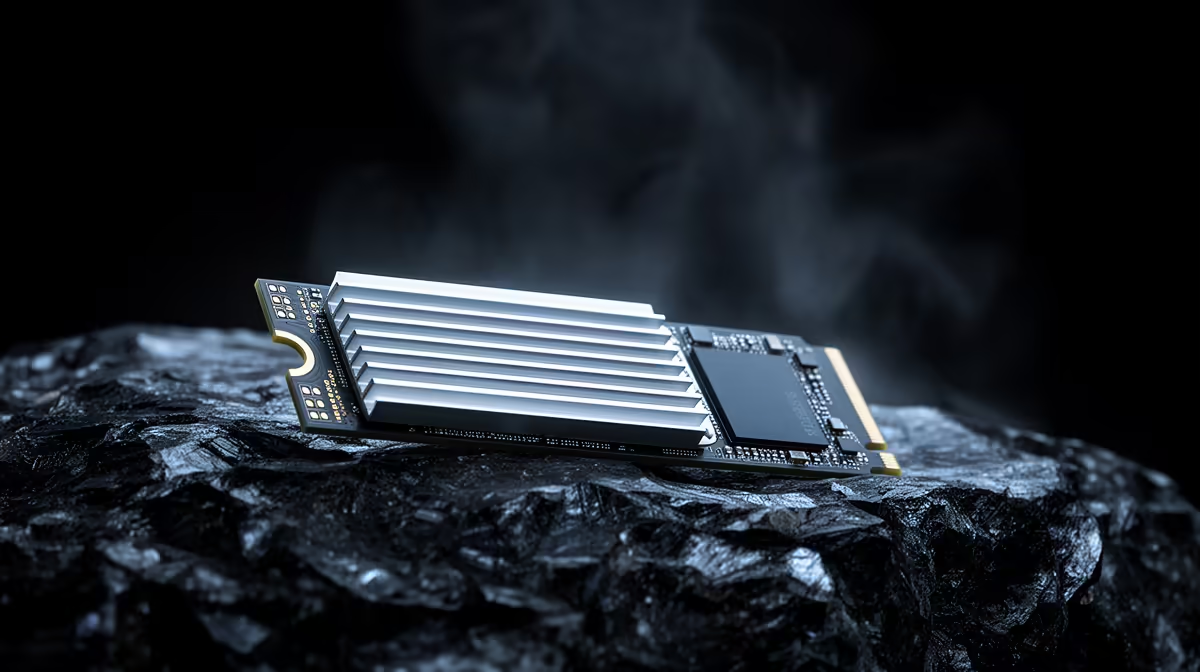
Higher throughput on PCIe 5.0 drives generally means more heat generated under sustained load, which is why many of these drives ship with larger heatsinks than their PCIe 4.0 equivalents. Running hot enough can trigger thermal throttling, where the drive slows itself down to protect its controller, undoing some of the speed advantage you paid for.
🔌 Fit and compatibility across generations
Both PCIe 4.0 and PCIe 5.0 M.2 drives use the same physical connector, so either generation drops straight into any of the triple slots this board's own listing confirms. A PCIe 5.0 drive in that slot runs at full PCIe 5.0 speed, while an older PCIe 4.0 drive simply runs at its own rated speed without issue.
⚖️ Choosing between the two generations
For most gaming builds, a well-cooled PCIe 4.0 drive remains the more balanced choice on price and heat, while PCIe 5.0 suits builders who also handle large media files or want maximum sequential numbers. Since the board supports both at full speed, you are free to choose based on budget and cooling rather than being locked into whichever generation the motherboard happened to favour. Have a look at the rest of the B860-based range, or browse Evetech's full Intel motherboard section if a different chipset generation is also on your shortlist.
Frequently Asked Questions
Is a PCIe 5.0 SSD noticeably faster in games?
Not dramatically. Game load times depend on more than raw sequential speed, so the real-world difference against a good PCIe 4.0 drive is modest for most titles.
Do PCIe 5.0 SSDs need extra cooling?
Most benefit from a proper heatsink to avoid thermal throttling under sustained heavy use, more so than typical PCIe 4.0 drives.
Can I use a PCIe 4.0 SSD on this board instead?
Yes. This board supports PCIe 4.0 drives across its M.2 slots too, and they will run at their own full rated speed.
Does slot generation affect drive lifespan?
Not directly. Drive lifespan is more closely tied to write endurance and thermal management than to the PCIe generation it runs on.
Which drive generation should a gaming-focused build choose?
A well-cooled PCIe 4.0 drive is usually the more cost-effective choice for gaming, with PCIe 5.0 reserved for those who also move large files regularly.
Can I mix PCIe 4.0 and PCIe 5.0 drives across the three M.2 slots?
Yes. Each M.2 slot runs the installed drive at its own supported speed, so mixing generations across the three slots works without any configuration required.
Ready to match your SSD to the right PCIe lane?
The ASUS B860M MAX Gaming AX waits under Evetech's Intel B860 motherboard lineup, set to match the right M.2 slot to a PCIe 5.0 or PCIe 4.0 drive.