



1000W PSU Planning for RTX 5090 Builds in SA
1000W for RTX 5090 needs a full-build check, not a simple yes. Review GPU guidance, CPU draw, transient load, connectors, PSU quality, and upgrade plans before deciding.
Read morePCIe 5.0 provides a newer host interface, but the practical difference from PCIe 4.0 depends on the card, workload and available link configuration. The RTX 5090 supports PCI Express 5.0; that fact alone does not make every older platform unsuitable.
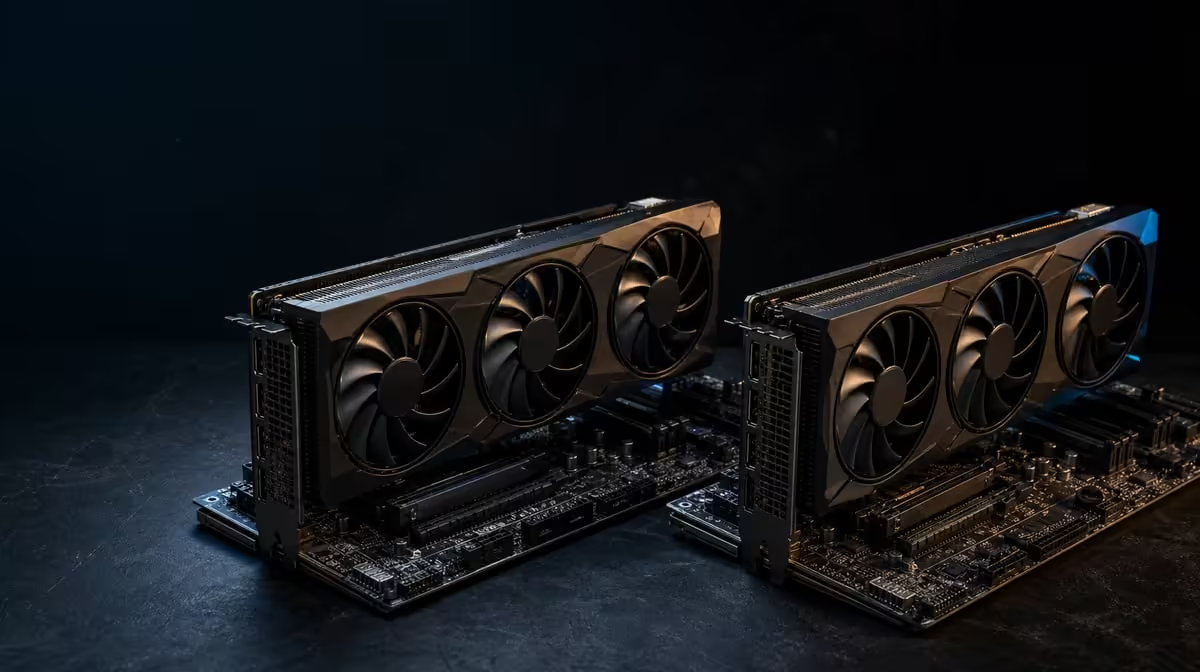
Interface generations are easy to compare and easy to overvalue. PCIe 5.0 versus PCIe 4.0 for graphics cards matters when host-to-GPU data movement constrains the workload, not simply because one number is newer.
The R73,599 ASUS TUF RTX 5090 supports PCI Express 5.0. A PCIe 4.0 platform may still be suitable when the card can use the slot and the workload does not exhaust that link, so verify compatibility and active lane configuration instead of predicting performance from generation alone.
PCI Express is the connection between the graphics card and host platform. A newer generation increases the link's potential capability, but rendering work also happens on the GPU using data held in its own memory.
The RTX 5090 has 32GB GDDR7, which can keep substantial working data local for compatible tasks. That does not make the host interface irrelevant; it explains why interface bandwidth is only one part of the performance path.
PCIe generation does not describe shader capability, AI processing or game optimisation. The card's stated 3352 AI TOPs is another specification with a different purpose. Neither number alone predicts a game's frame rate.
Lane width is also distinct from generation. A connection can use newer signalling while operating with fewer lanes than the usual full graphics arrangement. Record both when diagnosing a link instead of reporting only "PCIe 5.0".
Use Evetech's ASUS graphics-card category to compare the whole card rather than sorting a decision exclusively by PCIe label.
Check the motherboard manual for the correct graphics slot and its supported generation. Physical fit is only the start: some boards divide lanes when another expansion card or storage device occupies a particular connector.
After installation, use appropriate system information to confirm the negotiated generation and lane width under a real GPU load. Idle power behaviour can change the reported state, so interpret a resting reading carefully.
An earlier-generation slot can often host a newer PCIe card, but the exact board, firmware and card arrangement still deserve confirmation. Do not buy from a general compatibility slogan when the motherboard documentation can answer the precise case.
Chassis clearance, cooling and power requirements remain separate checks. A compatible slot cannot solve a blocked intake, an unsuitable enclosure or an unconfirmed power path.
Compare other choices in Evetech's NVIDIA GPU range after recording the motherboard model and lane layout.
Use a repeatable game scene or creator job and hold its settings constant. Measure frame delivery or completion time, then inspect whether the interface is actually busy enough to explain the result.
If performance is lower than expected, check drivers, power configuration, temperatures, CPU limits and application settings before blaming PCIe 4.0. Changing the motherboard first can leave the real bottleneck untouched.
Retest after a clean restart with background downloads paused. Observe frame-time consistency as well as the average, because an interface concern should be tied to a repeatable symptom. If the same job behaves consistently and the link is not saturated, a platform replacement is difficult to justify on bandwidth grounds.
The useful question is not "which generation is larger?" but "does this task lose meaningful performance on this known link?" Reliable workload-specific evidence is more valuable than a general percentage taken from another system.
For a new build, PCIe 5.0 can still be sensible platform headroom when its other features and total price fit. That is planning value, not proof that an existing PCIe 4.0 machine must be discarded.
Review Evetech's GPU best-seller selection once the platform facts are known, and check current availability before purchase.
It identifies the generation of the card's host interface.
No. A game benefits only if the interface is a meaningful constraint in that configuration.
It may, because PCIe generations are designed for compatibility, but the precise motherboard and firmware should be checked.
Their games and applications may not transfer enough data over the link to exhaust its available capability.
Motherboard lane sharing or use of particular expansion and storage connectors can alter the active arrangement.
No. It describes the host connection, not the complete GPU's rendering performance.
Confirm chassis fit, documented power needs, cooling space, firmware support and any lane-sharing rules.
Choosing between a card and a platform upgrade? Compare Evetech GPUs after checking the active PCIe link and measuring the workload, so bandwidth receives only the budget it earns.
It identifies the generation of the card's host interface.
No. A game benefits only if the interface is a meaningful constraint in that configuration.
It may, because PCIe generations are designed for compatibility, but the precise motherboard and firmware should be checked.
Their games and applications may not transfer enough data over the link to exhaust its available capability.
Motherboard lane sharing or use of particular expansion and storage connectors can alter the active arrangement.
No. It describes the host connection, not the complete GPU's rendering performance.
Confirm chassis fit, documented power needs, cooling space, firmware support and any lane-sharing rules.
1000W for RTX 5090 needs a full-build check, not a simple yes. Review GPU guidance, CPU draw, transient load, connectors, PSU quality, and upgrade plans before deciding.
Read more
RTX 5080 Super with a 750W PSU is more comfortable than lower wattage if the unit is quality. SA builders should still confirm GPU guidance, CPU draw, connector type, airflow, and upgrade room.
Read more
How to fix FPS drops after a RX 9070 XT starts with driver cleanup, chipset updates, thermals, and power checks. For SA gaming PCs, confirm PCIe seating, monitor refresh, frame caps, and per-game graphics settings before replacing parts.
Read more
How to fix low FPS Windows 11 Wi-Fi 7 issues starts by checking whether the problem is frame rate or network lag. Test ping, drivers, power settings, Ethernet, and game FPS before adjusting visuals.
Read more
AM5 is smart for SA builders because it supports newer Ryzen CPUs, DDR5 memory, and a longer upgrade path. Compare board cost, cooling, gaming needs, and local part availability before choosing your next PC platform.
Read more
AM5 gives Randburg gaming builders a longer upgrade path. For SA buyers, DDR5 support, newer board features, and future CPU options can justify the platform. Weigh board cost, cooler support, BIOS maturity, and upgrade timing before choosing.
Read more
RTX 5090 on a 550W PSU leaves almost no practical room for OC plans. Treat the setup as constrained, with CPU draw, power spikes, cable quality, thermals, and stability checks more important than chasing extra clocks.

FPS drops on a Ryzen 9 9950X3D build often have a fixable cause. Check settings, drivers, thermals, background tasks, network conditions, and bottlenecks before assuming a part must be replaced.

The difference between PCIe 5.0 and PCIe 4.0 for SA gamers is mostly bandwidth headroom. Compare GPU slot needs, NVMe speed, motherboard support, and upgrade timing before paying extra for a newer platform.

Gaming PC stuck pixel checks in South Africa should confirm the monitor fault first. Use colour tests, screenshot comparison, cable swaps, display menu checks, and clear photos before deciding on support.

AMD's current driver now lists a Radeon RX 9050 4GB, while product coverage details a narrowed memory system. SA buyers should weigh the low VRAM ceiling against current local Radeon options.

Samsung Display has demonstrated a 16-inch 2.5K OLED laptop panel running at 300Hz. SA buyers should wait for a named notebook, full panel specifications and a local price before planning an upgrade.

Microsoft says some Windows 11 game crashes after recent updates are linked to RGB-related drivers. Affected SA gamers should confirm the update and driver before using the published registry workaround.

Thermalright's Fan Frame Vision-1 adds a 640x172 status screen to a standard 120mm fan. SA builders should check clearance, USB routing and local support before treating it as an easy upgrade.
1000W for RTX 5090 needs a full-build check, not a simple yes. Review GPU guidance, CPU draw, transient load, connectors, PSU quality, and upgrade plans before deciding.

Wi-Fi 6E vs Wi-Fi 6 matters for 4K video editing when files move across a network. The real-world difference between Wi-Fi 6E and Wi-Fi 6 for video editing in 4K depends on NAS access, cloud uploads, router range, and SA creator workflows.
RTX 5080 Super with a 750W PSU is more comfortable than lower wattage if the unit is quality. SA builders should still confirm GPU guidance, CPU draw, connector type, airflow, and upgrade room.

Wi-Fi 6E vs Wi-Fi 6 for Video Editing in 4K comes down to router support, latency, client devices, band support, and home network layout. SA buyers should match the choice to their setup instead of assuming one option always wins.