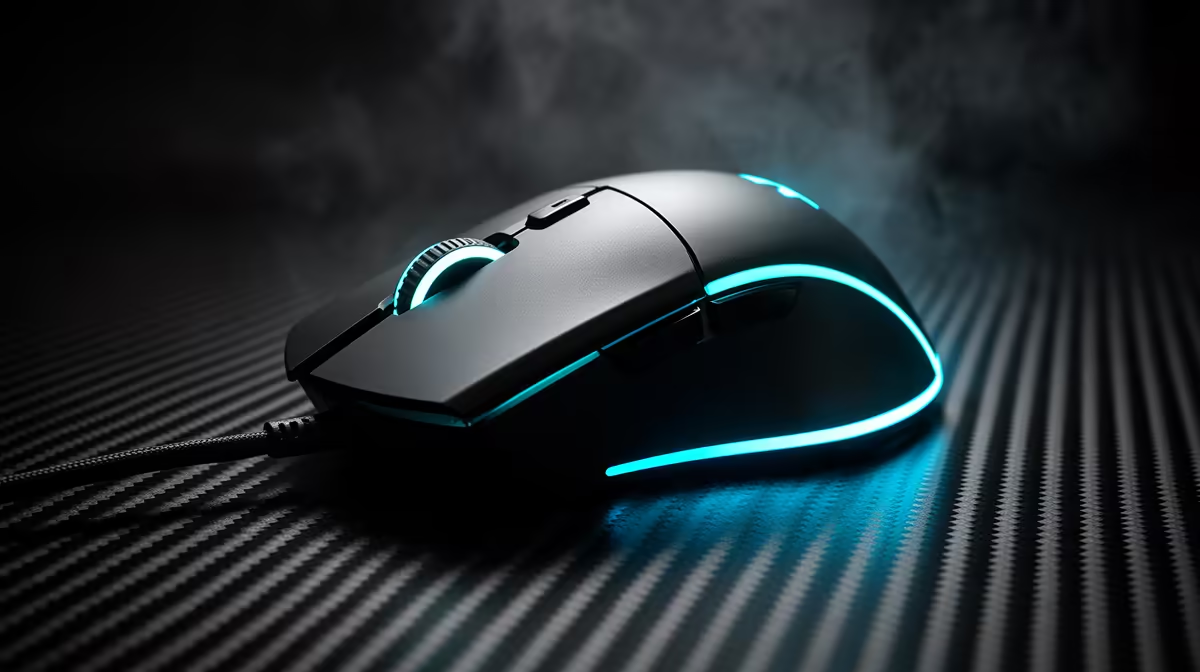
Upgrade the mouse first when its shape, tracking, cable or buttons interfere with control. Upgrade the keyboard first when layout, failed keys or switch behaviour slows you. Upgrade the headset first when communication, comfort or positional sound breaks the session. The mouse is the usual gaming-first answer, but your repeated fault decides.
Quick Answer
Run one normal game and work session. Note every correction, misclick, missed key and headset adjustment. Replace the device that appears most. A well-fitting mouse can improve aiming control; a keyboard can change movement feel and desk space; a headset can keep voice and cues clear. Keep every peripheral that passes the test.
Mouse-first signs
Your grip never settles, the sensor skips, the cable drags or side buttons sit out of reach. Test another shape before buying by weight or DPI. Stable polling and a suitable pad matter more than the maximum sensor number.
Wireless can remove cable interference when the receiver sits near the pad. Check battery and supported low-latency mode.
Keyboard-first signs
Keys chatter, the layout forces awkward reaches or a full-size board steals mouse room. Choose layout and switch feel before lighting. Mechanical is an option, not a requirement.
Compare current gaming keyboard offers with the keyboard best sellers. Open exact switch, connection and layout details.
Headset-first signs
Voice chat is unclear, the cups hurt after an hour or game cues sound masked. Record the mic, test clamp and compare stereo positioning. A headset upgrade can improve every multiplayer session even when it does not change input.
Keep volume comfortable and give your ears breaks. Persistent discomfort deserves qualified professional advice rather than a premium label.
A one-week test
Change sensitivity, key mapping or audio profile only once, then use it for several days. Settings can imitate a hardware fault. Clean the pad and check cable or receiver placement.
Borrow or test the proposed replacement where possible. Upgrade when the new device removes the recorded problem, not because the old one reached an arbitrary age.
Keep the desk balance
A new keyboard can change mouse space, and a large headset stand can take the corner used by a wireless receiver. Measure the full arrangement before choosing one device in isolation. Route cables away from the pad and keep receivers clear of interference.
Save the old working peripheral until the replacement has passed several sessions. It becomes a known-good diagnostic tool if a firmware update, USB port or game setting creates a new fault. Label model-specific receivers so they do not disappear into a cable drawer.
Frequently Asked Questions
Is the mouse always the best first upgrade?
No. It leads for aim and pointer faults, while keyboard or headset can be the real daily limit.
Does a mechanical keyboard improve response?
The exact switch, board latency and firmware matter. Mechanical feel alone does not guarantee faster input.
Should I replace a working wired mouse with wireless?
Only when cable drag or desk use justifies it and the wireless model fits your hand.
Count the faults each peripheral creates across one week, then replace the mouse, keyboard or headset with the highest repeated cost.