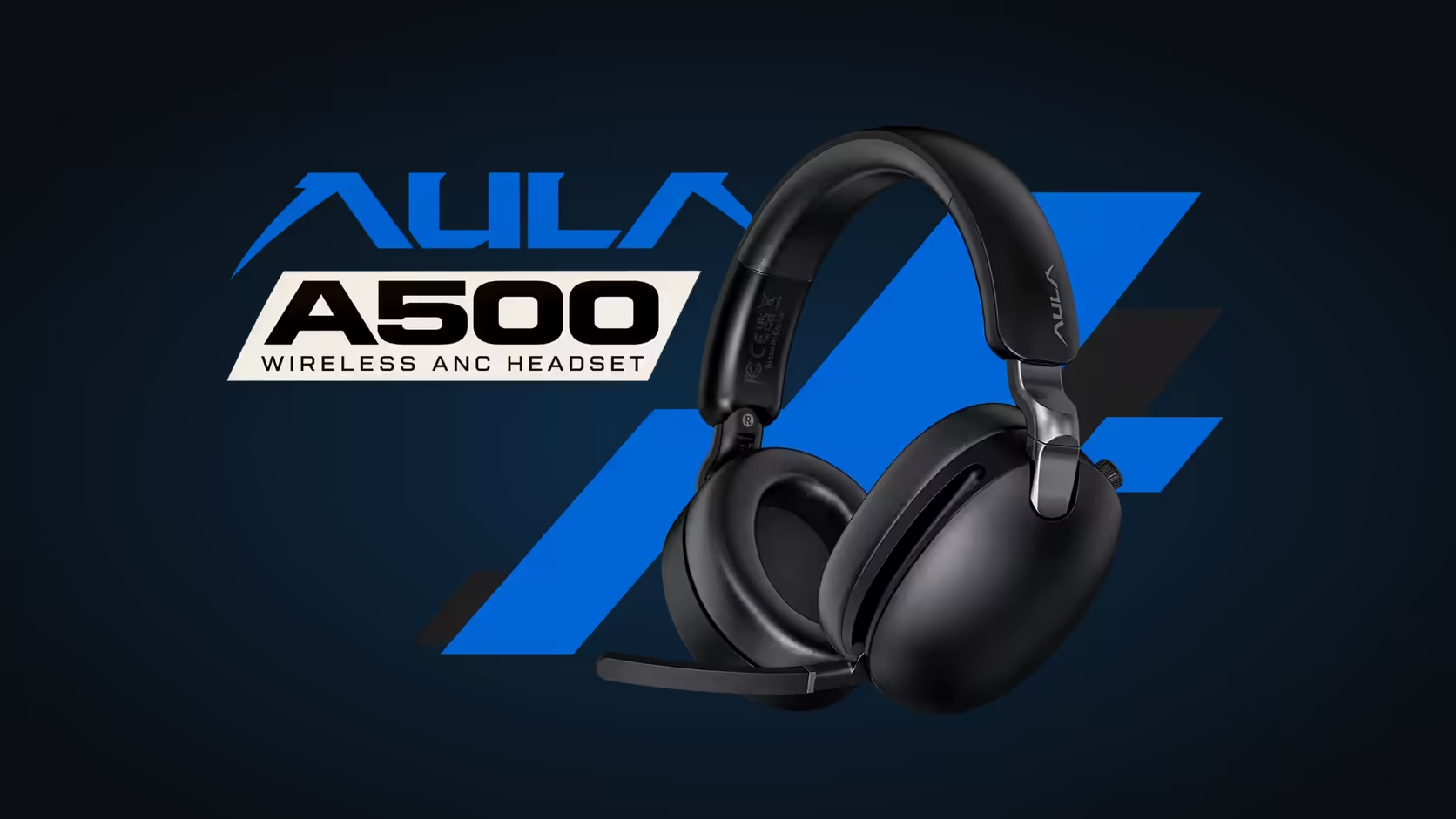
Most wireless headsets make you choose: connect to the PC or connect to the phone, and re-pair every time you switch. The AULA A500 can hold both at once. Your PC stays on the 2.4GHz receiver while your phone stays on Bluetooth, and a quick button press moves you between them. Here is how a headset connected to PC and phone at the same time works on the A500, and how to set it up properly.
Quick Answer
The AULA A500 can keep its 2.4GHz PC link and a Bluetooth phone link at the same time, as long as you pair the receiver before Bluetooth. Holding the multi-function and ANC buttons together for 1 second switches between the two modes, so a call on your phone can interrupt a game without re-pairing anything. Evetech prices the A500 at R639.
🔗 Pairing order matters
The A500 needs its links set up in a particular order to hold both:
- Connect the 2.4GHz receiver to your PC and let the headset link to it.
- Then pair Bluetooth with your phone.
Doing it the other way round may not give you both links at once. Once set up in this order, the headset remembers both connections.
🔁 Switching between PC and phone
To move from one link to the other, hold the multi-function button and the ANC button together for 1 second. The headset switches modes, and you are now hearing the other device. Do the same again to switch back.
There is no need to open Bluetooth settings or re-pair each time, which is the main advantage of keeping both links alive.
When a call comes in during a game
Your phone rings while you are playing on the PC. Use the two-button hold to switch to the Bluetooth link, take the call using the multi-function button, and switch back to the PC when you are done. The boom mic works on both: lower it to talk, lift it to mute.
💻 Laptops and tablets
Is the receiver needed for the PC link?
Yes. The 2.4GHz link runs through the USB receiver in the box. That is the connection AULA positions for low latency, which suits gaming.
A laptop without a spare port?
If your laptop has no free USB port, you can pair it over Bluetooth instead. In that case, the laptop takes the Bluetooth slot, and your phone would need to wait its turn.
Tablets in the Bluetooth slot
Any Bluetooth device can take that link, not only a phone. A tablet for videos or a second laptop works the same way, alongside the PC on the receiver.
Wired as a fallback
The A500 also has an audio cable for a 3.5mm jack, so you can listen through a wired connection when needed.
Battery for a full day of switching
Keeping both links running is not a battery problem for most users. AULA's figures for the 1000mAh cell are near 60 hours with ANC switched on and about 100 hours with ANC off. A full USB-C charge takes about 3 hours.
Evetech carries the A500 in black. See it with other multi-device options in the wireless headset range, or across Evetech's gaming headsets. Its cover is a 1 Year Local Warranty.
Frequently Asked Questions
Does pairing order matter on the A500?
Yes. Connect the 2.4GHz receiver before pairing Bluetooth to keep both links.
How do I swap from the PC to the phone?
Hold the multi-function and ANC buttons together for 1 second.
A call comes in during a game: what then?
Switch to the Bluetooth link, answer with the multi-function button, then switch back when done.
Is the receiver needed for the PC link?
Yes. The 2.4GHz connection runs through the USB receiver in the box.
What if my laptop has no spare port?
Pair it over Bluetooth instead, though it then takes the Bluetooth slot.
Can a tablet take the Bluetooth slot instead of a phone?
Yes. Any Bluetooth device can use that link.
One headset for your PC and your phone?
Explore Evetech's wireless headset range and see how the AULA A500 keeps both connected.