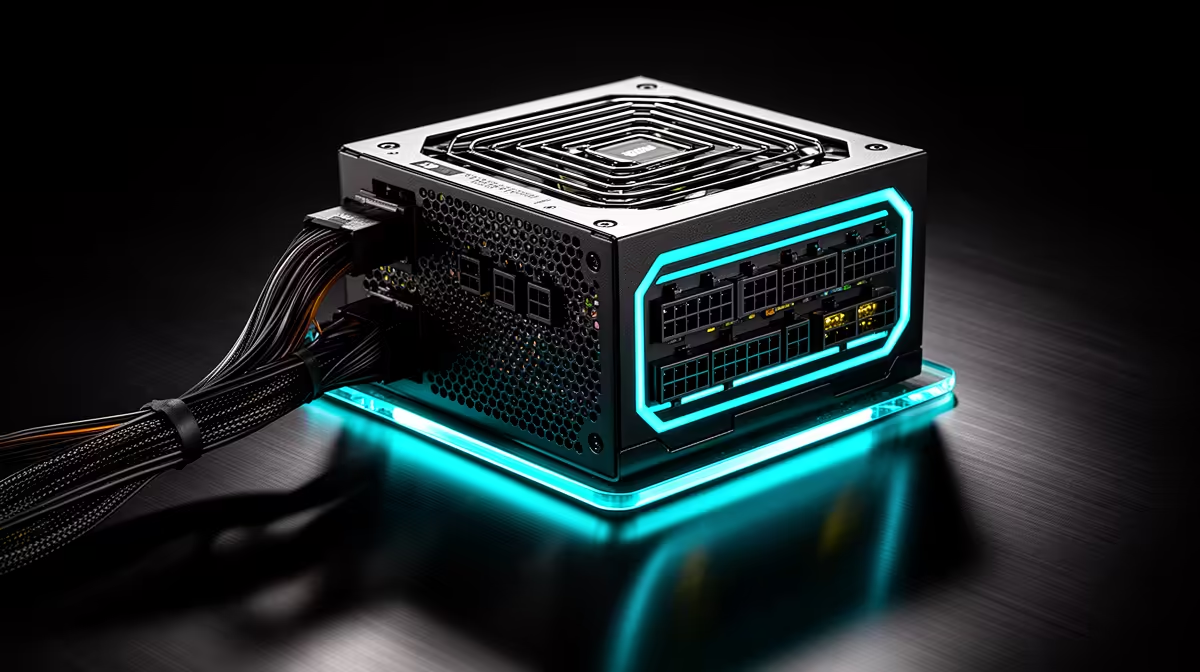
Why the PSU Is the Worst PC Part to Cheap Out On
Quick Answer
The power supply feeds every component and handles faults at the wall and inside the PC. A poor or unsuitable unit can cause shutdowns, unstable voltage, hot connectors and, in some failures, damage beyond the PSU.
Spend on a documented exact model with suitable capacity, protections and cables. Expensive is not the same as good, and cheap is not proof of danger.
Protect the Complete System
Calculate CPU, GPU and supporting load. Follow the graphics-card whole-system recommendation and short-excursion guidance.
Check how independent testing shows the unit reacting to excess current, unsafe voltage, a short, overload and excessive heat.
Never disable protection to stop a trip.
Check the Cable Set
Count CPU, motherboard and GPU connections. Use native high-power GPU cables where the exact hardware supports them.
Do not mix modular cables. Seat every plug and keep sharp bends away from high-current connectors.
Cut Somewhere Else
Remove lighting, decorative cable extensions or excess PSU capacity before dropping to an unknown model. Keep enough case airflow and useful storage.
Browse Corsair PSU products and best-selling power supplies by exact model, not price alone.
Price the PSU Around a Named Upgrade
Calculate the current CPU, GPU and supporting load, then add the one future card you can name. Choose a capacity that covers both with the required transient support.
Do not buy a huge unit for a vague flagship. Do not buy a borderline unit because the current game showed a low average wall reading.
Round to a real product tier only after the evidence is complete.
Check Form Factor and Cooling
Measure the PSU bay, cable bend room and any drive cage. High-capacity units can be longer than the case allows.
Keep the intake clear and install in the supported orientation. A blocked fan can add heat and shorten useful service.
Do not open the PSU for cleaning. Use external cleaning guidance and qualified service.
Read the Warranty and Review
Warranty length can show maker confidence, but it does not replace electrical testing. Check coverage and the support route.
Use a model-level review that measures regulation, ripple, protections, transient behaviour and noise. A badge or brand family can contain several platforms.
Save the exact model and cable set with the PC record.
Recognise a Stop Condition
Repeated shutdowns, burning smell, crackling, discolouration or a hot connector require shutdown and inspection. Do not keep stress testing.
Disconnect wall power and use a qualified technician. Other hardware can imitate a PSU fault, so record the workload and symptoms.
Never bridge, bypass or raise a protection limit to keep the PC running.
FAQ
Can a PSU failure damage other parts?
It can in some failure modes. Sound protections reduce risk, but no component can promise zero damage.
Is a higher wattage always safer?
No. Capacity must fit the load, while model design, protections, cables and installation also matter.
What should I protect in a budget build?
Protect a reputable exact unit with the required capacity, connectors, protections, fit and warranty.
Cut cosmetics before power quality, and verify the exact PSU's capacity, protections, connectors and independent test record against the complete PC.