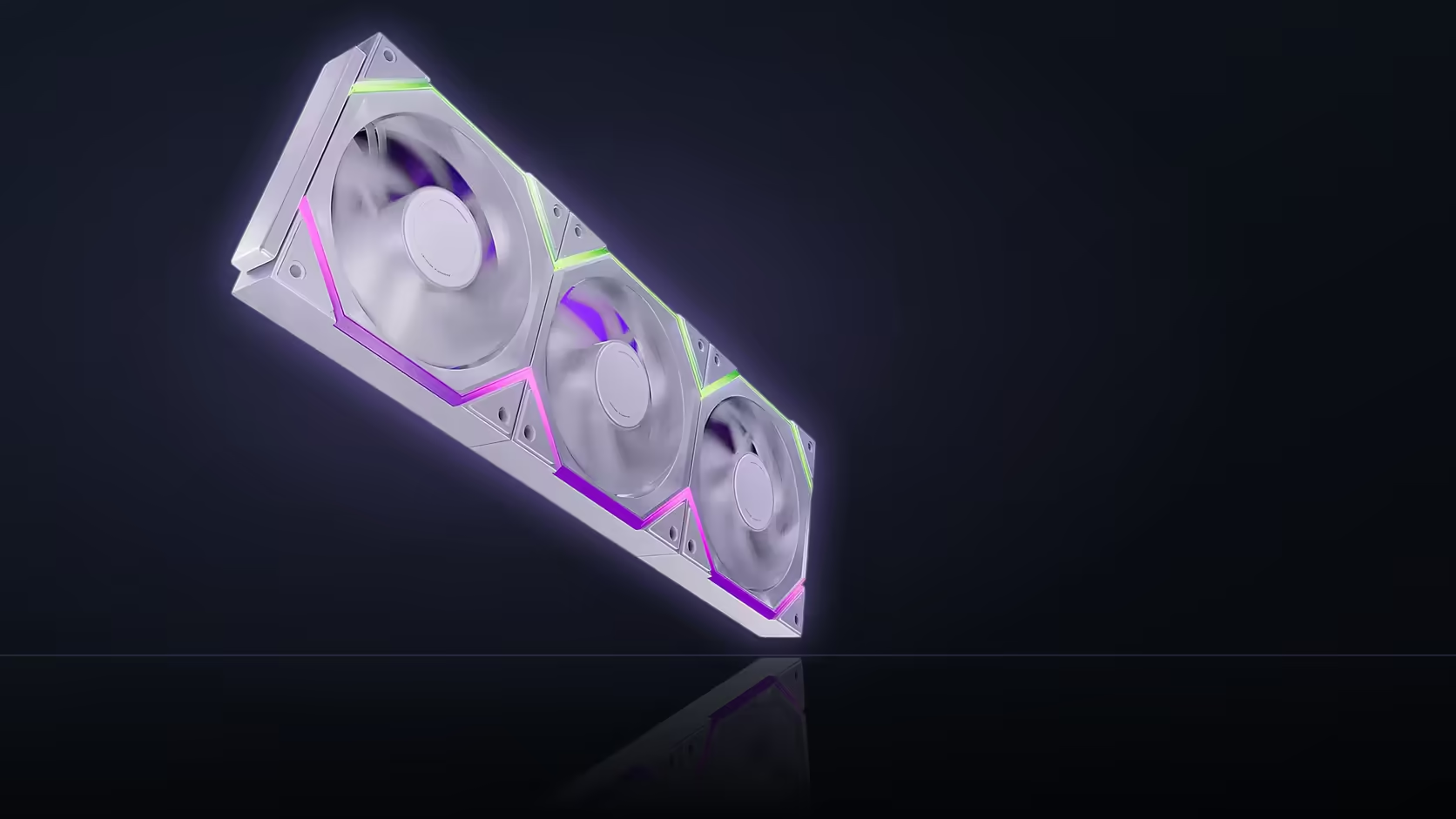
Confusing a lighting decision for a cooling one is easy to do when both live in the same product listing. The Nyota Pro's PWM speed control and its UMBRA-dependent lighting feature have nothing to do with one another, and treating the hub question as though it affects how well the fans cool is a mix-up worth clearing up before it shapes a purchase decision.
Quick Answer
PWM speed control on the Nyota Pro, spinning from 800 to 2000 RPM, runs over a standard four-pin fan header and is entirely unaffected by whether AsiaHorse's UMBRA hub is present. The R599 (VAT included) three-pack cools exactly the same with or without that hub connected. Only the lighting side, specifically independent control between the ring's two zones, depends on it.
🌬️ How speed control actually works here
A four-pin PWM connection to a fan header is all that is needed for the Nyota Pro to spin and respond to whatever curve the board applies. That connection is completely separate from the ARGB lighting cable, physically and functionally, so nothing about the hub question touches it.
💡 What the hub governs instead
Full independent dual-zone control is a lighting capability, described in the listing as coming through UMBRA specifically. It has no bearing on airflow, noise, or the RPM range the fan can hit; it is purely about how finely the two ring zones can be addressed apart from each other.
🧵 Why the two get tangled together
Both speed and lighting appear in the same product description, and the hub is framed as unlocking a capability, which reads easily as a general limitation rather than the narrow, lighting-specific one it actually is. That framing is where the confusion tends to start, not in anything the fan itself does differently.
🎚️ Setting up a fan curve regardless of the hub decision
A curve is set in BIOS or board software exactly as it would be for any other four-pin fan, independent of any ARGB configuration happening in parallel. There is no reason to delay commissioning the cooling side of a build while a lighting-hub decision remains open; the two can be finalised on entirely separate timelines.
🔗 How the interlock carries both signals
The row's single cable run still separates internally into its PWM and ARGB paths once it reaches the board, with each going to its respective header. The physical tidiness of one cable leaving the row does not merge the two systems it is carrying.
For fans in this speed and airflow bracket generally, Evetech's case fan range is worth comparing, and for anyone weighing the lighting side of the equation, fan controller hardware covers hub-based control as its own category.
Frequently Asked Questions
Does the UMBRA hub affect fan speed in any way?
No, speed runs over a four-pin PWM connection to a fan header, entirely separate from whichever lighting route is used.
What RPM range is available on this fan?
800 to 2000 RPM under PWM, set through a fan curve the same way as any other four-pin fan.
Can the fans cool properly with no lighting cable connected at all?
Yes, the PWM connection alone is enough for the fan to spin and respond to a curve.
Why is this mix-up so common?
Because both speed and lighting sit in the same listing, and the hub language reads as unlocking a general capability rather than a narrow one.
What does the hub actually control?
Full independent control of the lighting's two ARGB zones, a visual feature rather than anything related to cooling.
Is a fan curve set differently for this model?
No, it is configured in BIOS or board software the same way as for any standard four-pin fan.
Focused on cooling performance rather than lighting extras?
Check out Evetech's case fan range for options that suit your airflow needs first.