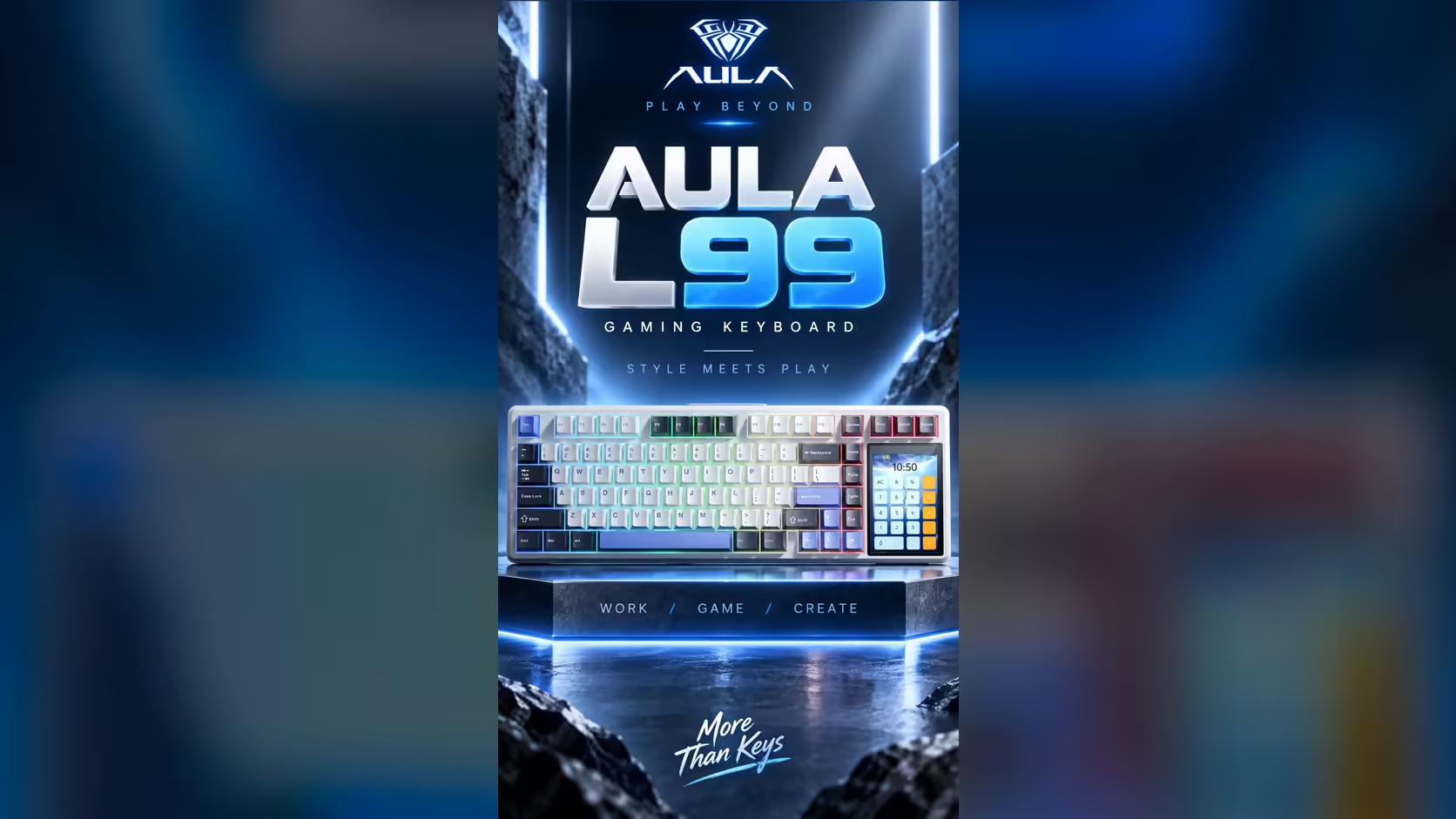
Splitting a takeaway bill, checking a spec sheet's maths or converting a recipe usually means reaching for a phone or hunting for an app. On the AULA L99 the keyboard calculator is already on the desk: one of the modes on its 3.98-inch touchscreen turns the panel into a small calculator you tap with a finger, no window switching required.
Quick Answer
The L99's 320 x 480 touchscreen, built into the right-hand side of the board, includes a calculator mode for quick sums. It lives next to a numpad mode, the lighting menu, settings, mouse simulation and your own GIF or JPG animations. Evetech lists the L99 in two colourways, Grey/White/Blue and Red/Black, and both carry the same screen and the same R1,099 price.
🧮 Where the calculator earns its place
A desktop calculator app is not slow, but it steals focus. Mid-game, mid-call or mid-document, alt-tabbing out to add two numbers breaks what you were doing. A calculator on the keyboard's own panel sits outside the PC's windows entirely, so the thing you were working on stays on the monitor.
That makes it useful for small, frequent arithmetic: adding a few amounts, working out a percentage, checking whether a component list adds up to the total you expected. Anything longer, such as a household spreadsheet with hundreds of rows, still belongs in spreadsheet software.
🔢 Calculator or numpad mode?
The panel offers both, and they do different jobs.
Calculator mode
Use it when you want an answer on the screen itself. You tap in the sum, read the result on the panel and move on.
Numpad mode
Use it when digits need to land in a document, a form or a cell. The grid acts as the number block a 75% layout leaves out, so what you tap goes to the PC as input.
A simple rule: if the number is for you, calculator; if the number is for the computer, numpad.
⌨️ The board around the screen
The calculator would be a novelty on a weak keyboard, so the rest matters. The L99 is a 75% tri-mode board that you can plug in, run from its dongle or pair by Bluetooth with three devices, reporting at 1000Hz on cable and dongle. An 8000mAh battery covers wireless use, and the touchscreen shows the charge level.
Inside, the internals float on a gasket, with six sound-absorbing layers packed around a slotted PC plate, all aimed at a softer, quieter keystroke. Switches are factory-lubed linears, Raindrop on the Grey/White/Blue model and Caramel Latte on the Red/Black, and the hot-swap sockets take other switches later without soldering. The lighting menu for its per-key RGB, some 16 million colours and 20 presets, lives on the same panel as the calculator.
The whole board measures 390.5mm wide, so check your desk space. You can line it up against other compact layouts in the gaming keyboards range, or see which boards buyers are choosing on Evetech's keyboard best sellers list. The L99 is covered by a 1 Year Local Warranty.
Frequently Asked Questions
Why use a keyboard calculator when Windows has one?
It keeps your active window in focus. You get an answer on the board's panel without alt-tabbing out of a game, call or document.
Is the calculator good for long sums?
For a handful of figures, yes. Long or repeated calculations are better handled in a spreadsheet, where you can see and check every step.
Can I send the calculator's answer to the PC?
AULA lists the calculator as an on-screen tool, so treat results as something you read. For typing digits into the PC, switch to numpad mode.
Do both L99 versions have the calculator?
Yes. Grey/White/Blue and Red/Black share the same 3.98-inch touchscreen and its tools; they differ in switches and keycaps.
What else can the panel show when I am not doing maths?
Lighting controls, settings, the numpad, mouse simulation, the battery level and GIF or JPG files you upload.
Ready for a keyboard that does your quick maths?
Look through Evetech's gaming keyboards and see where the L99 and its touchscreen fit on your desk.