



1000W PSU Planning for RTX 5090 Builds in SA
1000W for RTX 5090 needs a full-build check, not a simple yes. Review GPU guidance, CPU draw, transient load, connectors, PSU quality, and upgrade plans before deciding.
Read moreRadeon Chill lowers a graphics card's frame rate when on-screen movement is minimal, cutting power draw and heat with little effect in most single-player games. Evetech recommends disabling it for competitive shooters, where instant frame delivery matters more.
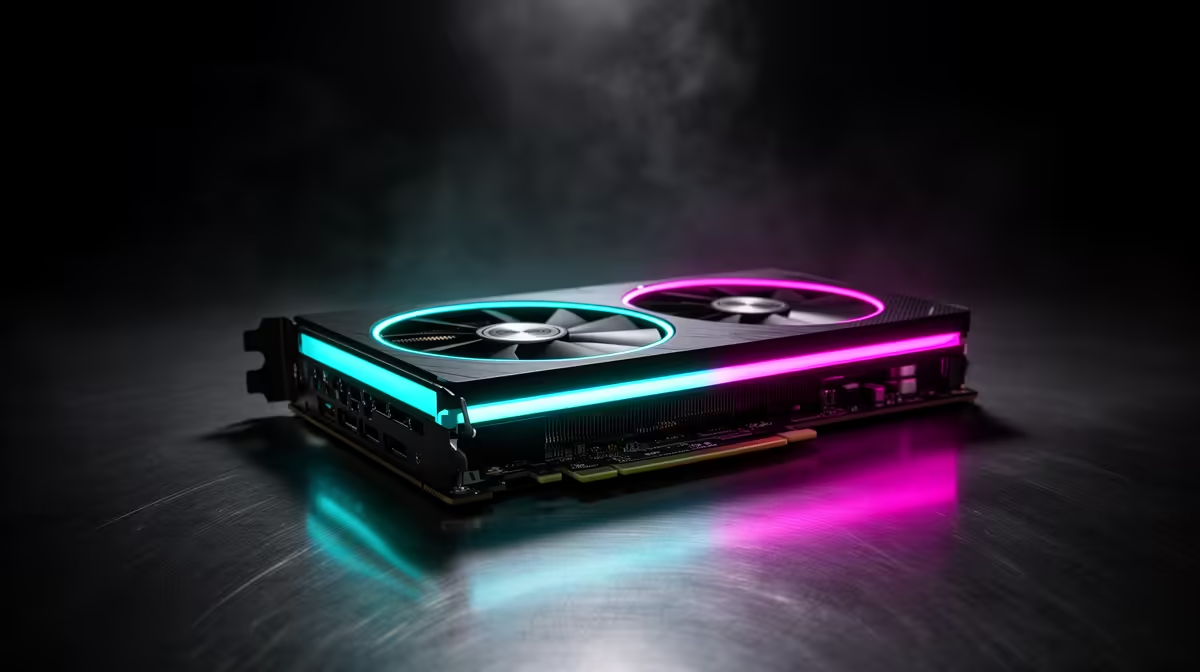
A GPU does not need maximum frame output while you stand still in a quiet single-player scene. Radeon Chill can reduce power and heat by adapting the frame target, with competitive responsiveness tested before you keep it enabled.
Radeon Chill can cut GPU power, temperature and fan noise by varying frame rate within limits you set as input activity changes. It suits games where the camera spends time still or moves at a measured pace. It can feel uneven in a fast shooter or rhythm game, where consistent frame delivery matters. Treat it as a per-game experiment and keep an ordinary frame cap as the comparison.
The feature uses minimum and maximum frame-rate values and adjusts behaviour based on detected movement or input. During a quiet menu or static scene, the GPU may render fewer frames. During movement, the rate can rise towards the upper value.
Support and control names can change with driver version and game profile. Open AMD Software, select the game's profile and confirm the current documentation for your installed driver. Use per-game settings so a quiet adventure and an esports title do not share one rule.
Start with the maximum below the point your GPU holds with stable frame times. If variable refresh rate is active, keep the chosen range inside the display's working window. Set the minimum high enough that camera movement does not feel like a sudden jump from a low update rate.
Do not change Chill, in-game caps and driver caps at once. Enable one limiter, record the result and add another only when you know its role.
Use one repeatable path through the game. Record frame time, GPU power, temperature and fan speed. Then spend ten minutes playing without graphs and judge camera response, mouse feel and animation.
A lower power number is useful when the experience stays smooth. If the rate hunts during small movements, raise the minimum or use a fixed cap. Competitive shooters often benefit from a stable high target instead of activity-based changes.
Power saved by rendering fewer frames can reduce heat, which may lower fan noise. The change depends on whether the game was GPU-limited, the card voltage behaviour and the cooler curve.
A menu with an unlimited frame rate can waste power. A menu-specific cap or game limiter may solve that issue without Chill affecting play.
Use the graphics-card range to compare exact board cooling and outputs. The GPU best-seller page gives you another live shortlist for the same test plan.
It can vary frame rate within your limits as activity changes. Test the motion patterns of each game.
Begin with one control. Add a second only when it solves a defined VRR or menu issue without creating uneven pacing.
Slower single-player games with quiet scenes are good candidates. Fast competitive games need a careful input-feel test.
Enable Radeon Chill in one game profile, test a repeatable route and keep it only when power falls without harming frame pacing.
It can vary frame rate within your limits as activity changes. Test the motion patterns of each game.
Begin with one control. Add a second only when it solves a defined VRR or menu issue without creating uneven pacing.
Slower single-player games with quiet scenes are good candidates. Fast competitive games need a careful input-feel test.
1000W for RTX 5090 needs a full-build check, not a simple yes. Review GPU guidance, CPU draw, transient load, connectors, PSU quality, and upgrade plans before deciding.
Read more
RTX 5080 Super with a 750W PSU is more comfortable than lower wattage if the unit is quality. SA builders should still confirm GPU guidance, CPU draw, connector type, airflow, and upgrade room.
Read more
How to fix FPS drops after a RX 9070 XT starts with driver cleanup, chipset updates, thermals, and power checks. For SA gaming PCs, confirm PCIe seating, monitor refresh, frame caps, and per-game graphics settings before replacing parts.
Read more
How to fix low FPS Windows 11 Wi-Fi 7 issues starts by checking whether the problem is frame rate or network lag. Test ping, drivers, power settings, Ethernet, and game FPS before adjusting visuals.
Read more
AM5 is smart for SA builders because it supports newer Ryzen CPUs, DDR5 memory, and a longer upgrade path. Compare board cost, cooling, gaming needs, and local part availability before choosing your next PC platform.
Read more
AM5 gives Randburg gaming builders a longer upgrade path. For SA buyers, DDR5 support, newer board features, and future CPU options can justify the platform. Weigh board cost, cooler support, BIOS maturity, and upgrade timing before choosing.
Read more
RTX 5090 on a 550W PSU leaves almost no practical room for OC plans. Treat the setup as constrained, with CPU draw, power spikes, cable quality, thermals, and stability checks more important than chasing extra clocks.

FPS drops on a Ryzen 9 9950X3D build often have a fixable cause. Check settings, drivers, thermals, background tasks, network conditions, and bottlenecks before assuming a part must be replaced.

The difference between PCIe 5.0 and PCIe 4.0 for SA gamers is mostly bandwidth headroom. Compare GPU slot needs, NVMe speed, motherboard support, and upgrade timing before paying extra for a newer platform.

Gaming PC stuck pixel checks in South Africa should confirm the monitor fault first. Use colour tests, screenshot comparison, cable swaps, display menu checks, and clear photos before deciding on support.

AMD's current driver now lists a Radeon RX 9050 4GB, while product coverage details a narrowed memory system. SA buyers should weigh the low VRAM ceiling against current local Radeon options.

Samsung Display has demonstrated a 16-inch 2.5K OLED laptop panel running at 300Hz. SA buyers should wait for a named notebook, full panel specifications and a local price before planning an upgrade.

Microsoft says some Windows 11 game crashes after recent updates are linked to RGB-related drivers. Affected SA gamers should confirm the update and driver before using the published registry workaround.

Thermalright's Fan Frame Vision-1 adds a 640x172 status screen to a standard 120mm fan. SA builders should check clearance, USB routing and local support before treating it as an easy upgrade.
1000W for RTX 5090 needs a full-build check, not a simple yes. Review GPU guidance, CPU draw, transient load, connectors, PSU quality, and upgrade plans before deciding.

Wi-Fi 6E vs Wi-Fi 6 matters for 4K video editing when files move across a network. The real-world difference between Wi-Fi 6E and Wi-Fi 6 for video editing in 4K depends on NAS access, cloud uploads, router range, and SA creator workflows.
RTX 5080 Super with a 750W PSU is more comfortable than lower wattage if the unit is quality. SA builders should still confirm GPU guidance, CPU draw, connector type, airflow, and upgrade room.

Wi-Fi 6E vs Wi-Fi 6 for Video Editing in 4K comes down to router support, latency, client devices, band support, and home network layout. SA buyers should match the choice to their setup instead of assuming one option always wins.