



1000W PSU Planning for RTX 5090 Builds in SA
1000W for RTX 5090 needs a full-build check, not a simple yes. Review GPU guidance, CPU draw, transient load, connectors, PSU quality, and upgrade plans before deciding.
Read moreYes, an RJ45 port lets a camera stream directly over the network using NDI or RTSP, sending video across Ethernet instead of a short USB cable. It carries the feed up to 100m, though it adds a slight encoding delay over plug-and-play USB.
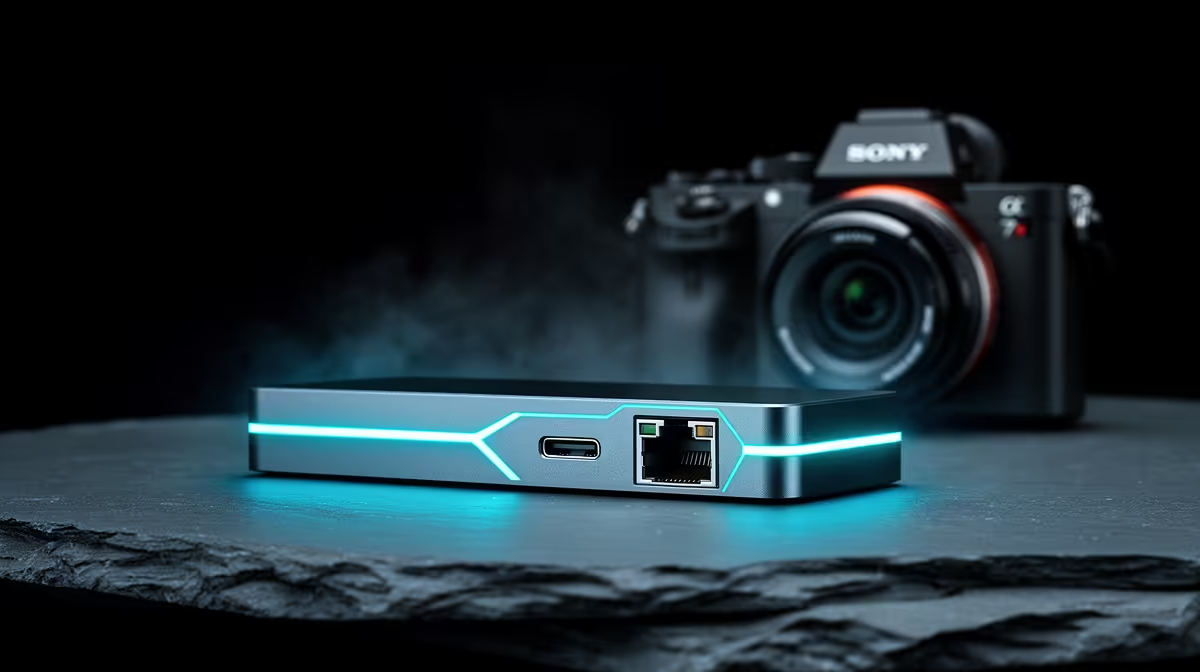
The camera with an RJ45 port is doing something fundamentally different from a standard webcam. Where USB sends video straight to a PC at close range, an RJ45 camera port converts the video into a network stream and transmits it over Ethernet infrastructure, the same physical cabling your office internet uses. That shift from cable-to-device to cable-to-network changes what is possible in terms of distance, placement, and how many systems can receive the feed.
Yes, a camera with an RJ45 port can stream directly over a network without a USB link. Using NDI or RTSP, it sends encoded video across standard Ethernet cabling to any receiving device on the same network. The trade-off is a small amount of added encoding delay and a more involved initial configuration compared to plug-in-and-go USB.
A network-capable camera with an RJ45 port gets assigned an IP address on the local network, either manually or via DHCP. Once addressed, it begins broadcasting a video stream using a network protocol, typically NDI for broadcast and production environments, or RTSP for IP camera integrations. Software on the receiving PC subscribes to that stream and pulls the feed into the broadcast application.
From the streaming application's perspective, it sees a camera source that arrived over the network rather than through a USB port. With appropriate bridging software, it treats that source identically to any other camera input. OBS and similar tools have built-in NDI support or accept plugins that add it.
The Ethernet cable carries both the video data and, on PoE-enabled setups, the camera's power supply. That means a single run of Cat6 cable from a network switch to the camera mounting point handles both the signal and the power in one physical connection.
Standard USB operates reliably over about 5 metres. Active USB extenders push that further, but they add hardware and introduce additional failure points. An Ethernet cable run covers 100 metres on standard Cat5e or Cat6 without any active boost, which means a camera mounted at the far end of a conference room, above an event space, or in a different room entirely can feed a central streaming PC over a single cable.
For a home studio in a larger SA home, or a corporate broadcast setup where the production PC sits in a control area away from the cameras, this is a practical benefit. The camera goes where it needs to go. The cable follows the path of least resistance through the building, and the PC receives the feed without any additional hardware in the middle.
RJ45 network streaming is not plug-and-play in the USB sense. The camera needs an IP address configuration, the receiving software needs to be told where to find the stream, and the network infrastructure needs to route data between the two correctly. On a small home network with a single switch, this is a ten-minute setup. On a complex managed network, it requires more careful configuration.
The encoding step that prepares video for network transmission adds a processing delay. Compared to the near-instant feed from a USB webcam, an RJ45 network camera typically introduces one to three frames of additional latency. For live streaming where the audience watches seconds behind the source anyway, this is imperceptible. For a confidence monitor where the presenter watches themselves in real time, the delay is noticeable and worth measuring.
No. An RJ45 network camera sends its video feed over Ethernet to any device on the same network. There is no USB cable involved in the signal path. The PC receiving the stream connects to the camera purely through the network, which is exactly what makes long cable runs and remote placement practical.
Standard Cat5e or Cat6 Ethernet cable reliably carries a network signal up to 100 metres without signal degradation or an active repeater. That is roughly twenty times the practical limit of a USB cable, which makes permanent installs at real distances workable with straightforward cabling.
Yes, meaningfully so. A USB webcam requires nothing beyond the cable connection. A network camera needs an IP address, a configured streaming protocol on the camera side, and compatible receiving software on the PC. For a single-camera desk setup, that overhead is not justified. For a fixed installation or multi-camera studio, it is a one-time cost.
Yes. NDI Tools and similar packages create a virtual camera driver on the PC that presents the network stream as a standard camera source. Applications like OBS, Teams, and Zoom see the virtual camera and use it without needing to know the feed came over a network. The translation happens transparently in the background.
Ready to place cameras where the shot works, not where the cable reaches? Browse the streaming camera range to find RJ45-equipped models for South African studios, events, and hybrid setups that need more than a desk-length cable run.
No. An RJ45 network camera sends its video feed over Ethernet to any device on the same network. There is no USB cable involved in the signal path. The PC receiving the stream connects to the camera purely through the network, which is exactly what makes long cable runs and remote placement practical.
Standard Cat5e or Cat6 Ethernet cable reliably carries a network signal up to 100 metres without signal degradation or an active repeater. That is roughly twenty times the practical limit of a USB cable, which makes permanent installs at real distances workable with straightforward cabling.
Yes, meaningfully so. A USB webcam requires nothing beyond the cable connection. A network camera needs an IP address, a configured streaming protocol on the camera side, and compatible receiving software on the PC. For a single-camera desk setup, that overhead is not justified. For a fixed installation or multi-camera studio, it is a one-time cost.
Yes. NDI Tools and similar packages create a virtual camera driver on the PC that presents the network stream as a standard camera source. Applications like OBS, Teams, and Zoom see the virtual camera and use it without needing to know the feed came over a network. The translation happens transparently in the background.
1000W for RTX 5090 needs a full-build check, not a simple yes. Review GPU guidance, CPU draw, transient load, connectors, PSU quality, and upgrade plans before deciding.
Read more
RTX 5080 Super with a 750W PSU is more comfortable than lower wattage if the unit is quality. SA builders should still confirm GPU guidance, CPU draw, connector type, airflow, and upgrade room.
Read more
How to fix FPS drops after a RX 9070 XT starts with driver cleanup, chipset updates, thermals, and power checks. For SA gaming PCs, confirm PCIe seating, monitor refresh, frame caps, and per-game graphics settings before replacing parts.
Read more
How to fix low FPS Windows 11 Wi-Fi 7 issues starts by checking whether the problem is frame rate or network lag. Test ping, drivers, power settings, Ethernet, and game FPS before adjusting visuals.
Read more
AM5 is smart for SA builders because it supports newer Ryzen CPUs, DDR5 memory, and a longer upgrade path. Compare board cost, cooling, gaming needs, and local part availability before choosing your next PC platform.
Read more
AM5 gives Randburg gaming builders a longer upgrade path. For SA buyers, DDR5 support, newer board features, and future CPU options can justify the platform. Weigh board cost, cooler support, BIOS maturity, and upgrade timing before choosing.
Read more
A fake 113GB GTA VI ISO reportedly used empty padding around a small malware payload. SA gamers should delete unofficial builds, keep Windows security active and wait for official channels.

Wi-Fi 6E vs Wi-Fi 6 matters for 4K video editing when files move across a network. The real-world difference between Wi-Fi 6E and Wi-Fi 6 for video editing in 4K depends on NAS access, cloud uploads, router range, and SA creator workflows.

The difference between PCIe 5.0 and PCIe 4.0 for SA gamers is mostly bandwidth headroom. Compare GPU slot needs, NVMe speed, motherboard support, and upgrade timing before paying extra for a newer platform.

Gaming PC stuck pixel checks in South Africa should confirm the monitor fault first. Use colour tests, screenshot comparison, cable swaps, display menu checks, and clear photos before deciding on support.

Shokz OpenFit Air 2 earbuds weigh 7.2g each and use a redesigned dual-driver open-ear layout. SA buyers should choose them for comfort and awareness, not maximum isolation.

AMD's current driver now lists a Radeon RX 9050 4GB, while product coverage details a narrowed memory system. SA buyers should weigh the low VRAM ceiling against current local Radeon options.

Samsung Display has demonstrated a 16-inch 2.5K OLED laptop panel running at 300Hz. SA buyers should wait for a named notebook, full panel specifications and a local price before planning an upgrade.

Microsoft says some Windows 11 game crashes after recent updates are linked to RGB-related drivers. Affected SA gamers should confirm the update and driver before using the published registry workaround.
Shokz OpenFit Air 2 earbuds weigh 7.2g each and use a redesigned dual-driver open-ear layout. SA buyers should choose them for comfort and awareness, not maximum isolation.
A fake 113GB GTA VI ISO reportedly used empty padding around a small malware payload. SA gamers should delete unofficial builds, keep Windows security active and wait for official channels.

The ROG Flux Charger Dock combines 260W total output, 140W laptop charging and HDMI 2.1. SA buyers should check laptop USB-C limits, display needs and local warranty first.

ASRock's Rock 360 Digital AIO adds a 1.05-inch CPU temperature display, 360mm radiator and simplified wiring. SA builders should check case fit, socket support and local warranty.